v2rayN
v2rayN can proxy both TCP and UDP traffic in TUN mode.
Download and launch
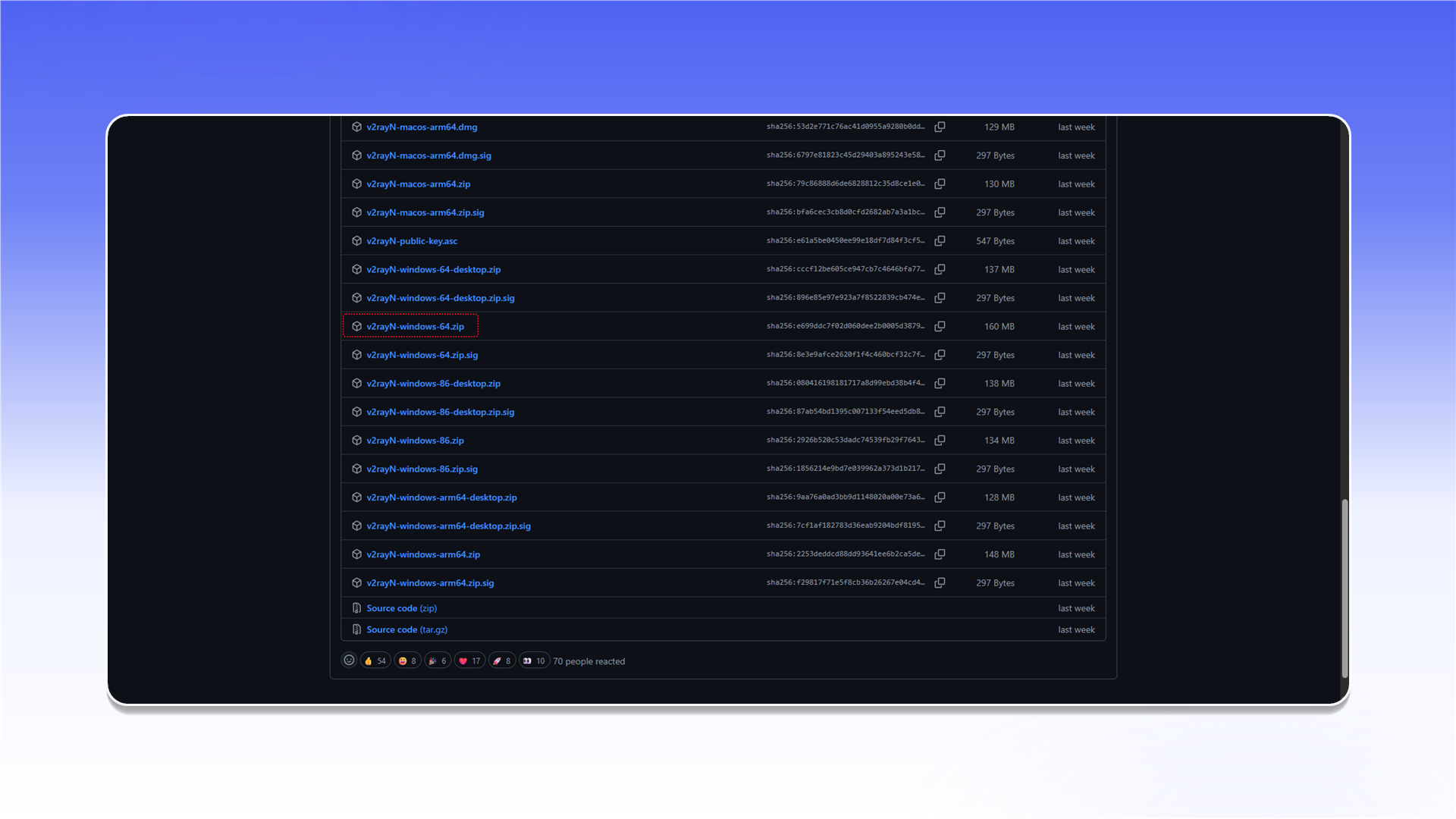
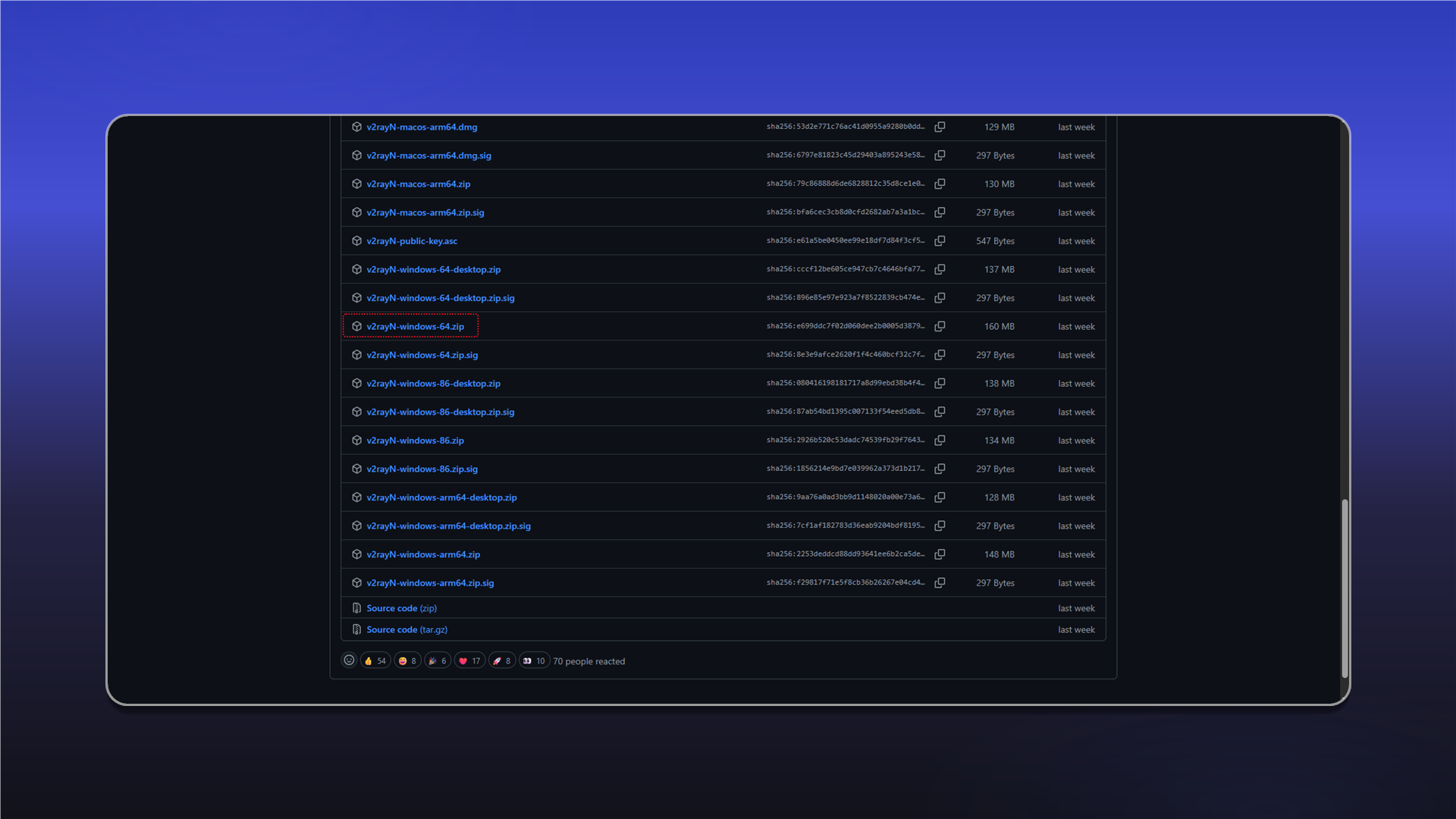
Open the latest v2rayN release, download v2rayN-windows-64.zip, extract it, and run v2rayN.exe as administrator.
Add a SOCKS server
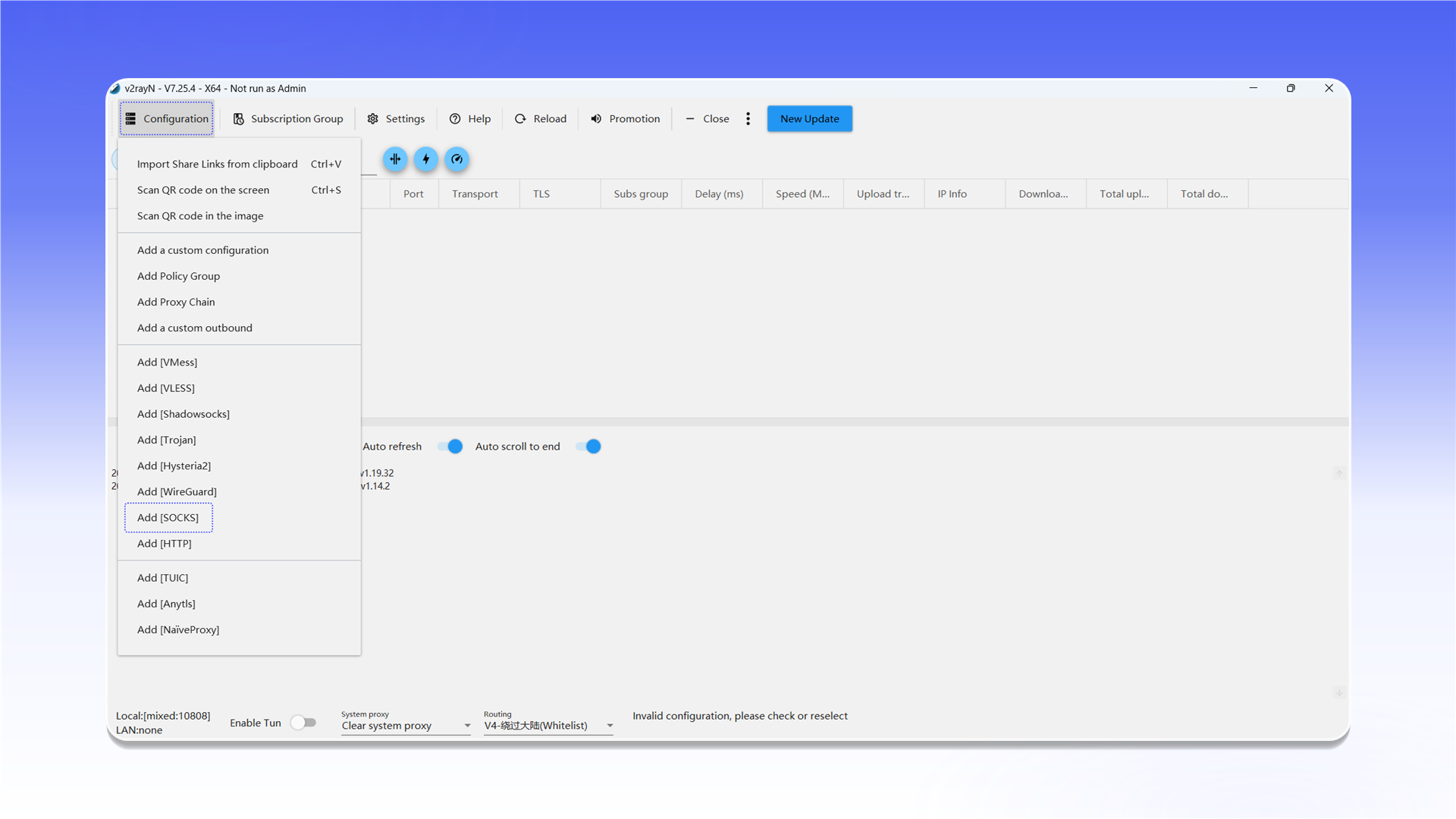
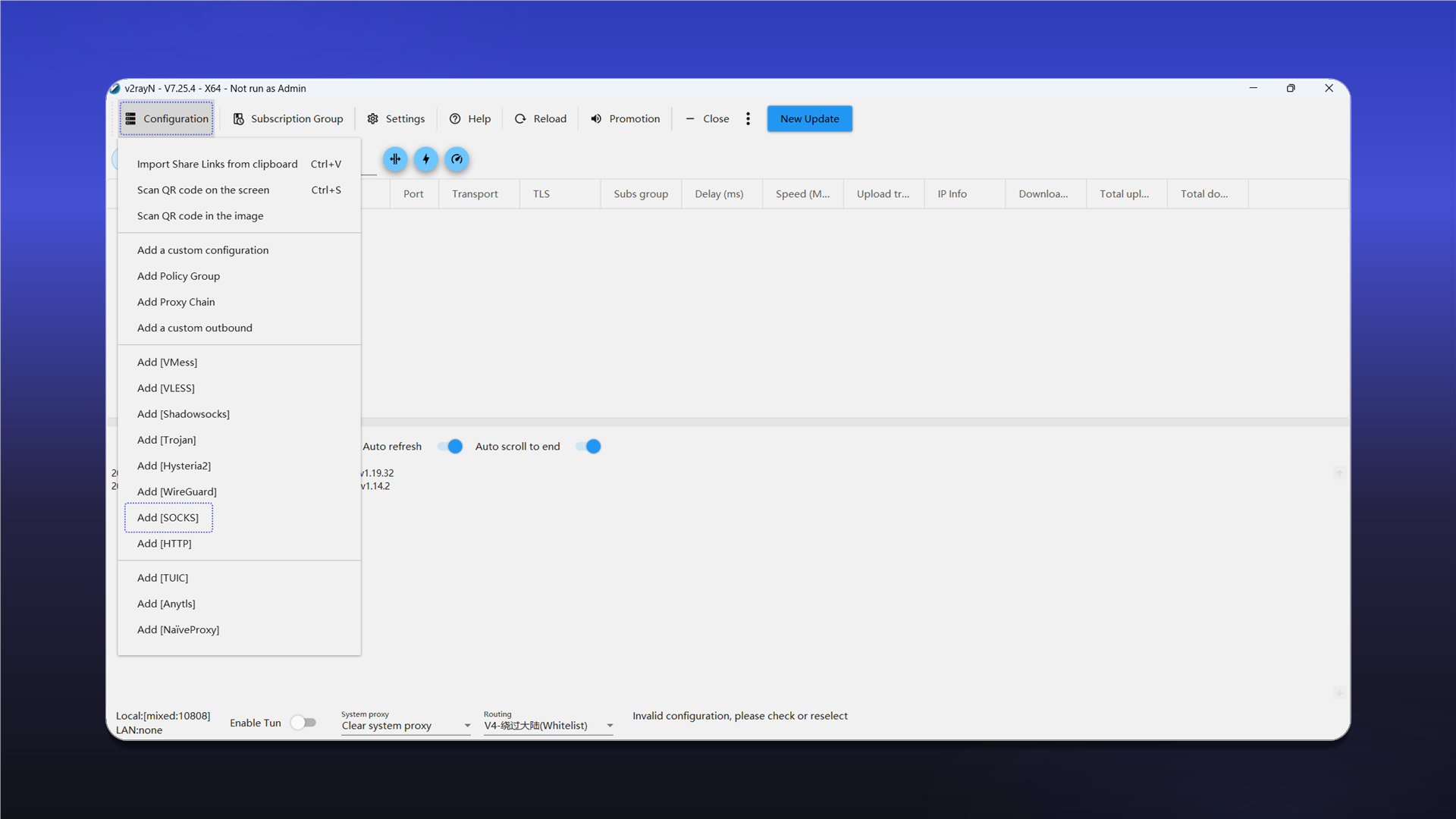
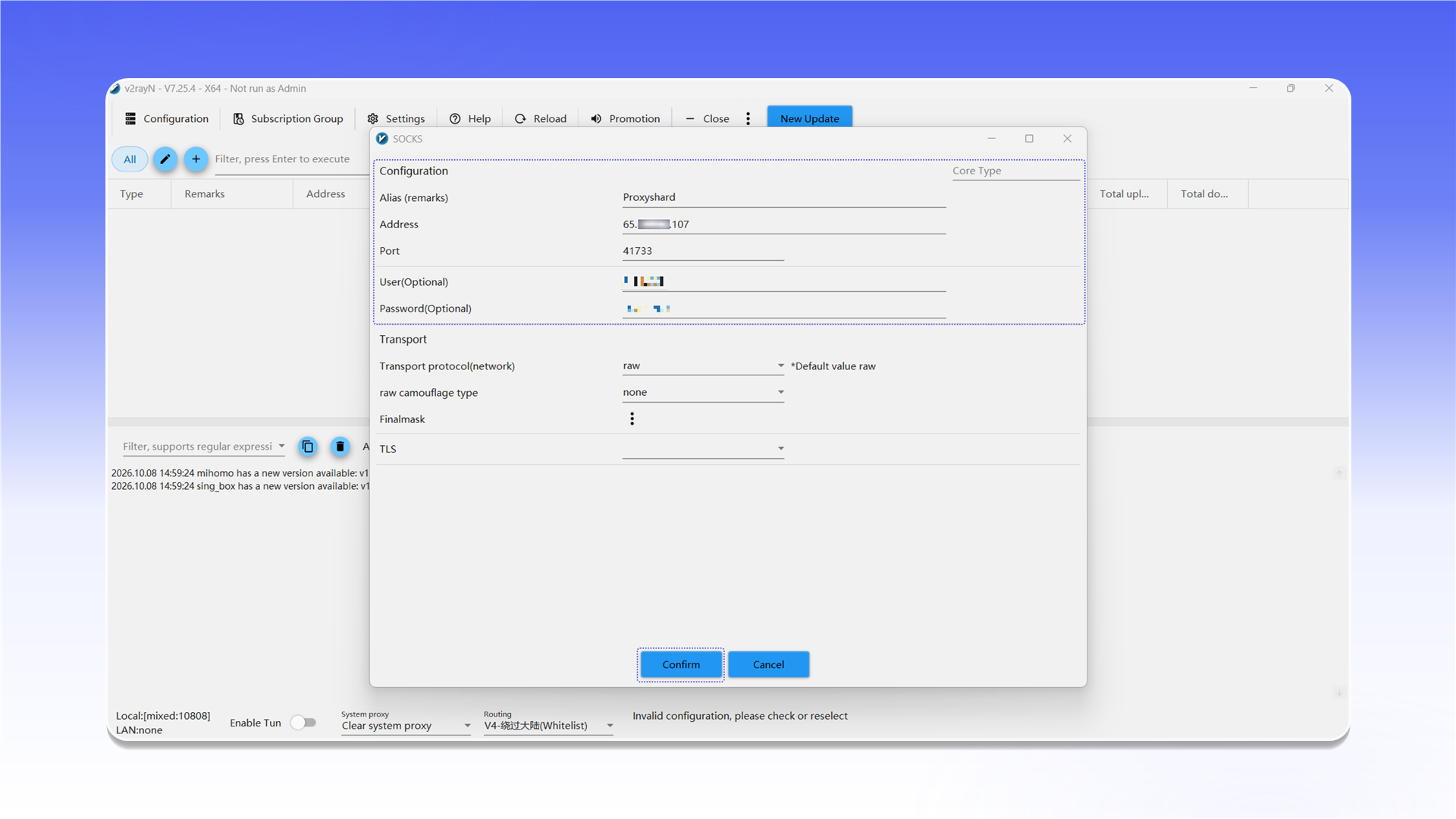
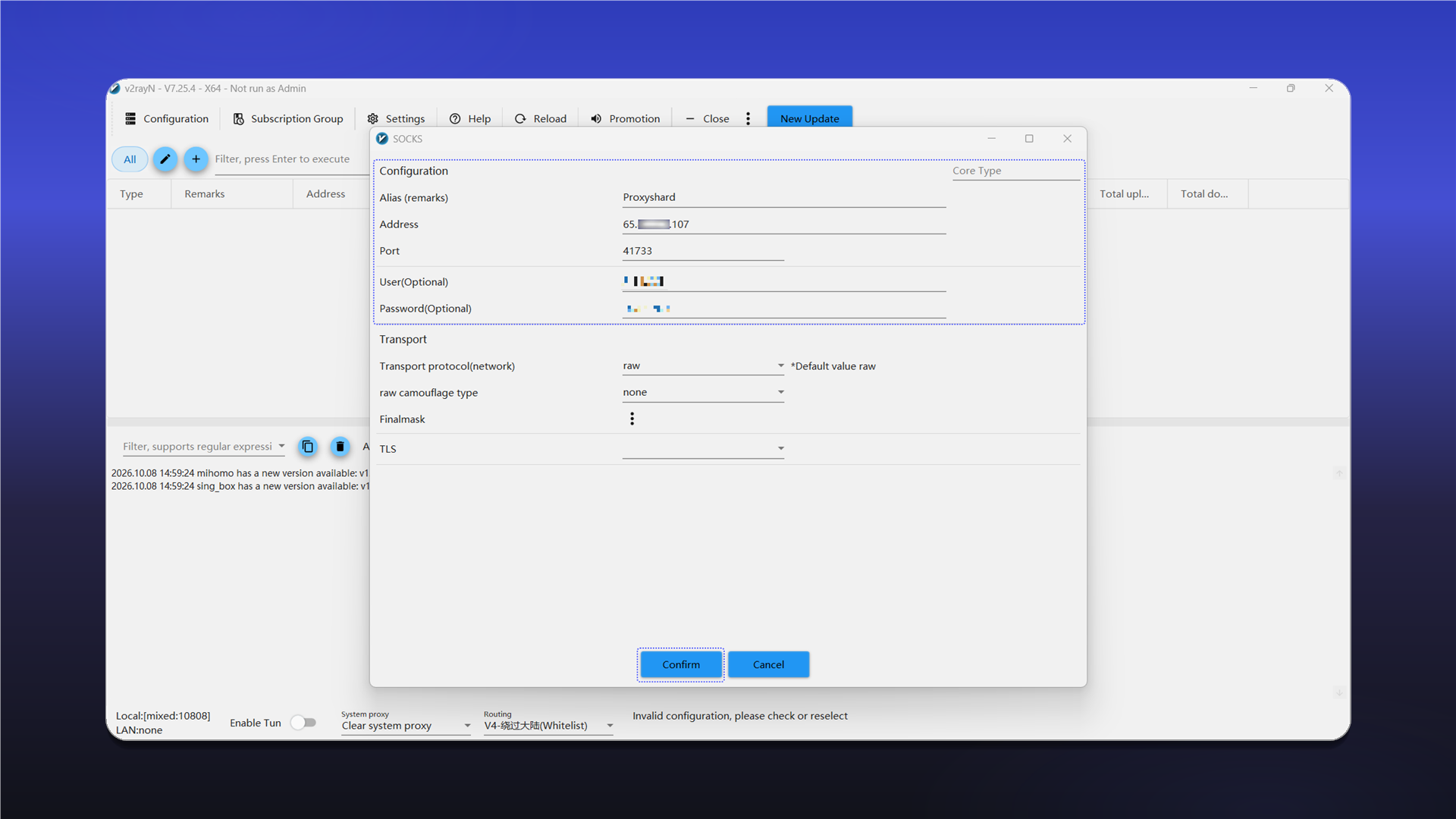
Open Configuration and select Add [SOCKS].
Enter the connection details:
Alias (remarks): any recognizable name;Address: the proxy IP address or hostname;Port: the connection port;User(Optional): the username;Password(Optional): the password.
Click Confirm to save the profile.
See the general setup guide for help finding the connection details.
Connect
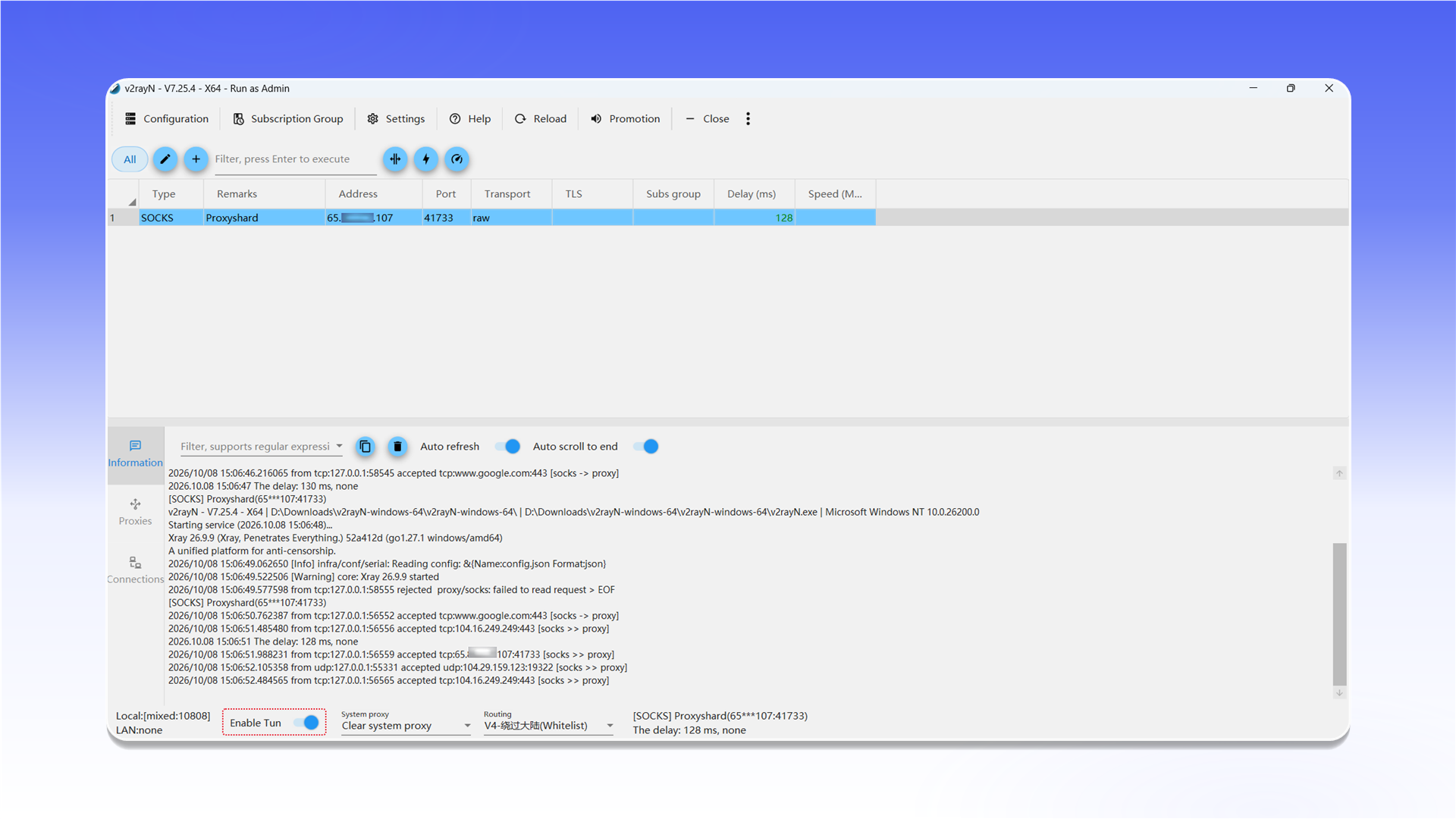
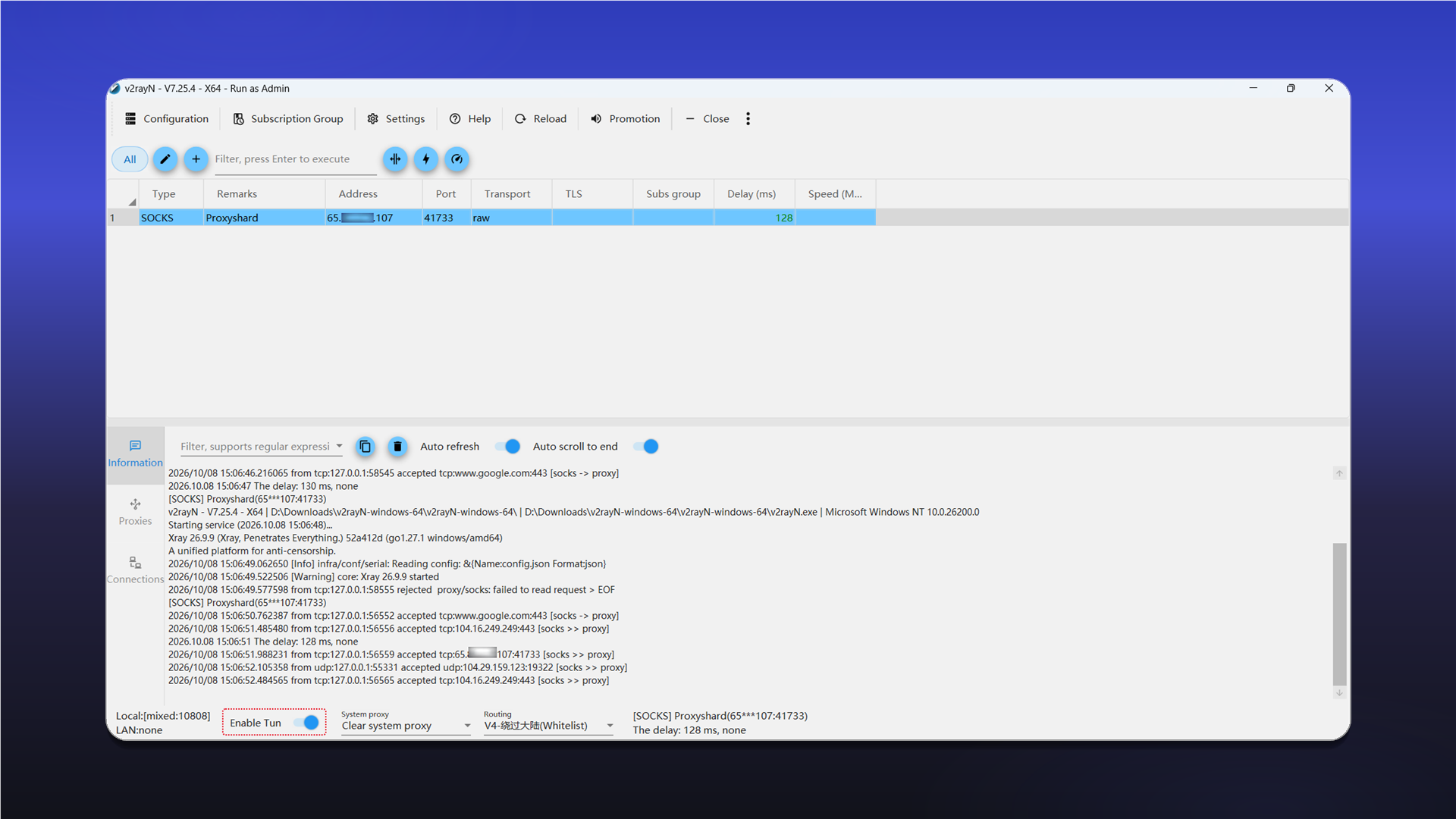
Select the created server and test its latency. Then enable Enable Tun in the bottom bar to route system traffic through the proxy.
Last updated on