Proxifier
Proxifier does not support UDP proxying.
Proxifier is paid software with a 31-day trial.
Installation
Open the Proxifier download page, download ProxifierSetup.exe, and install the application.
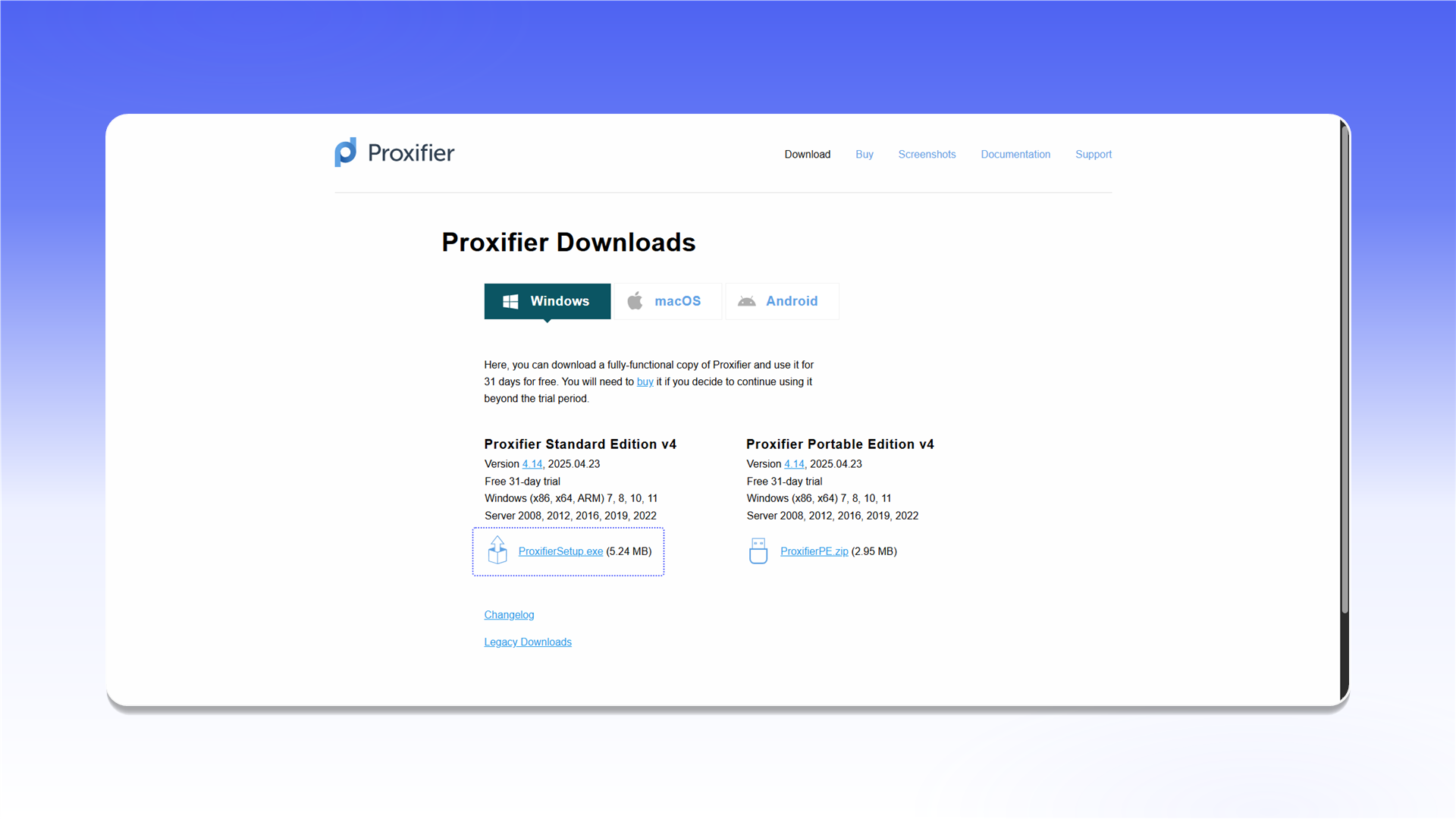
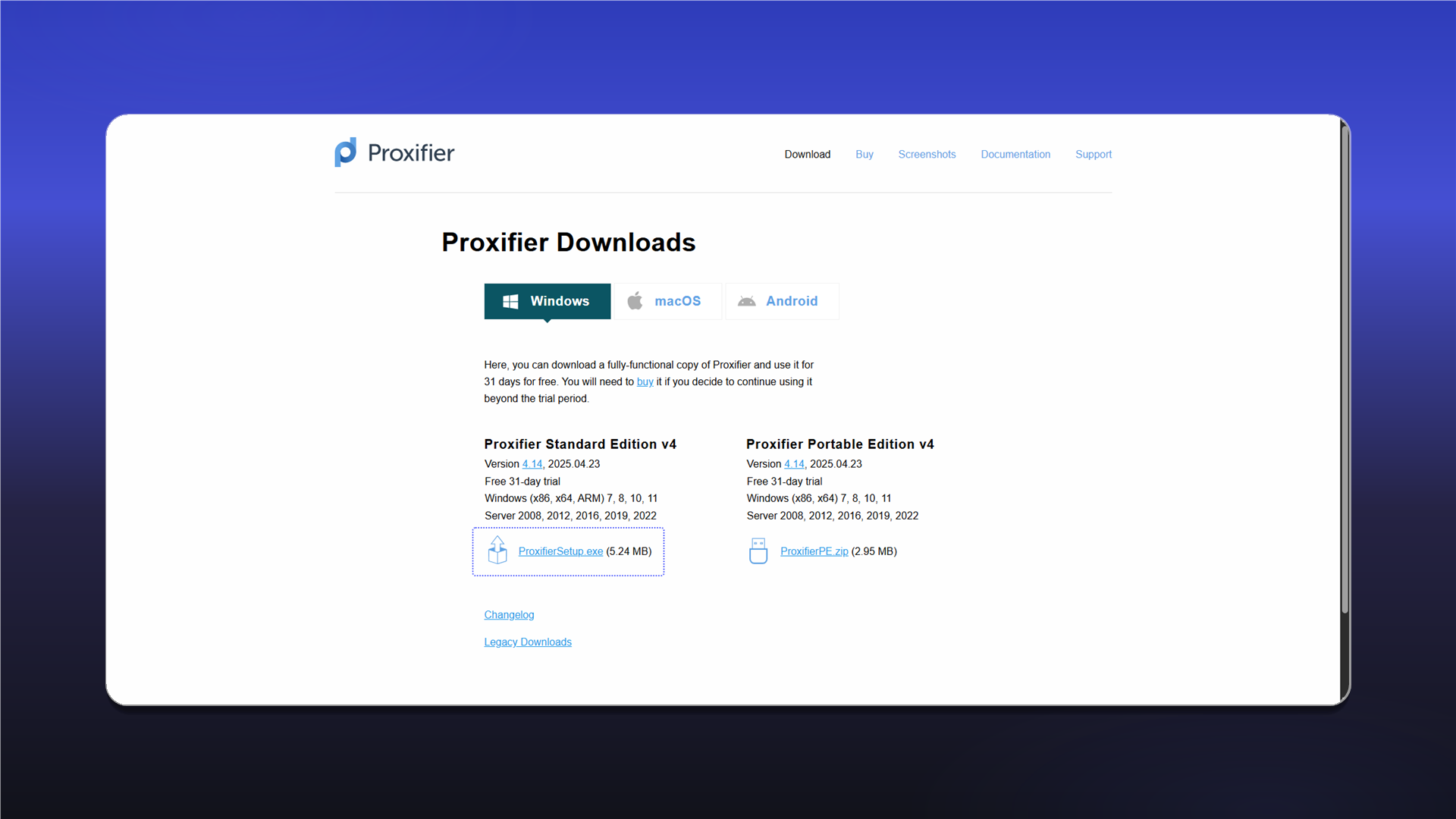
Add a proxy
- Launch Proxifier.
- Open
Profileand selectProxy Servers....
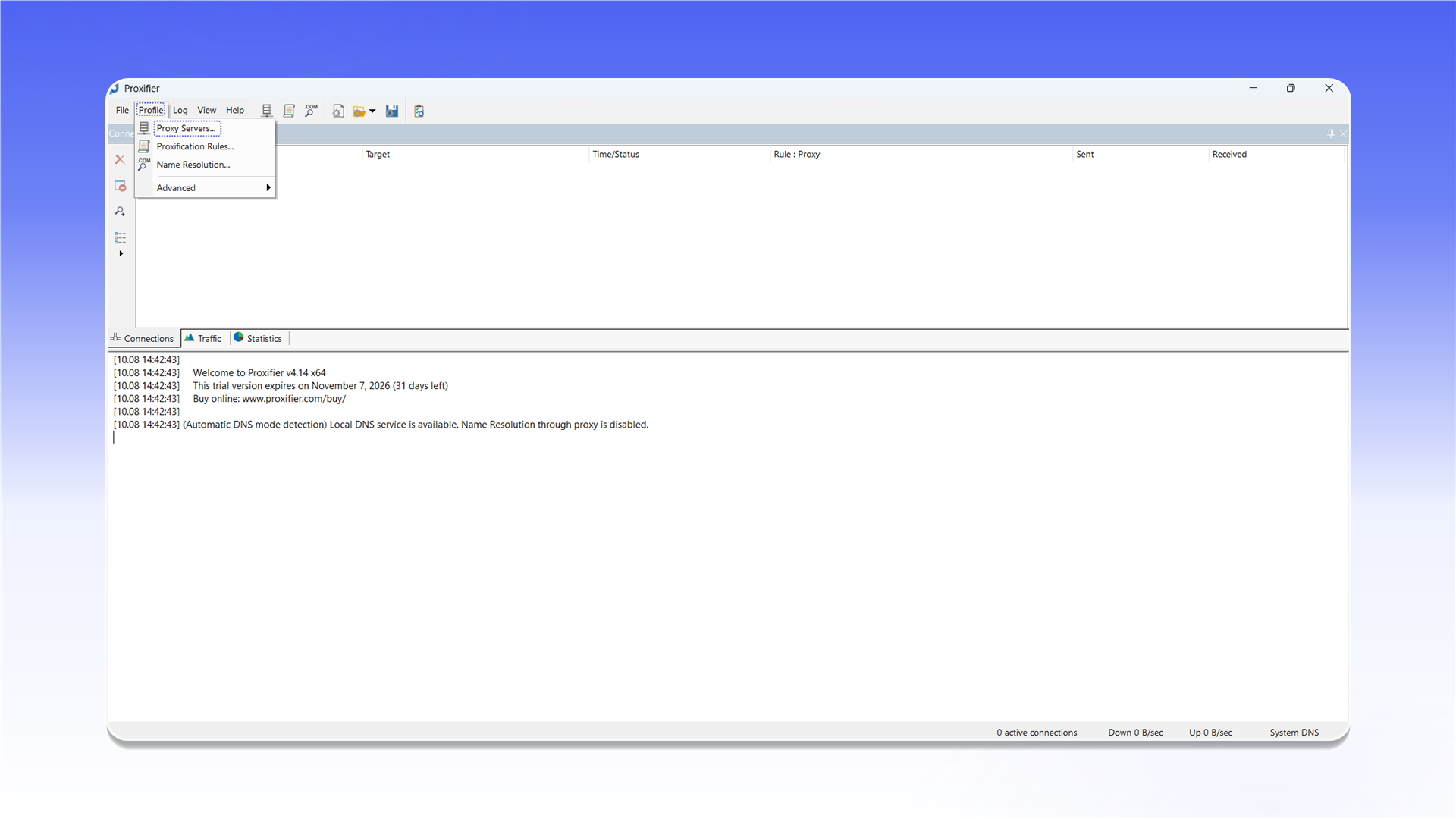
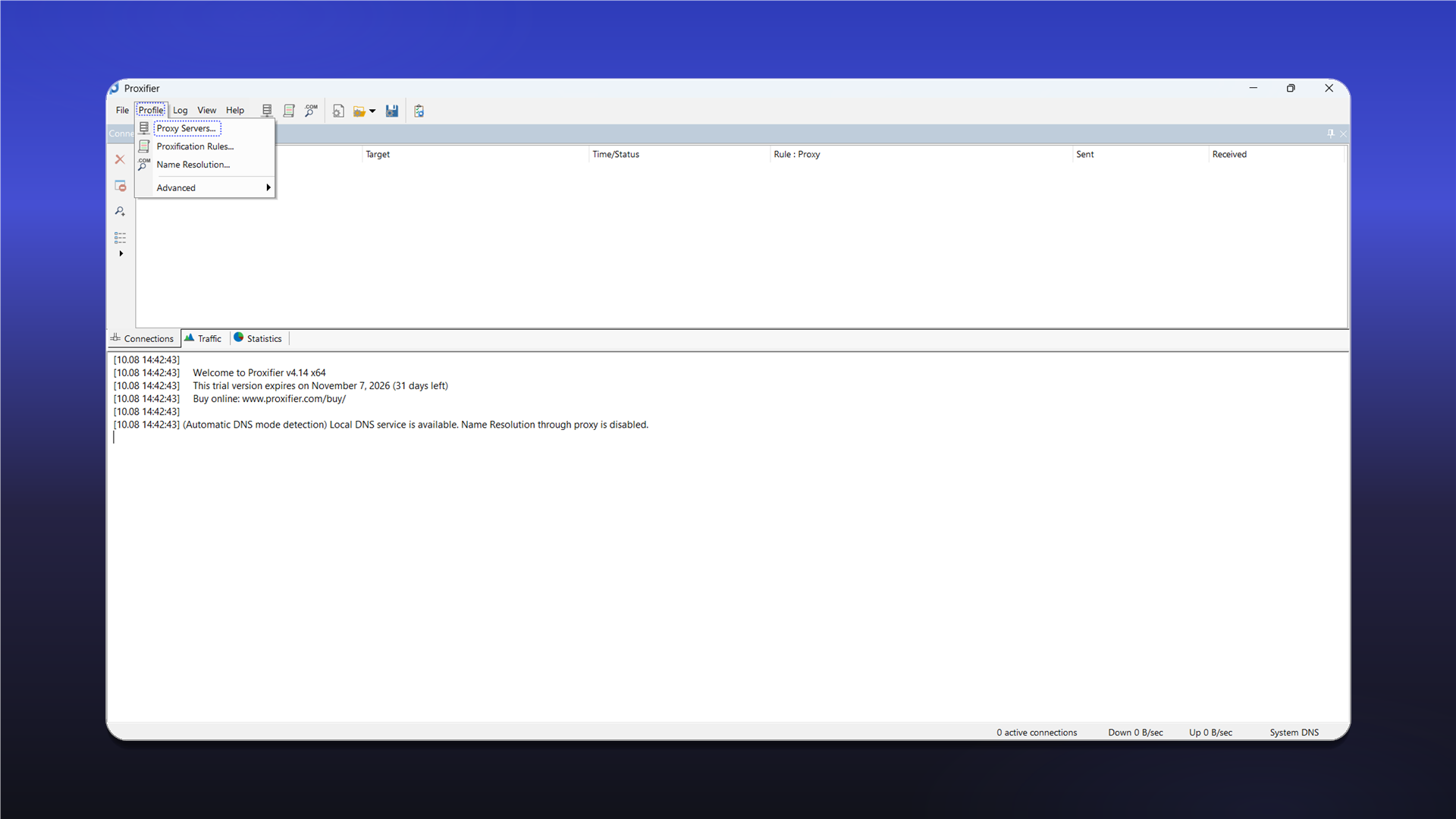
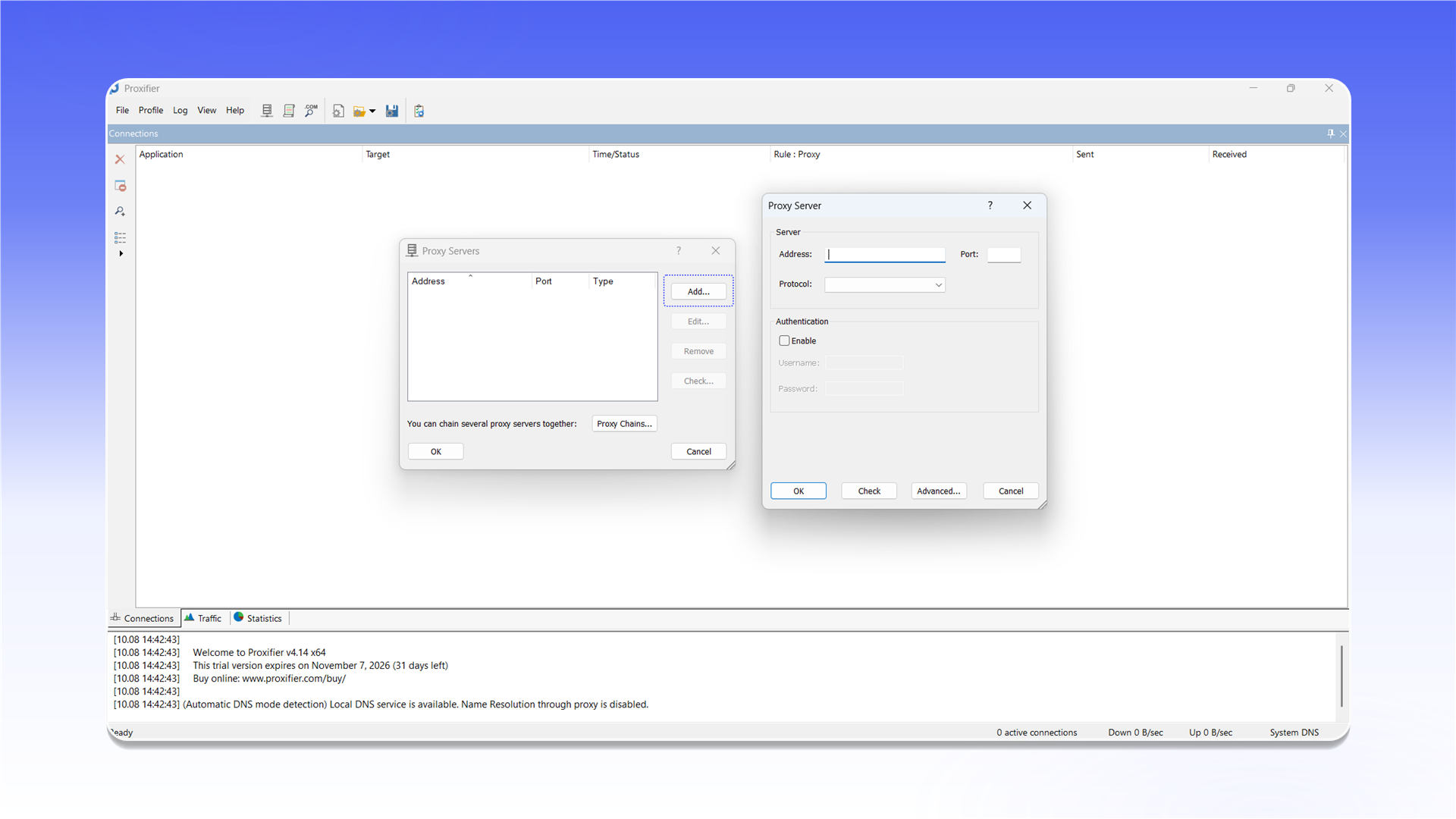
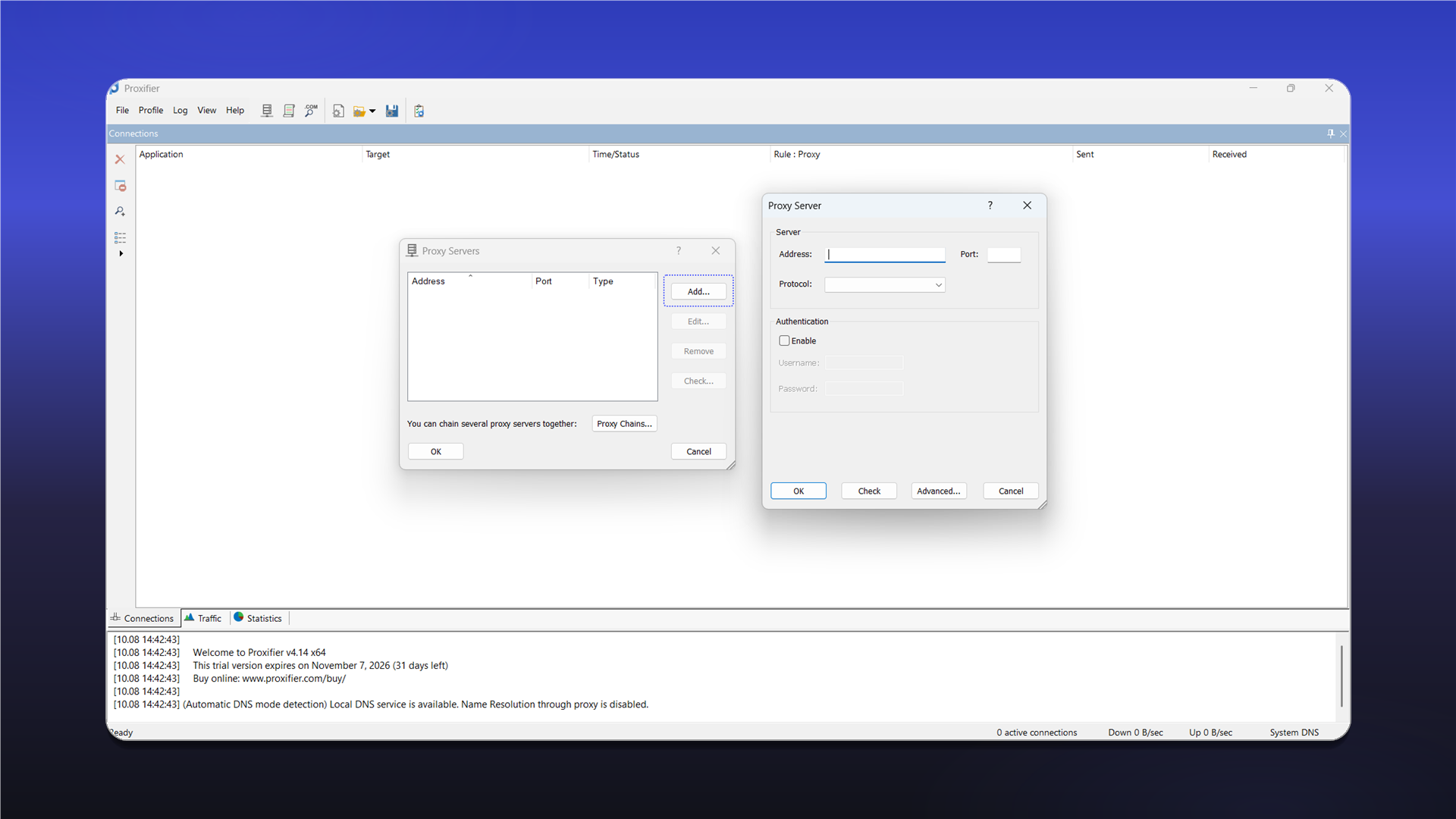
Click Add... in the Proxy Servers window and complete the form:
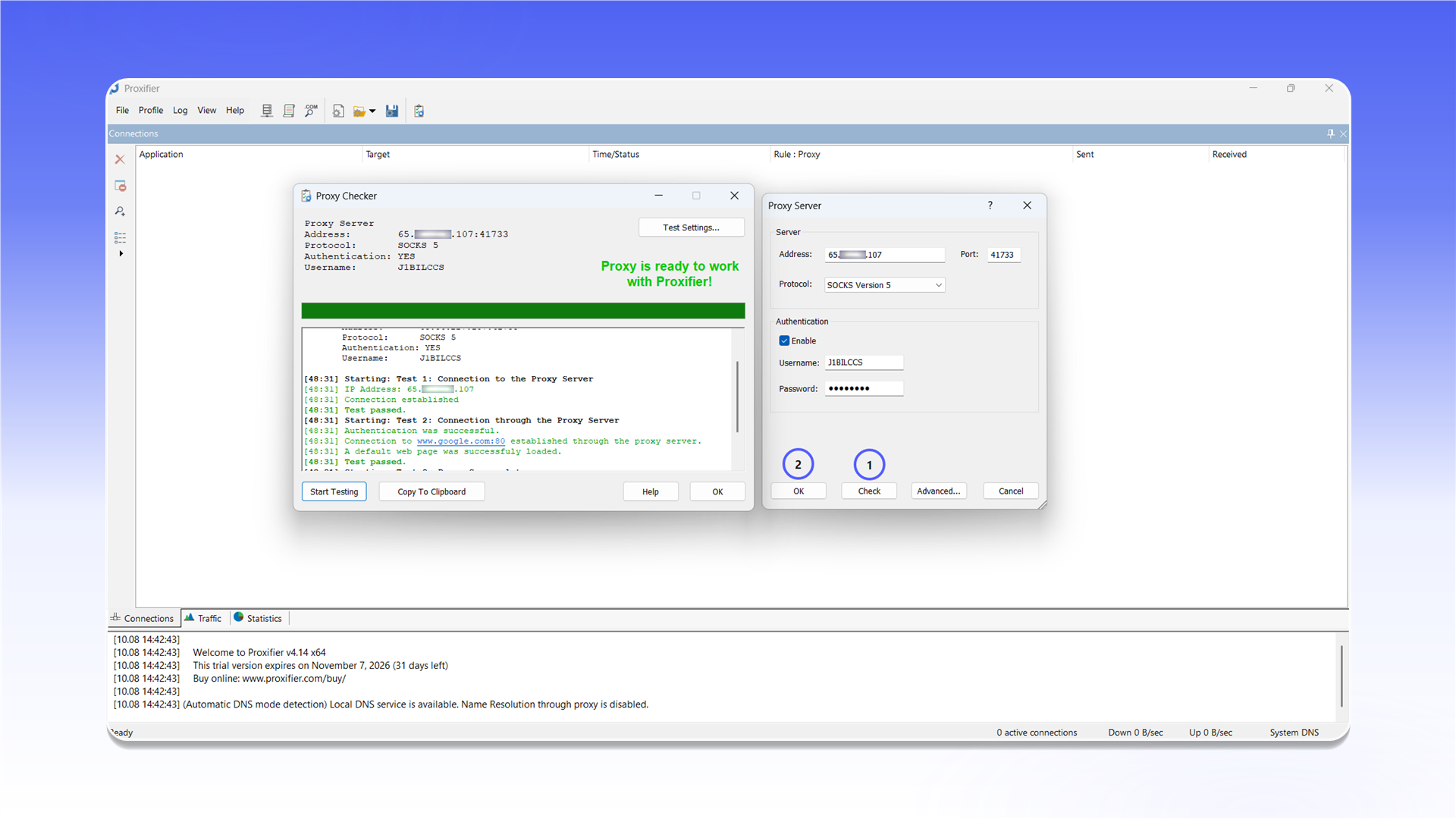
Address: the proxy IP address or hostname;Port: the connection port;Protocol:SOCKS Version 5, orHTTPSfor an HTTP proxy;Authentication: enableEnable, then enter theUsernameandPassword.
See the general setup guide for help finding the connection details.
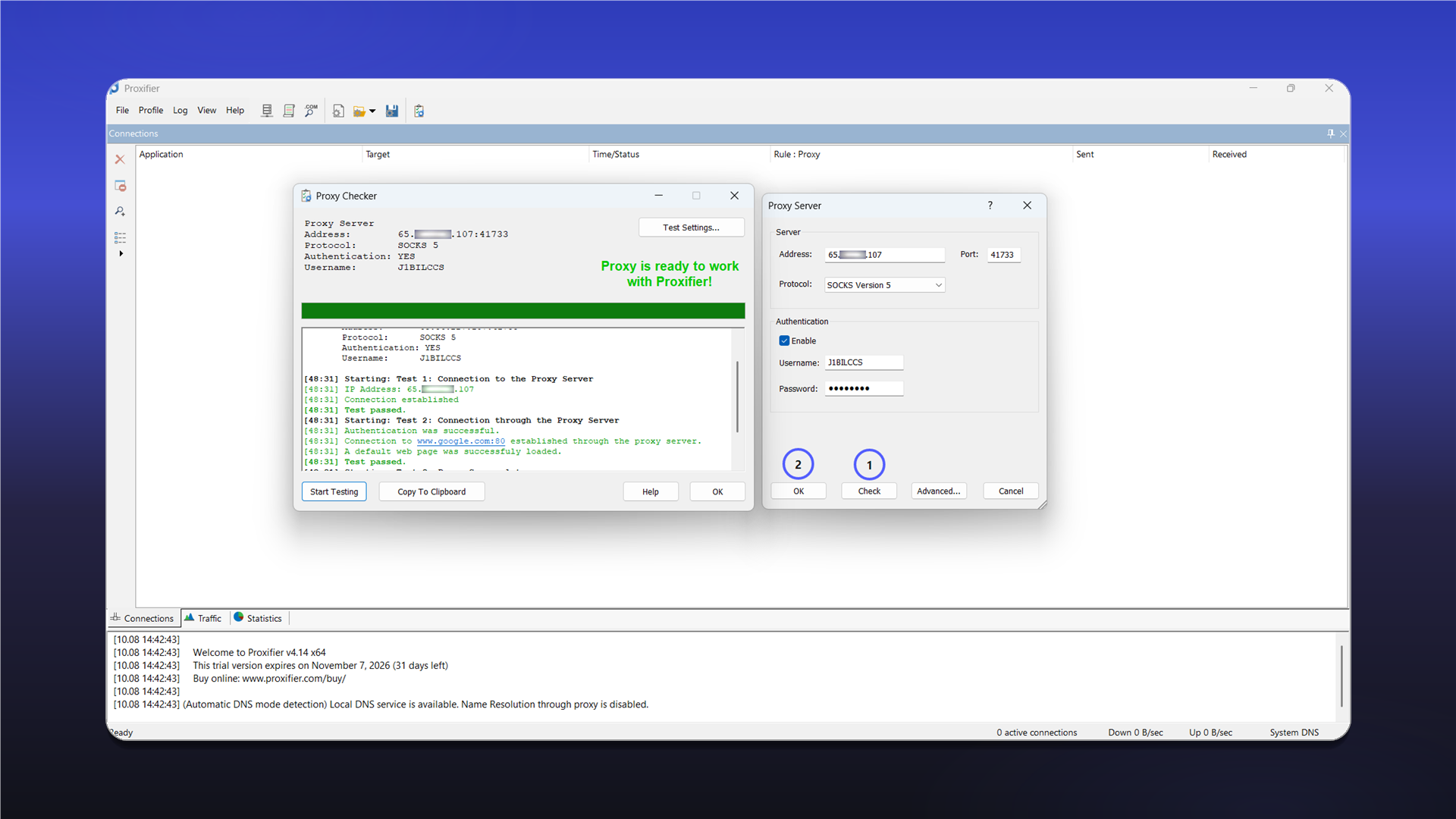
Click Check. After Proxy is ready to work with Proxifier! appears, close the test window with OK and save the server.
Configure routing
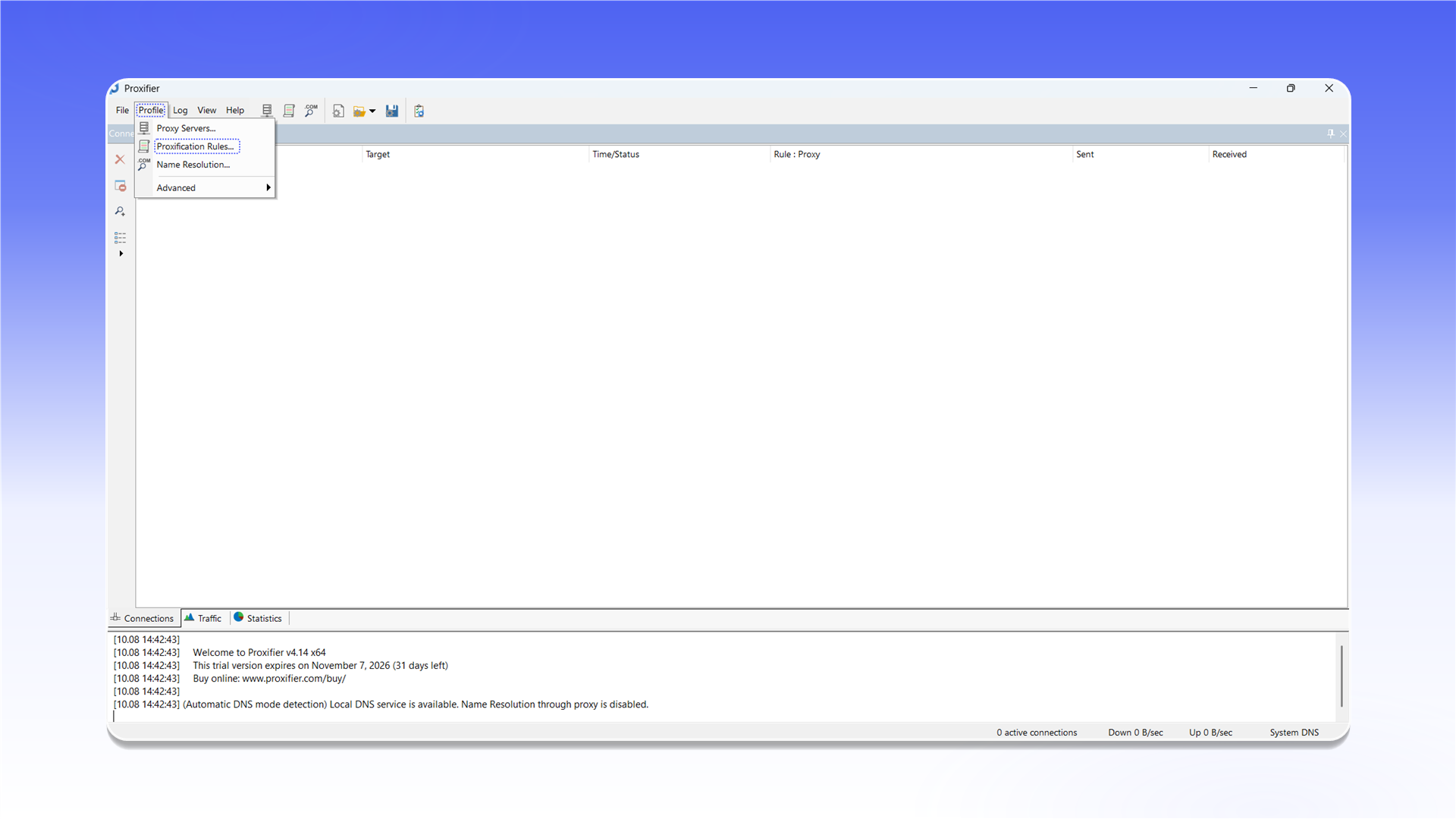
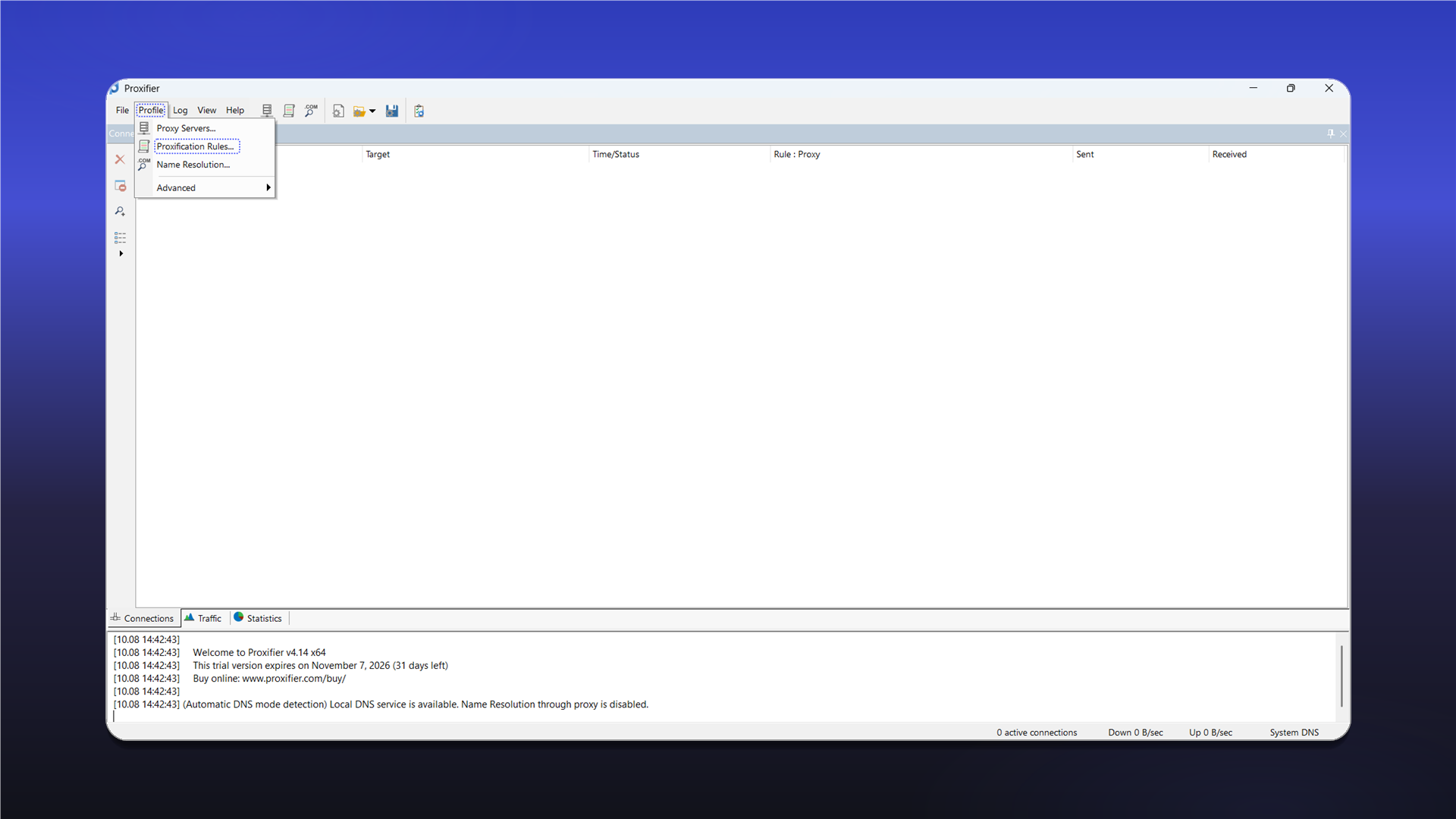
Open Profile and select Proxification Rules....
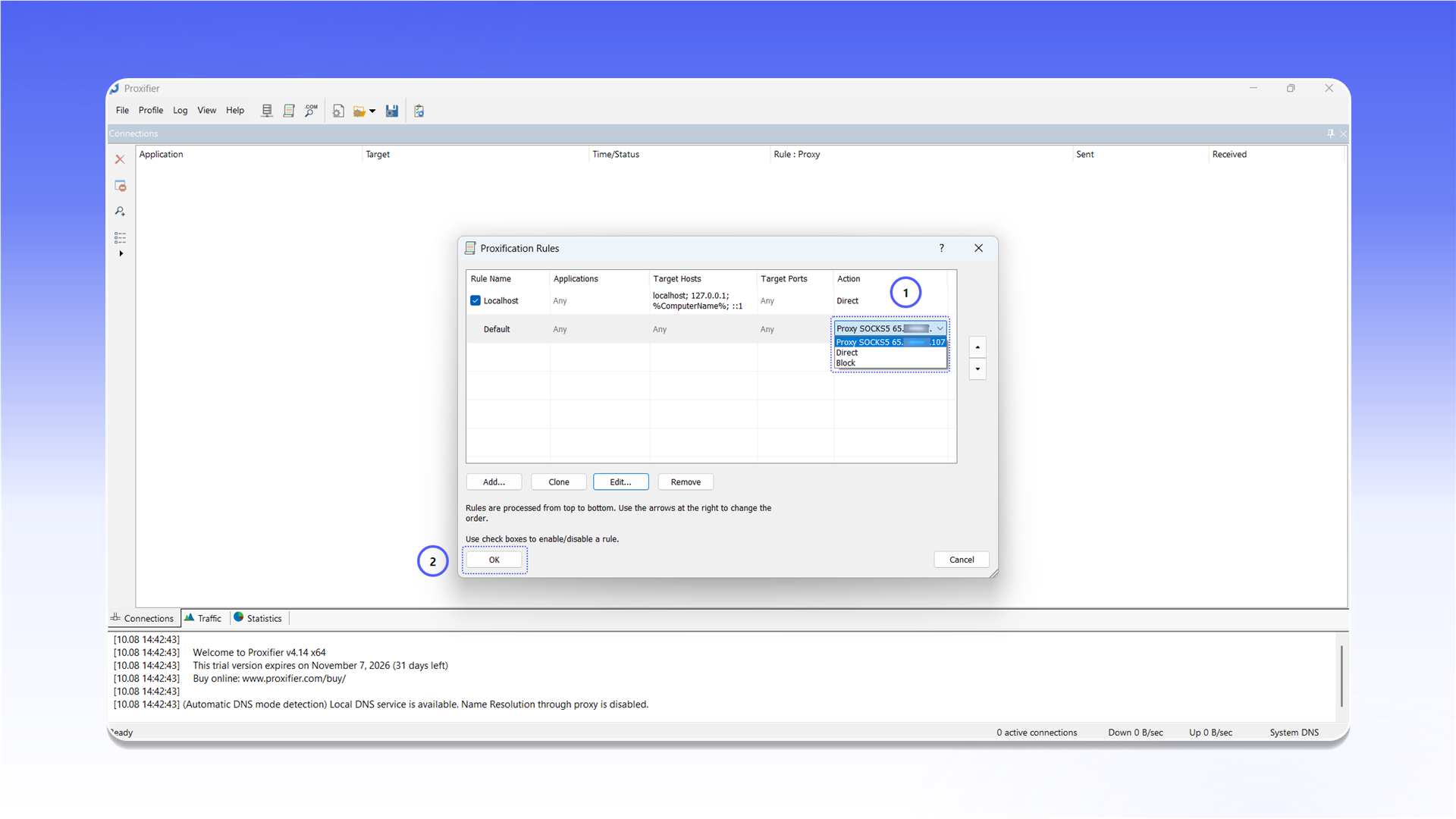
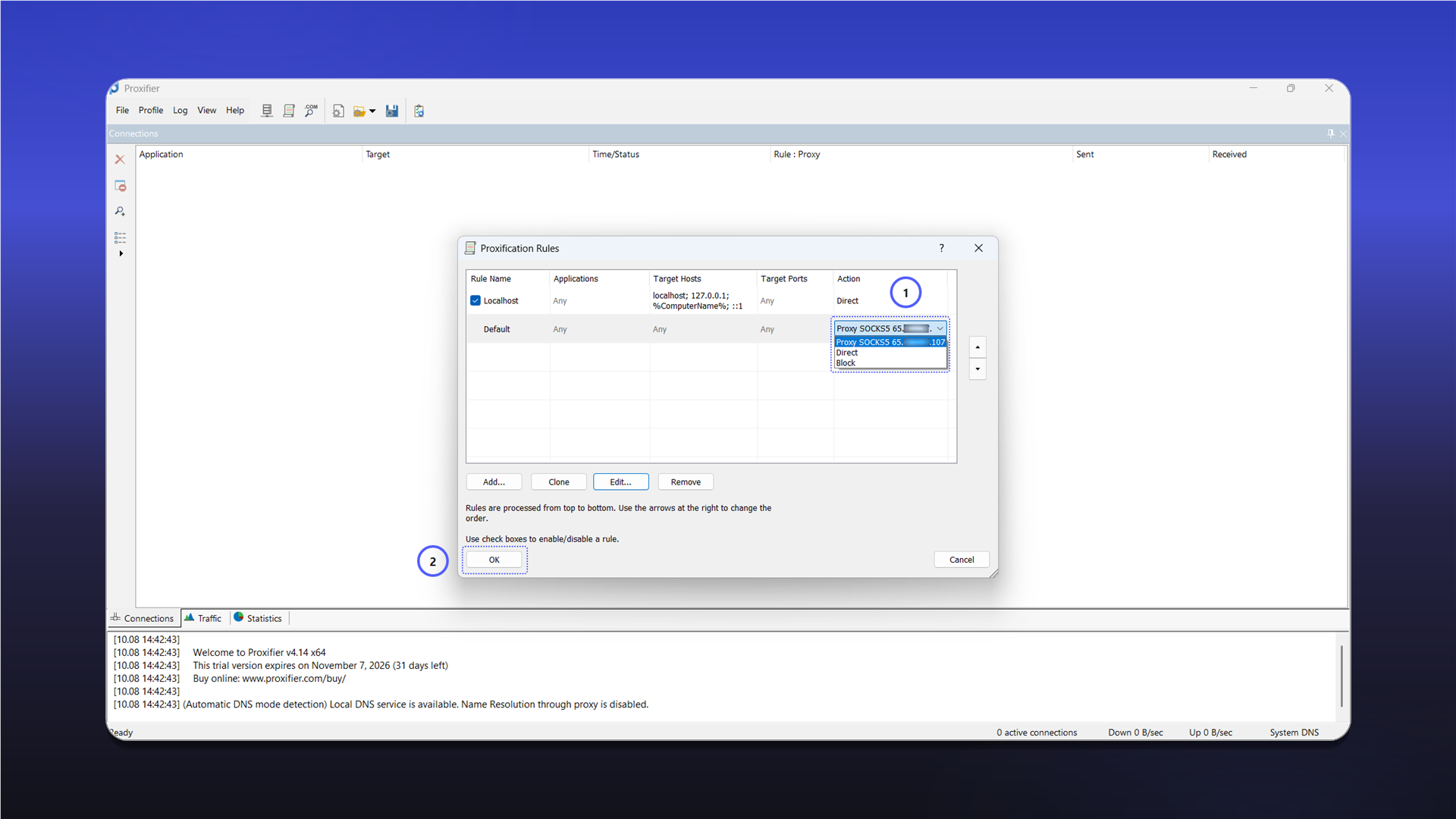
In the Default row, open the list under Action, select the added SOCKS5 proxy, and click OK. Application traffic will now use the selected server.
Last updated on