Setup instructions
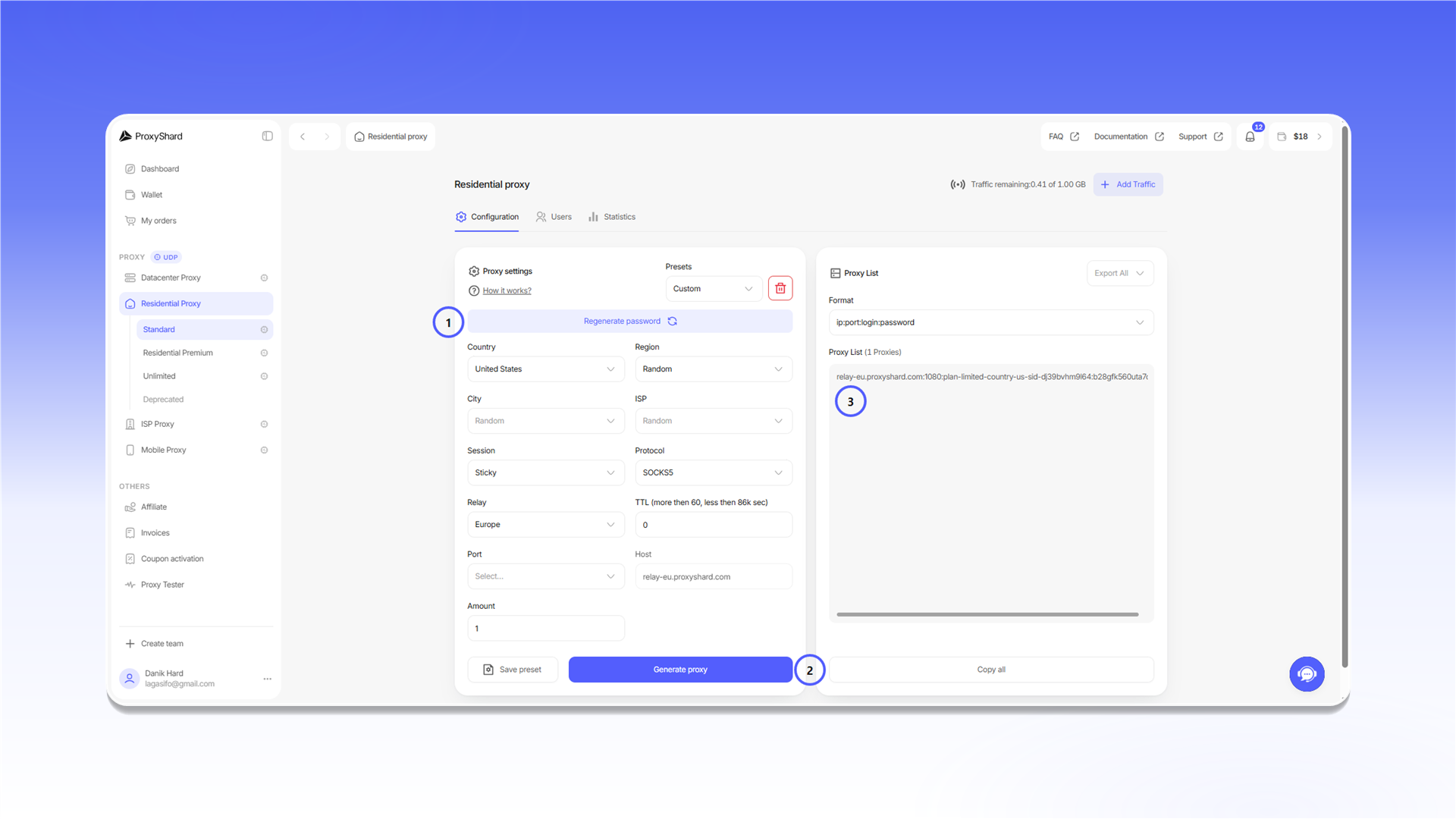
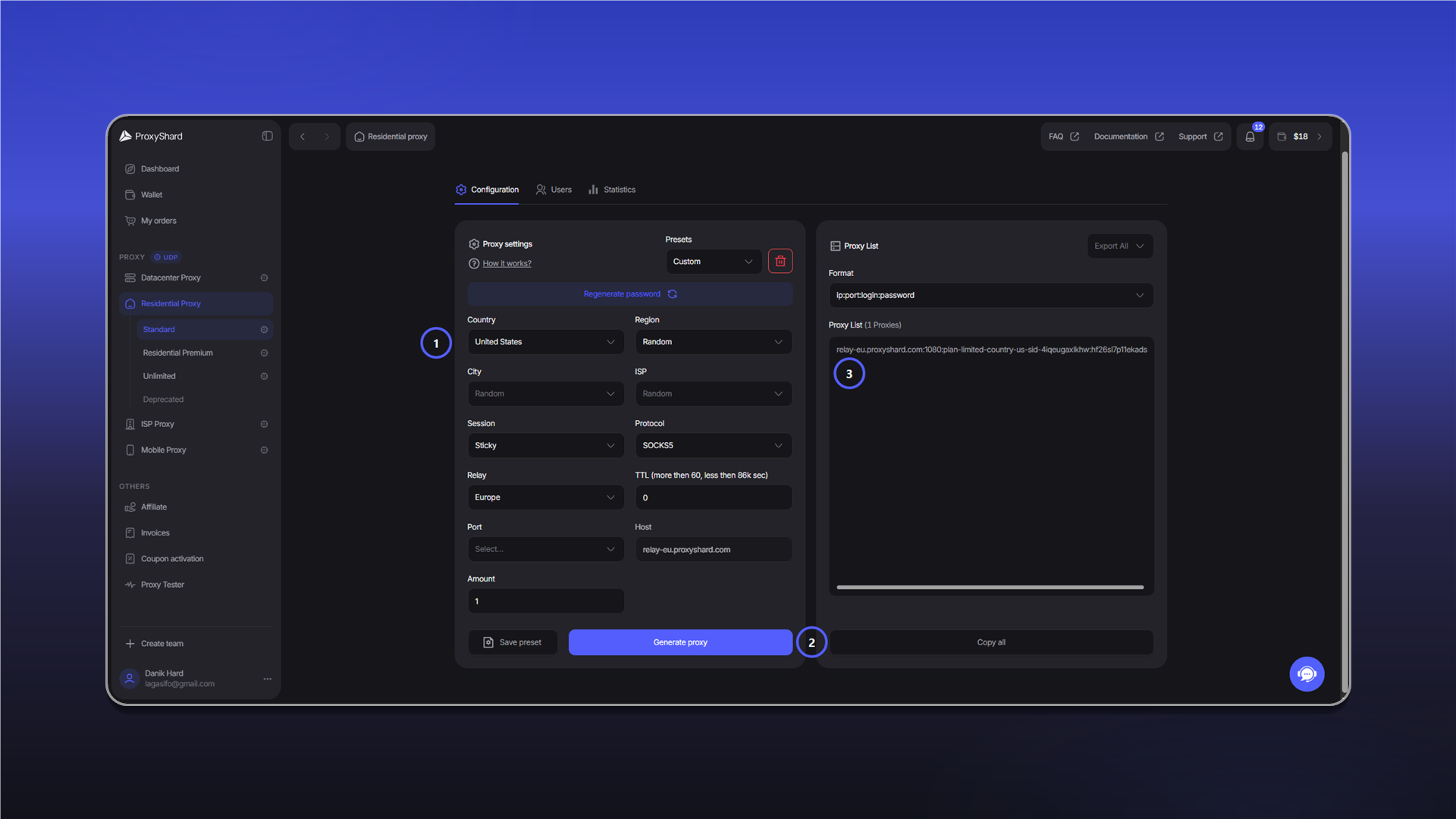
Before configuring an application, open the required order and copy its connection details.
The examples below use SOCKS5. If an application supports only HTTP, select HTTP in the order settings and use the corresponding port.
Residential proxies
- In
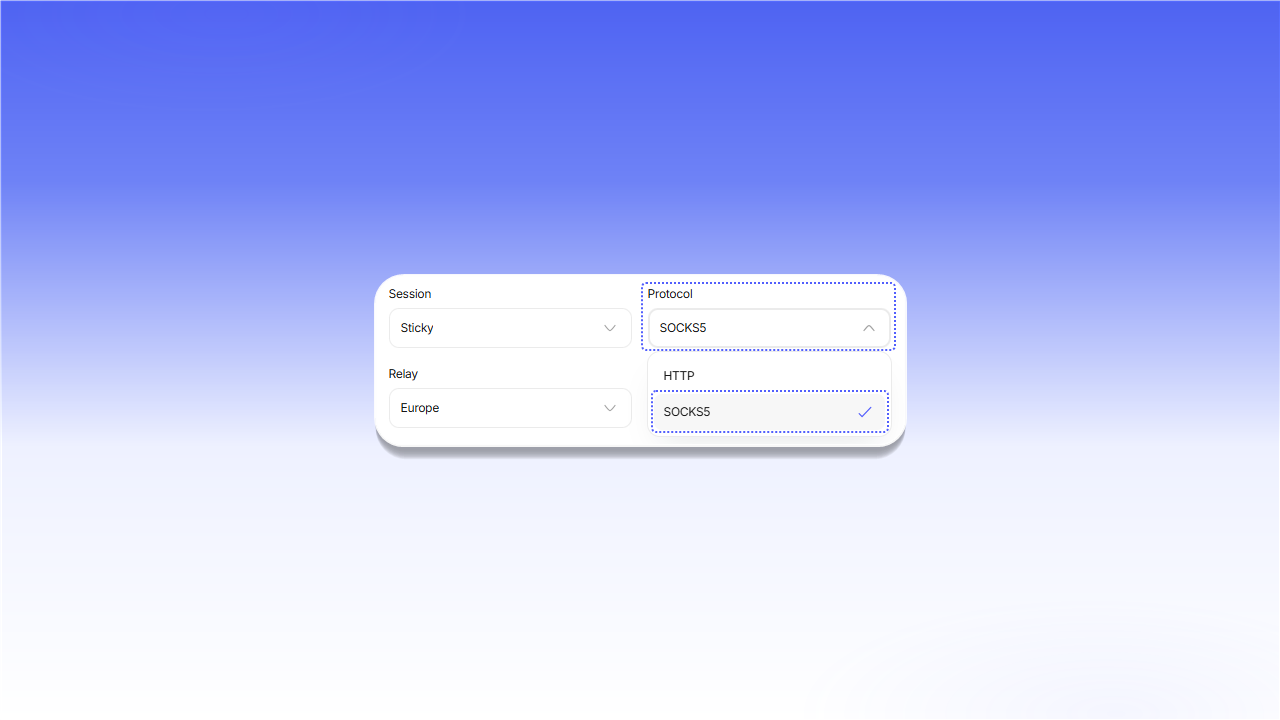
Proxy settings, select a country and configureSession,Relay, andProtocol. - Click
Generate proxy. - Copy the generated connection string from
Proxy List.
Datacenter and ISP proxies
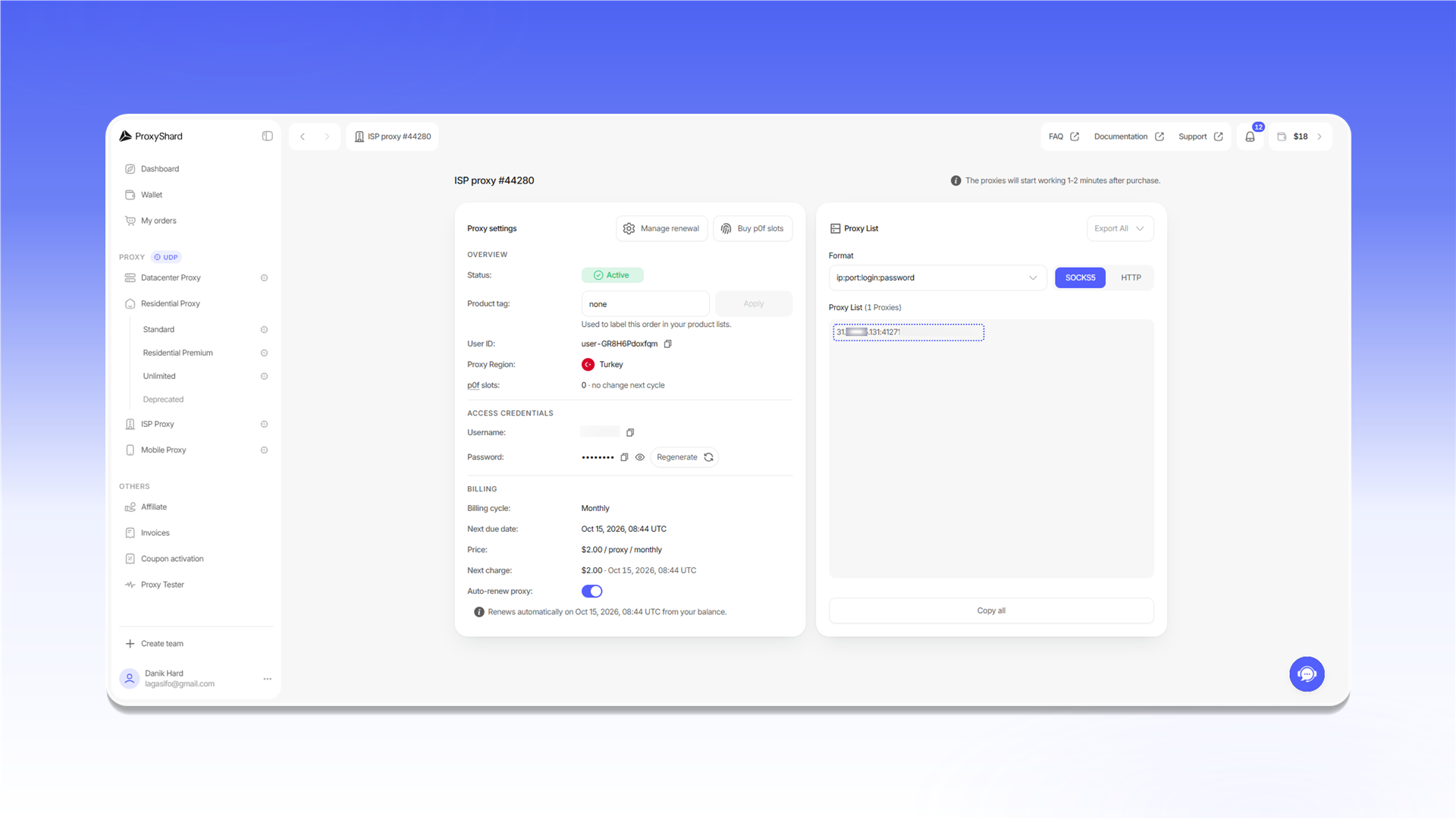
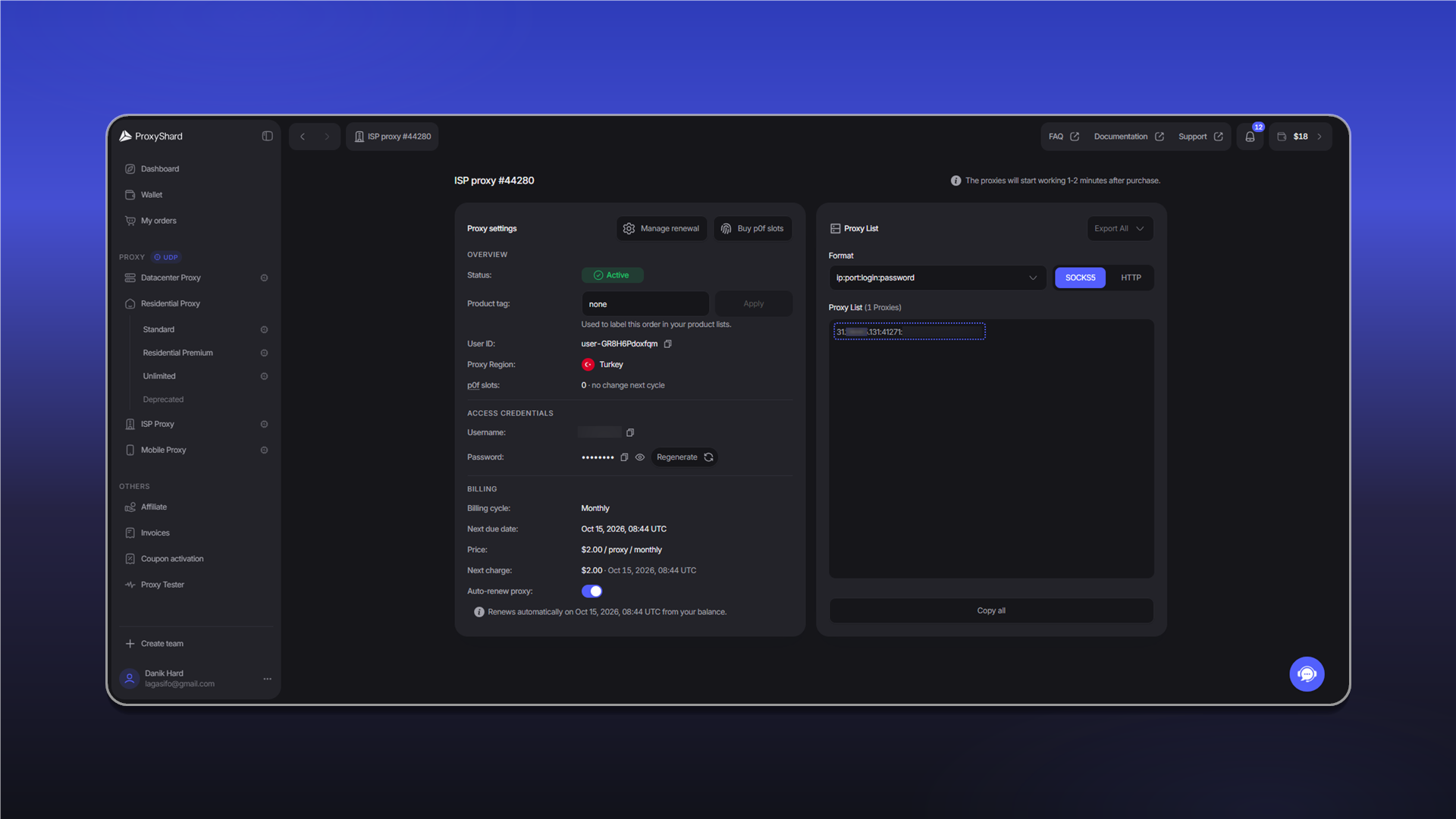
Open the order and copy the connection string from Proxy List.
Connection string format
The standard format is server:port:login:password.
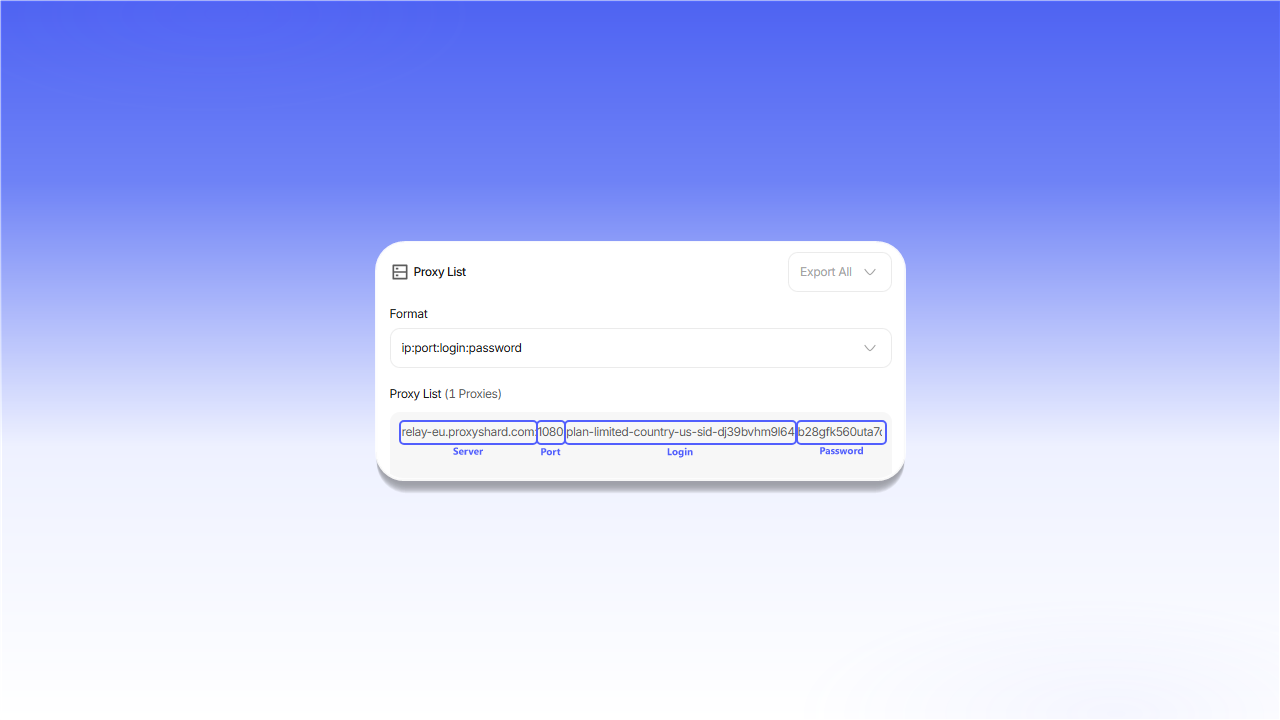
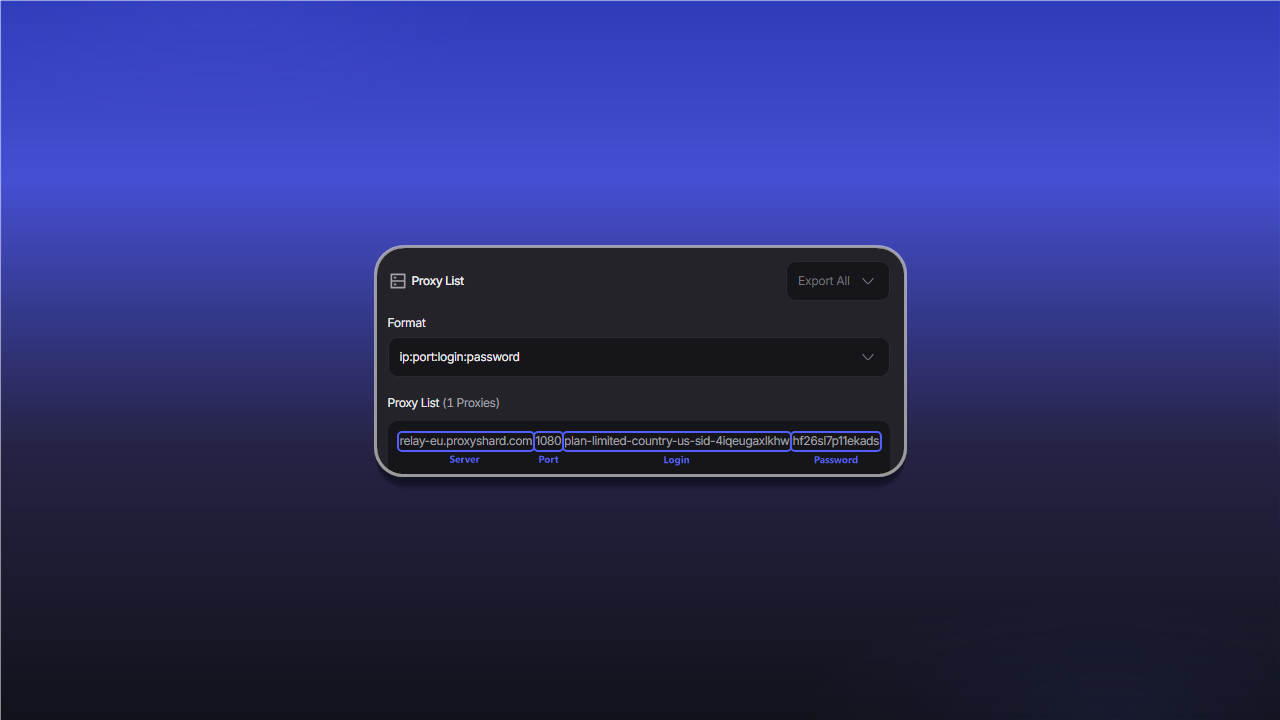
| Field | Description |
|---|---|
Server / Host | The proxy server IP address or hostname |
Port | The connection port |
Login | The username. For residential proxies, it may also contain targeting parameters |
Password | The access password |
If the application does not accept a complete connection string, enter these values in separate fields.
Selecting a protocol
For datacenter and ISP proxies, switch the format in Proxy List.
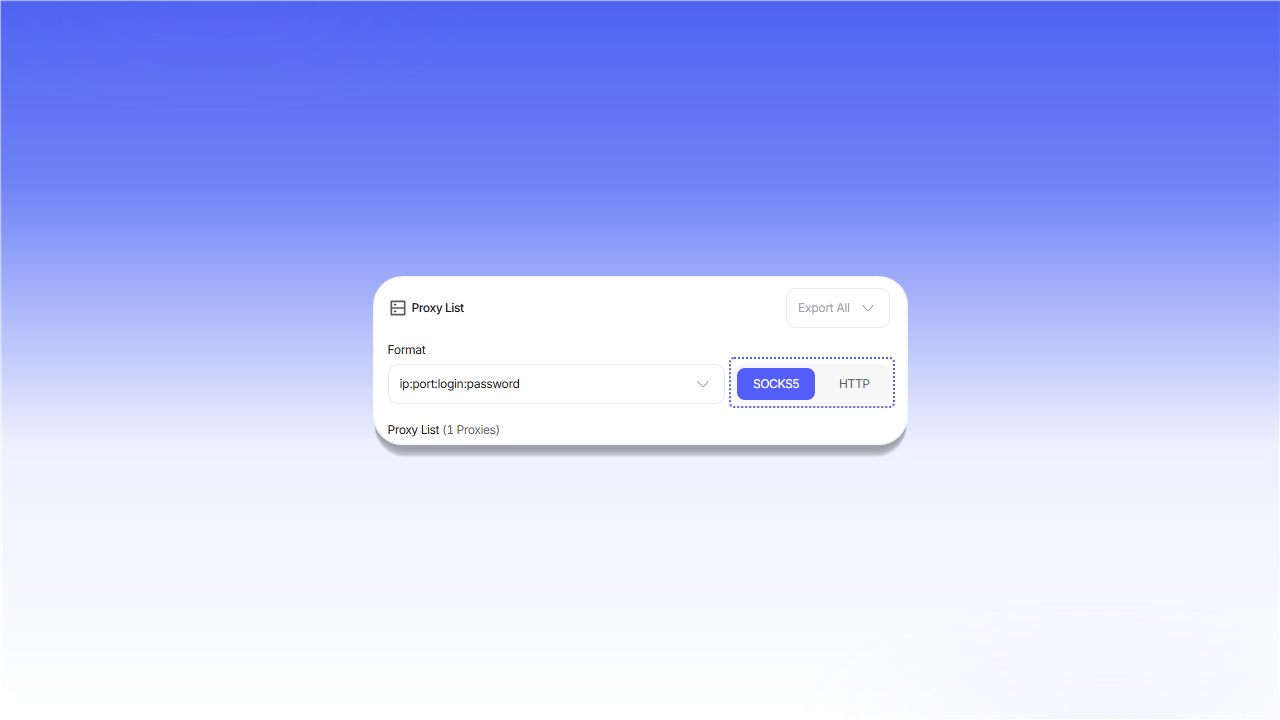
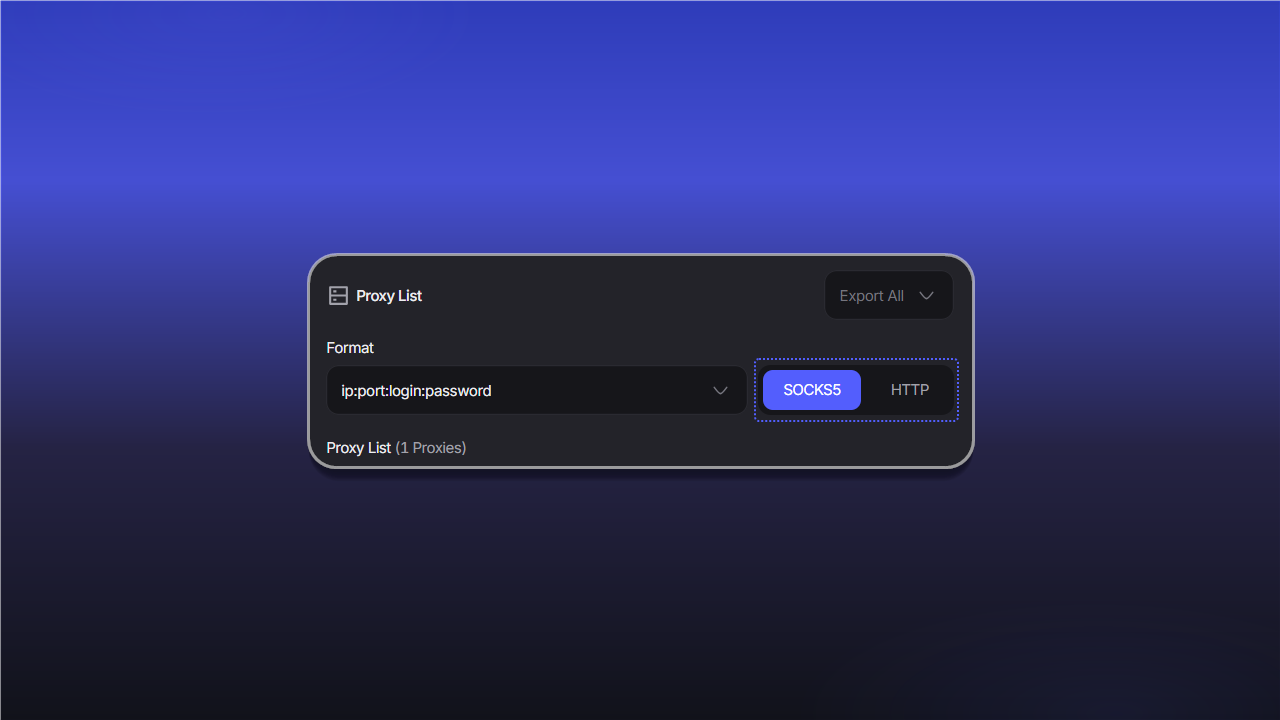
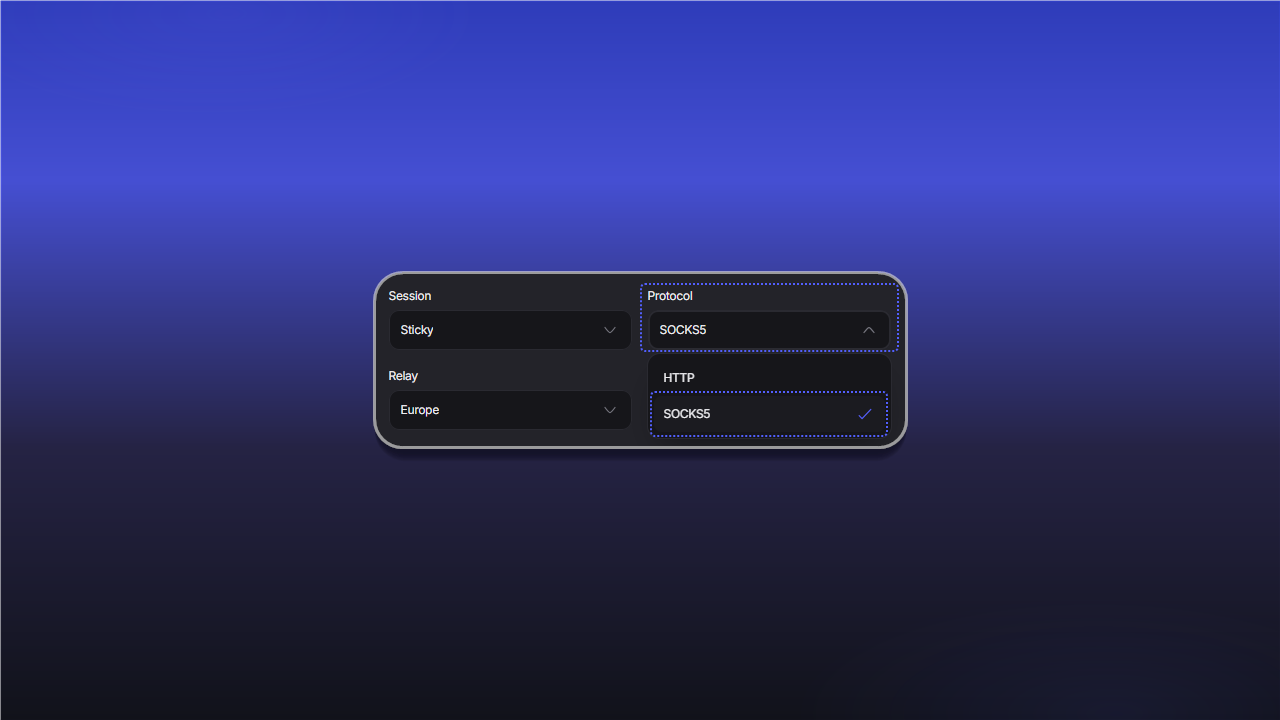
For residential proxies, select the protocol in the Protocol field before generating the connection string.
Mobile proxies accept HTTP and SOCKS5 connections on the assigned port. No additional format switch is required in the order.
Last updated on