ProxyCap
NetDetour supports both TCP and UDP proxying.
NetDetour is the current successor to ProxyCap. It is paid software with a 30-day trial.
Installation
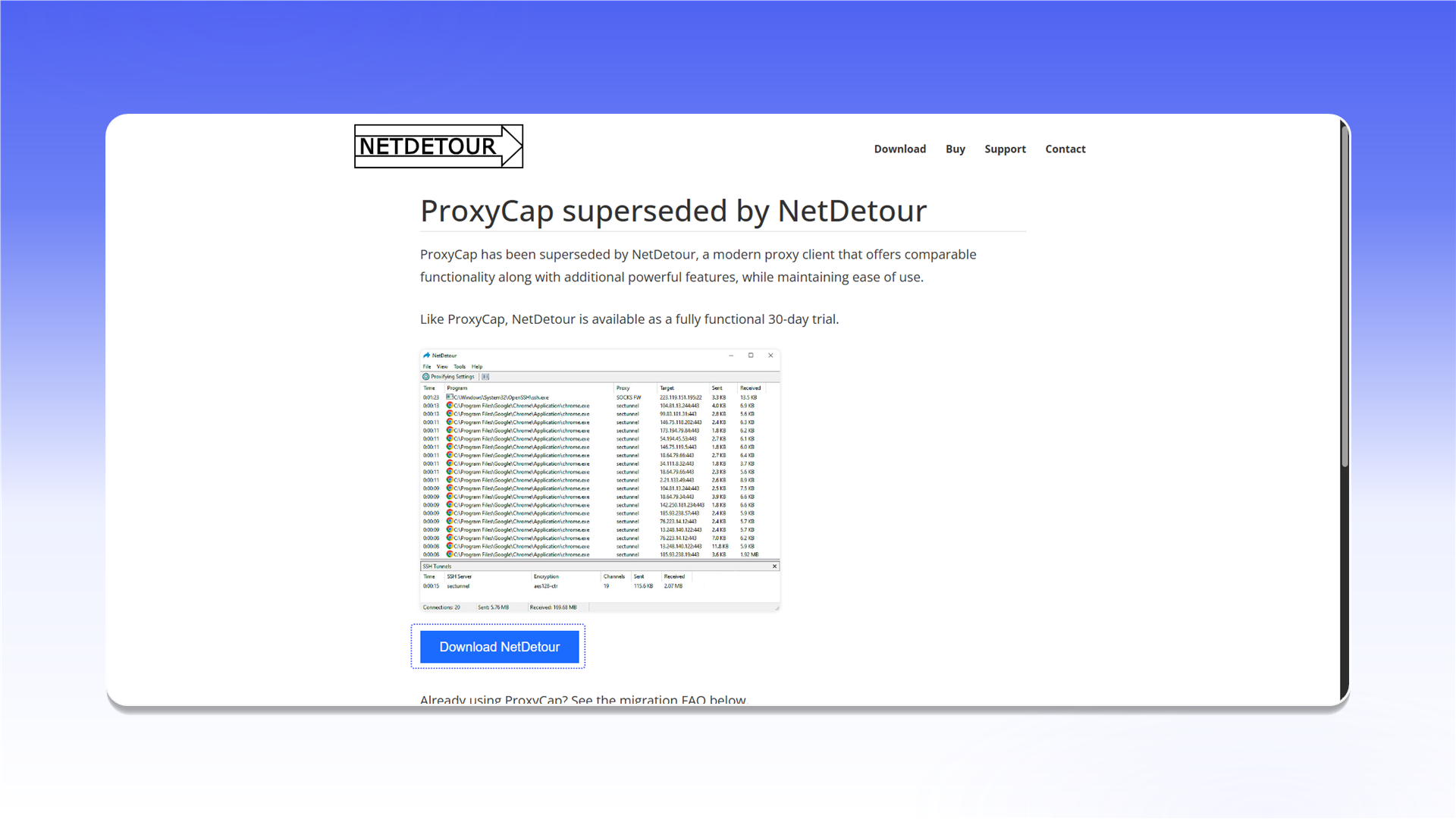
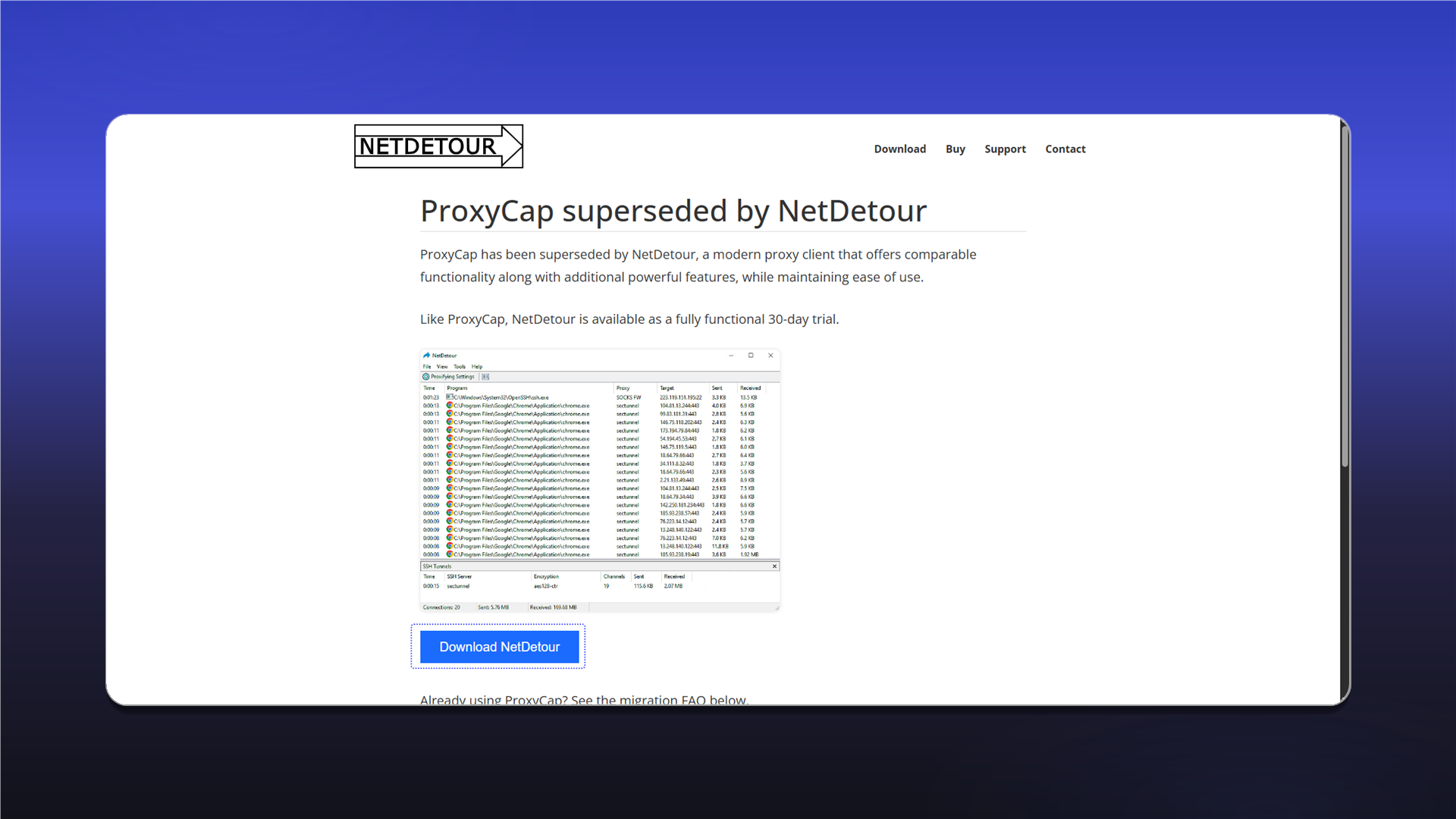
Open the download page, click Download NetDetour, and install the application.
Add a proxy
- Click the
Proxifying Settingsicon in the top bar. - Open the
Proxiestab. - Select
SOCKS5and clickAdd....
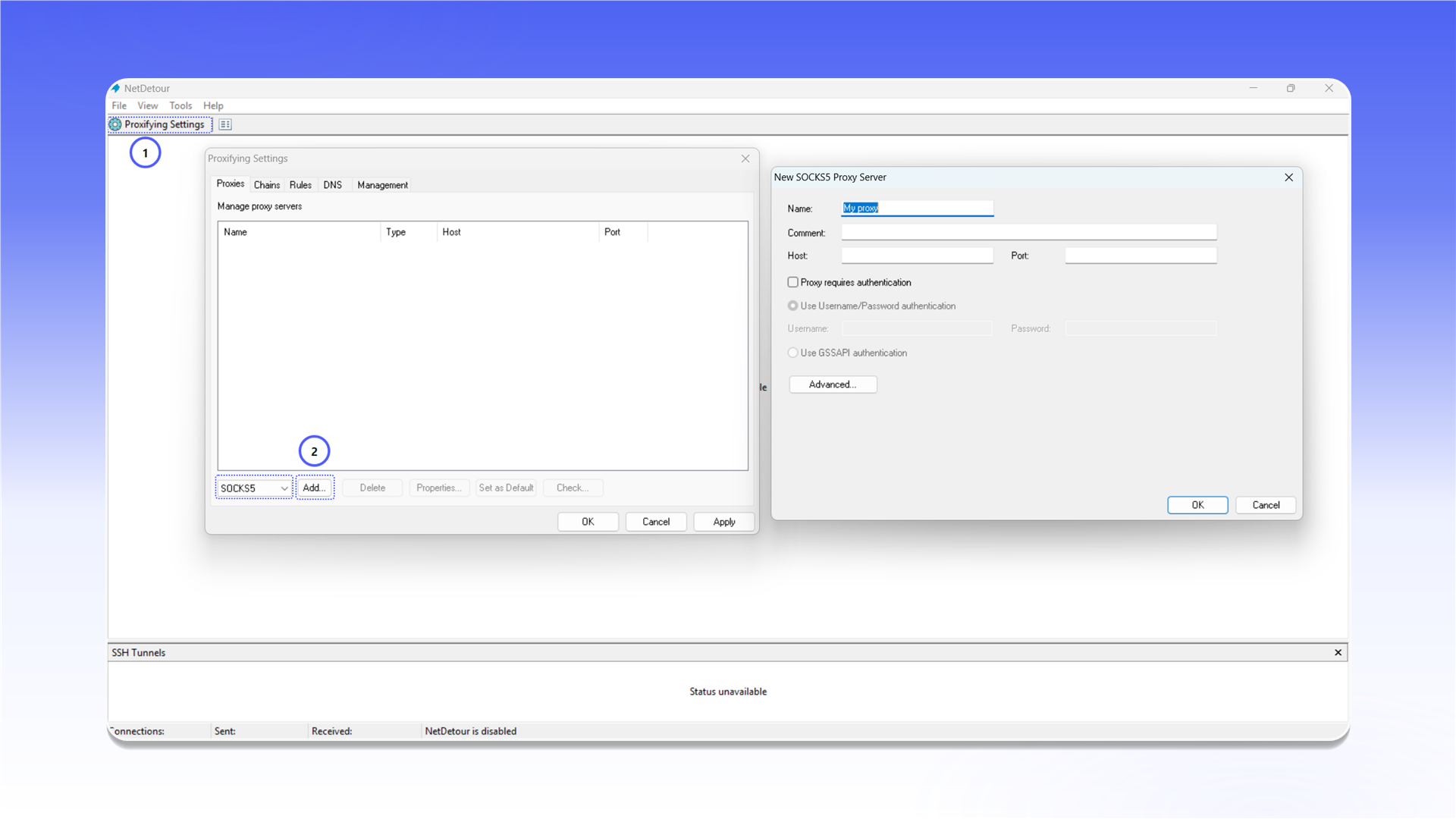
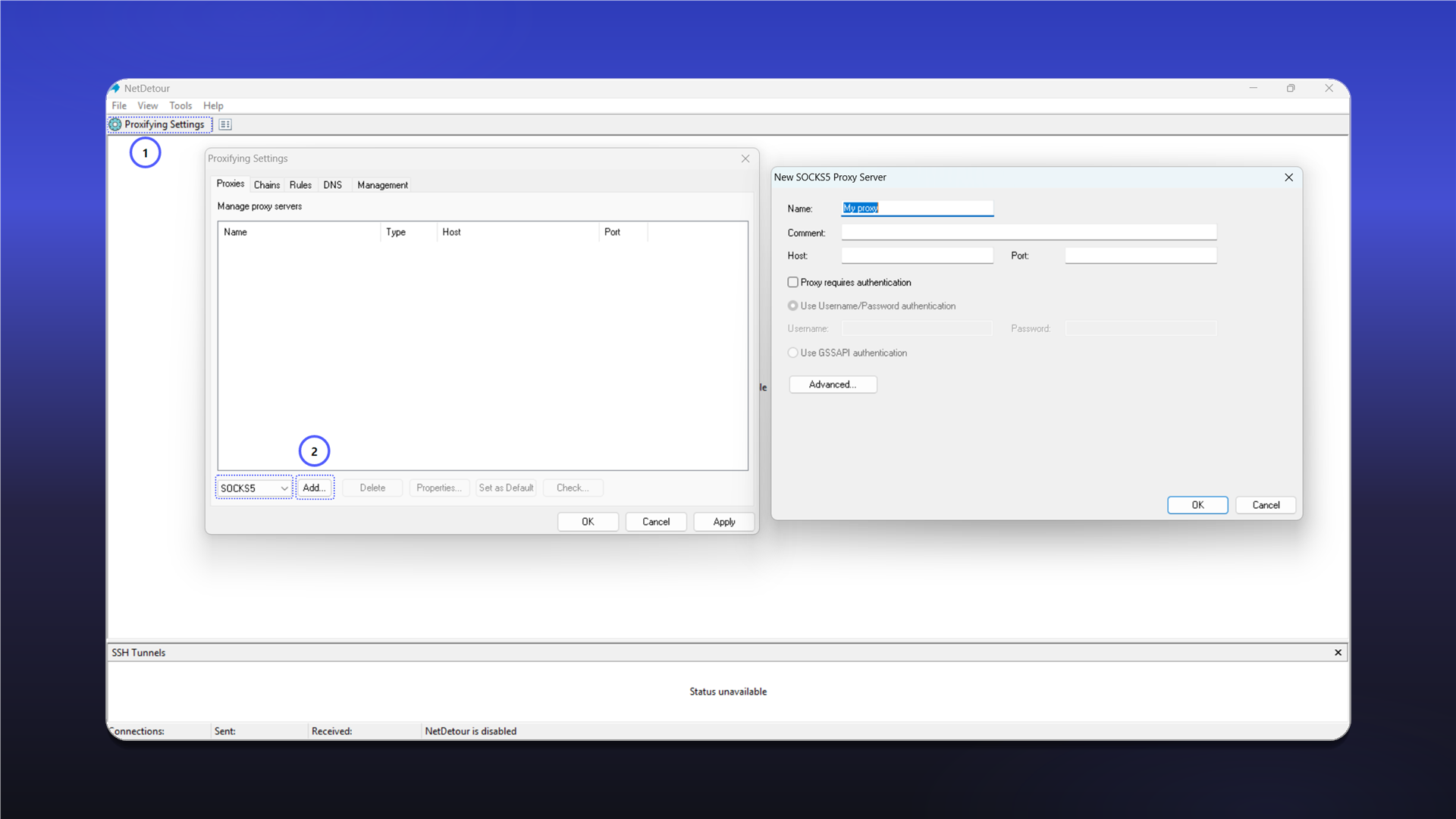
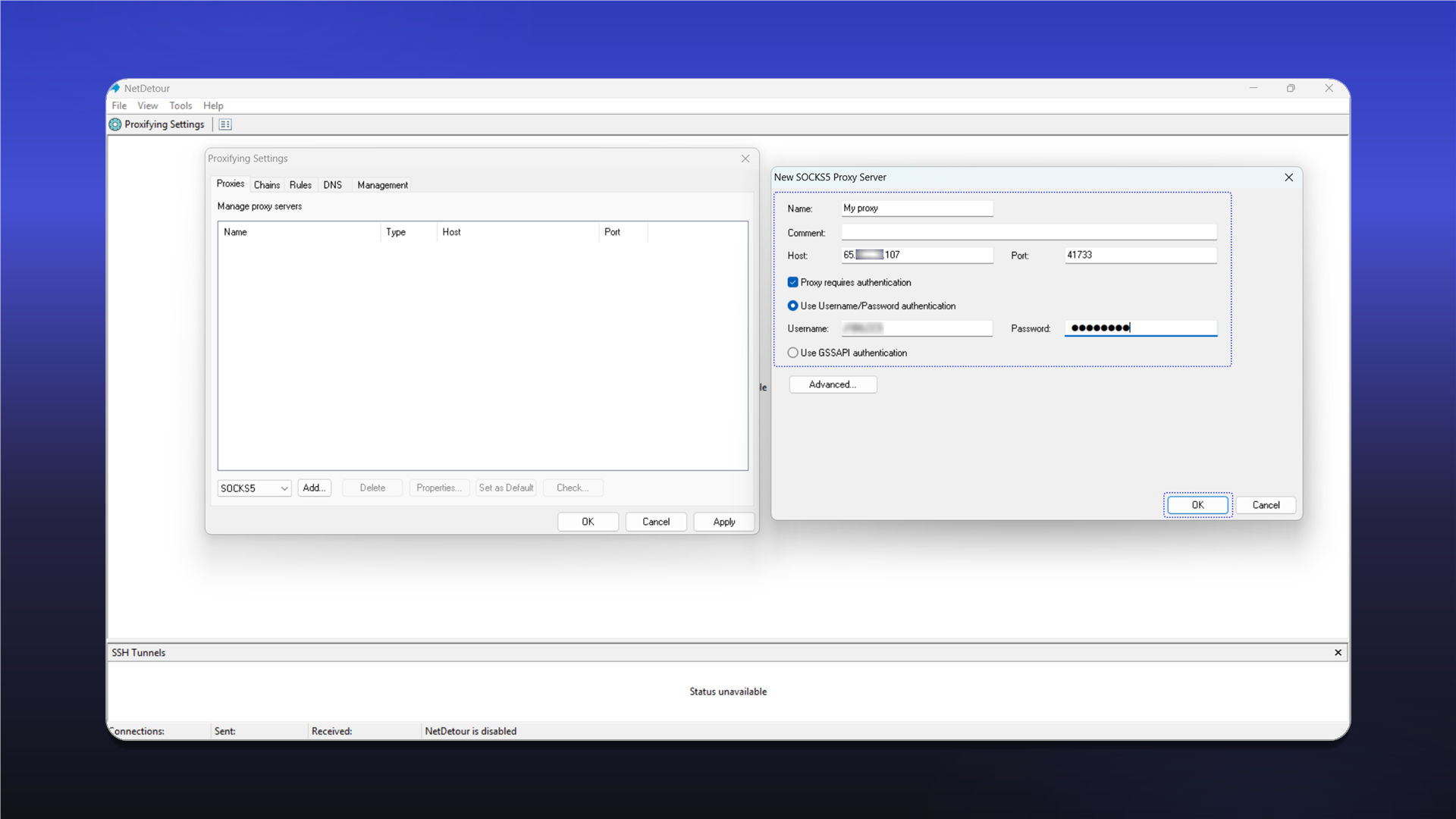
Complete the New SOCKS5 Proxy Server form:
Name: any recognizable name;Host: the proxy IP address or hostname;Port: the connection port;Proxy requires authentication: enable this option;Use Username/Password authentication: enter the username and password.
Click OK to save the server.
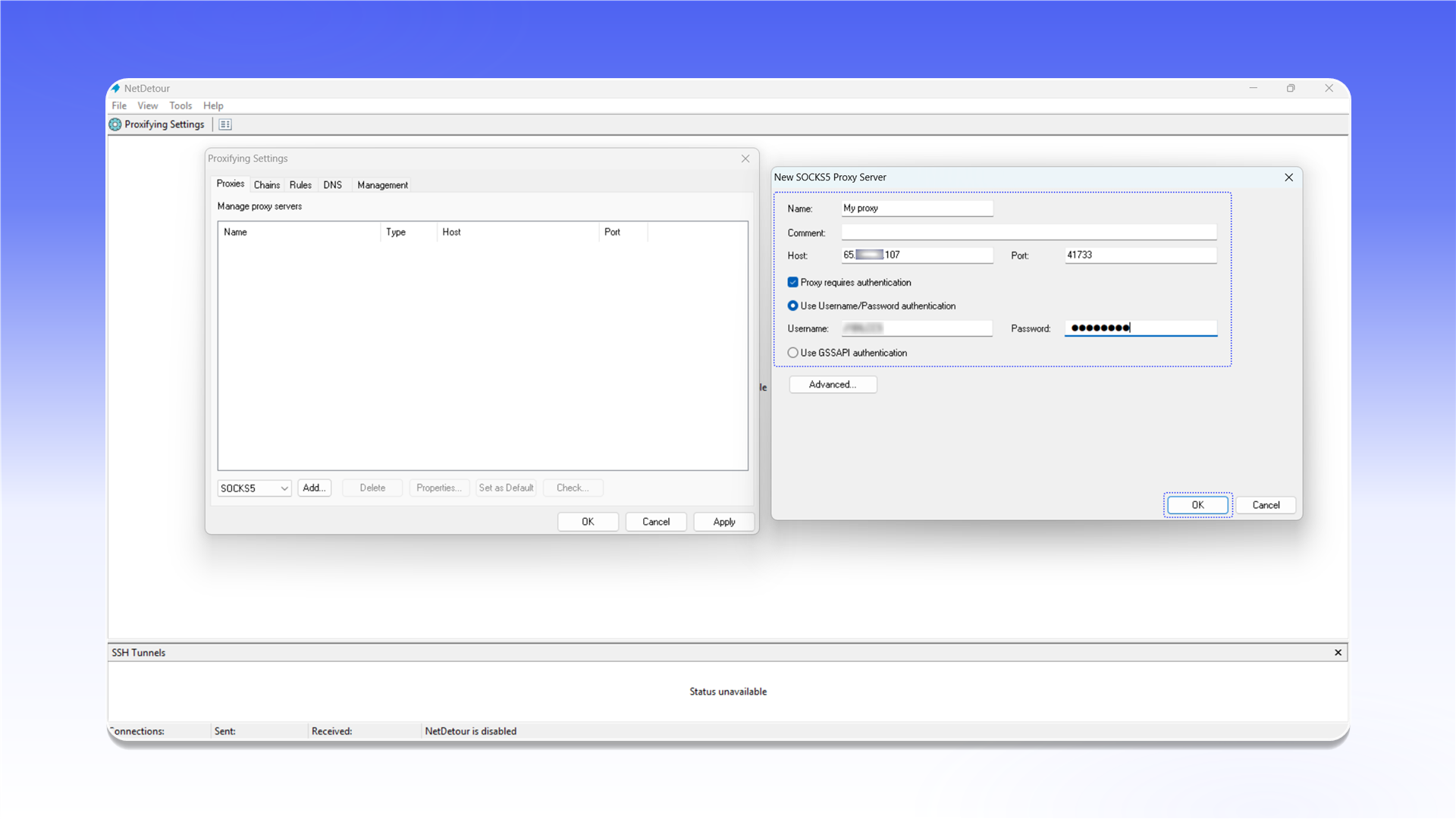
See the general setup guide for help finding the connection details.
Create a rule
- Open the
Rulestab inProxifying Settings. - Click
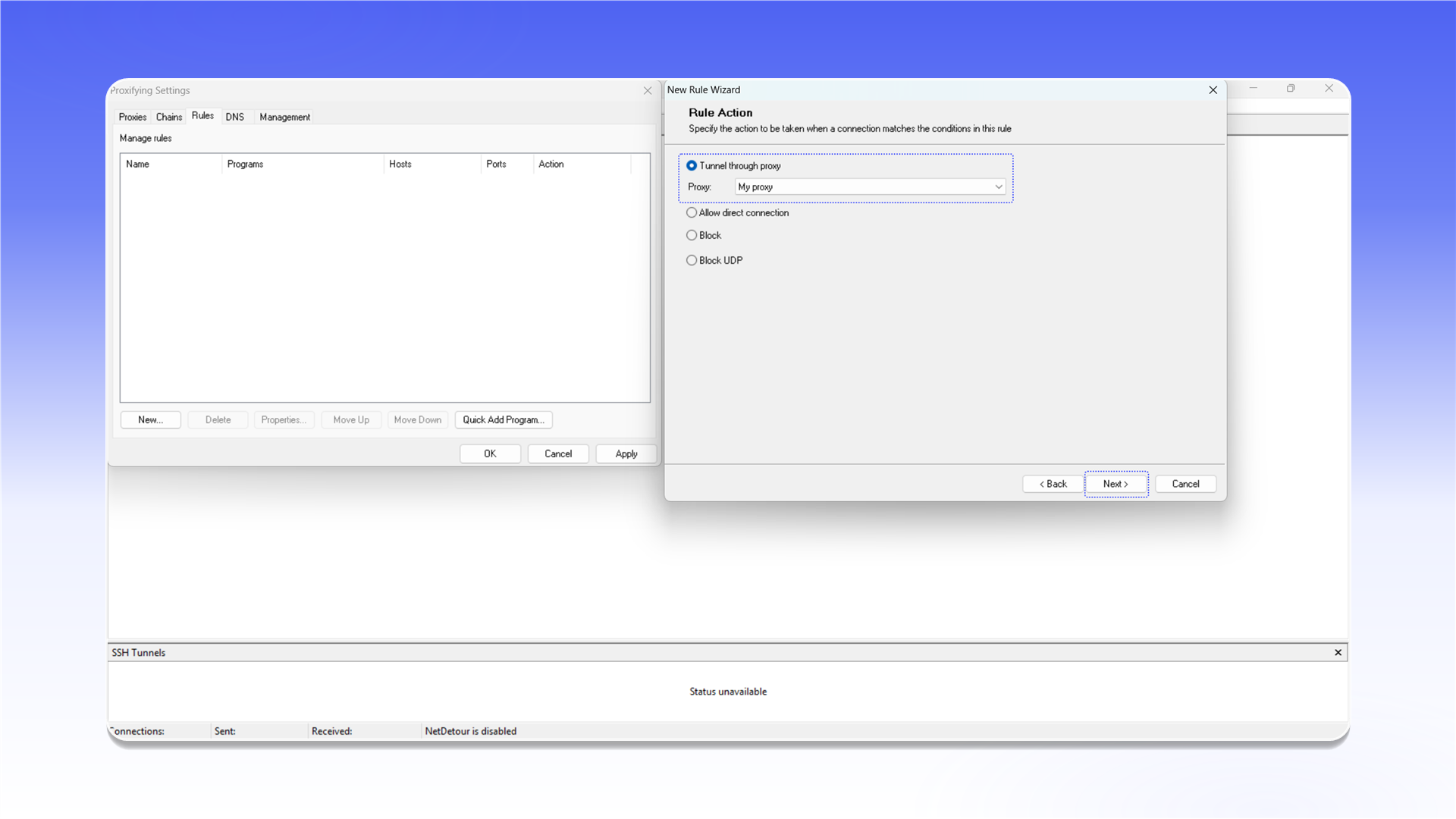
New.... - Under
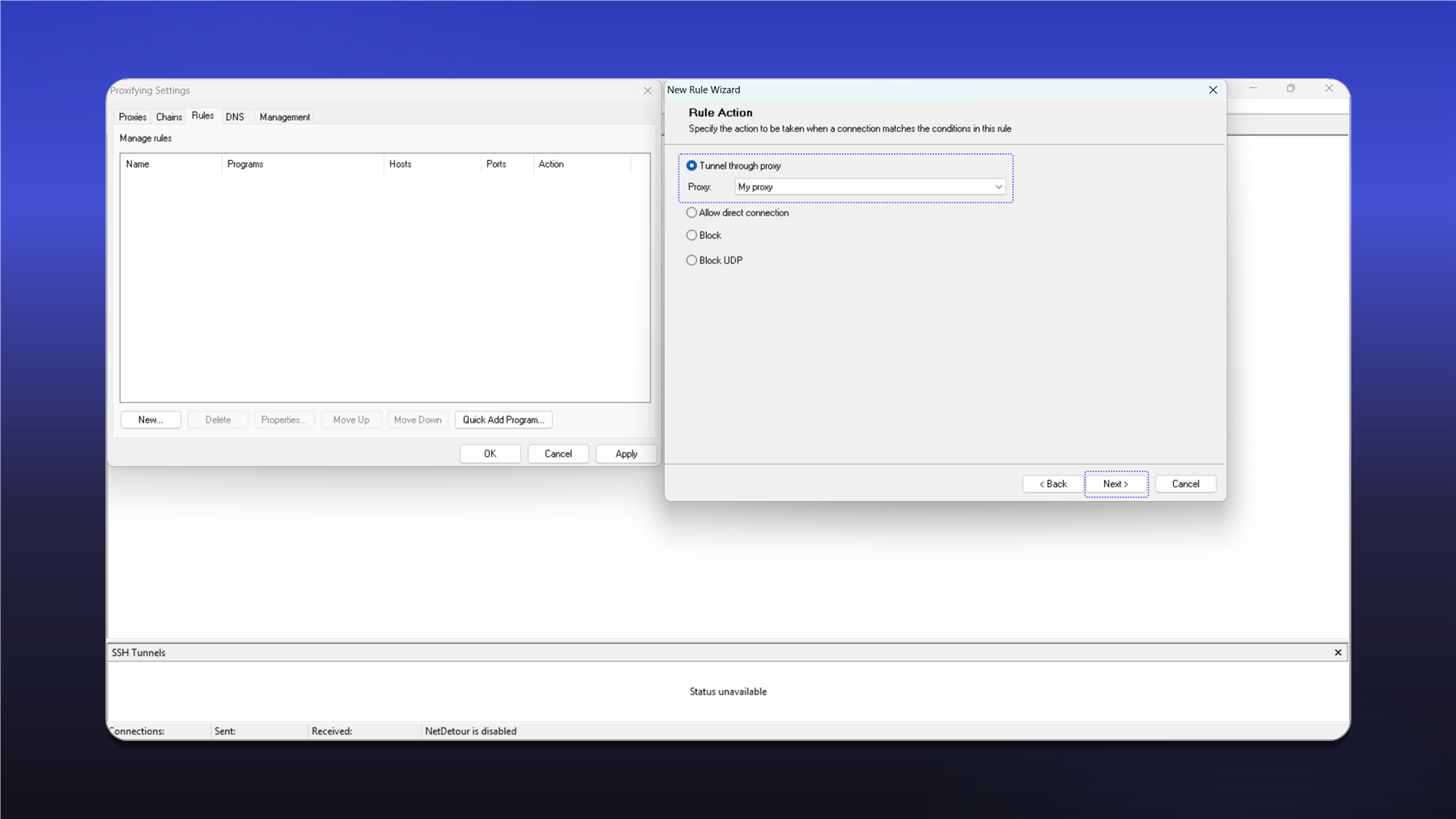
Rule Action, selectTunnel through proxy. - Select the connection from the
Proxylist. - Click
Next >, choose the required applications or keep the rule active for all applications, then save it.
Last updated on