Folders
Folders for ShardBrowser profiles
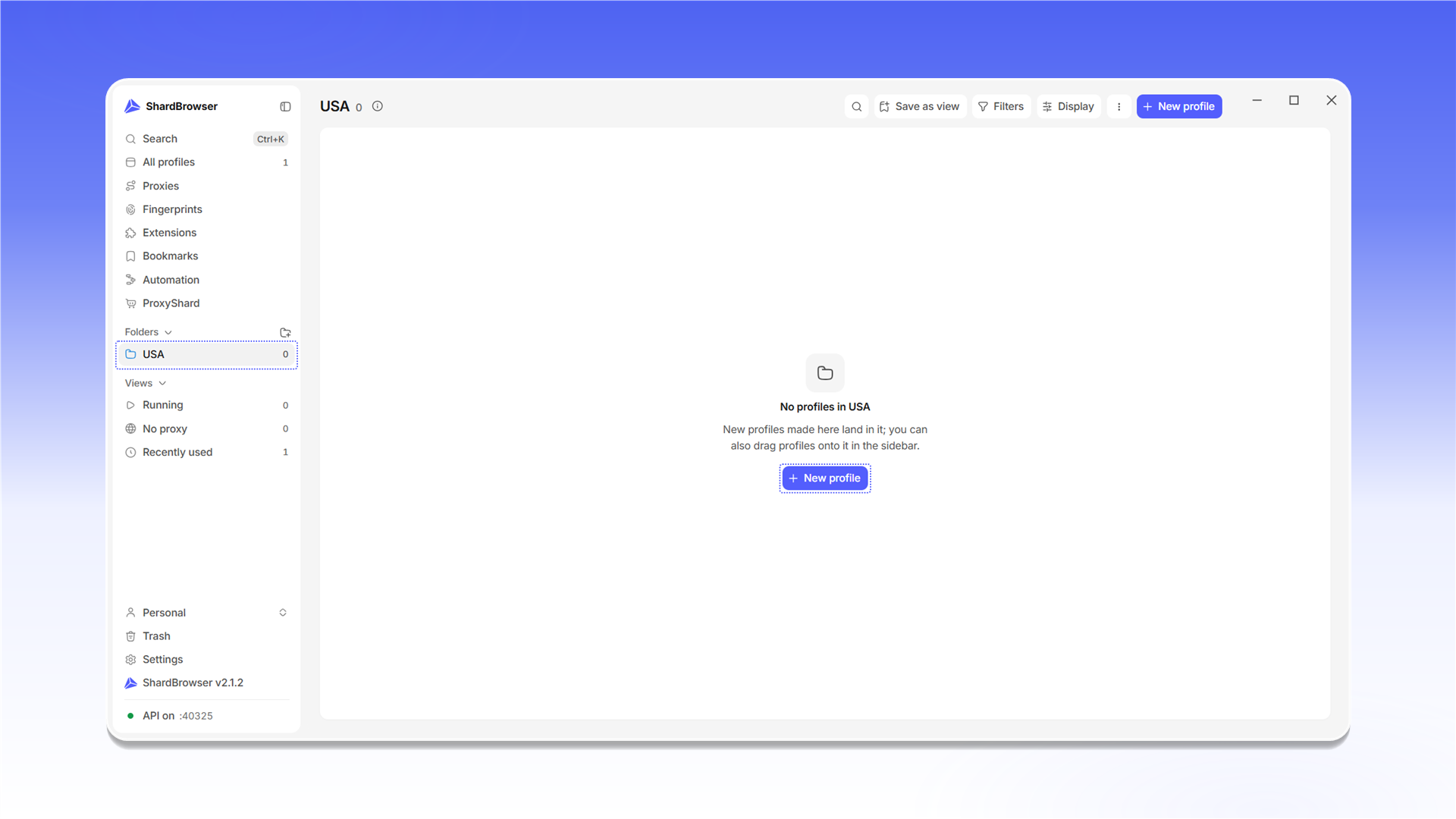
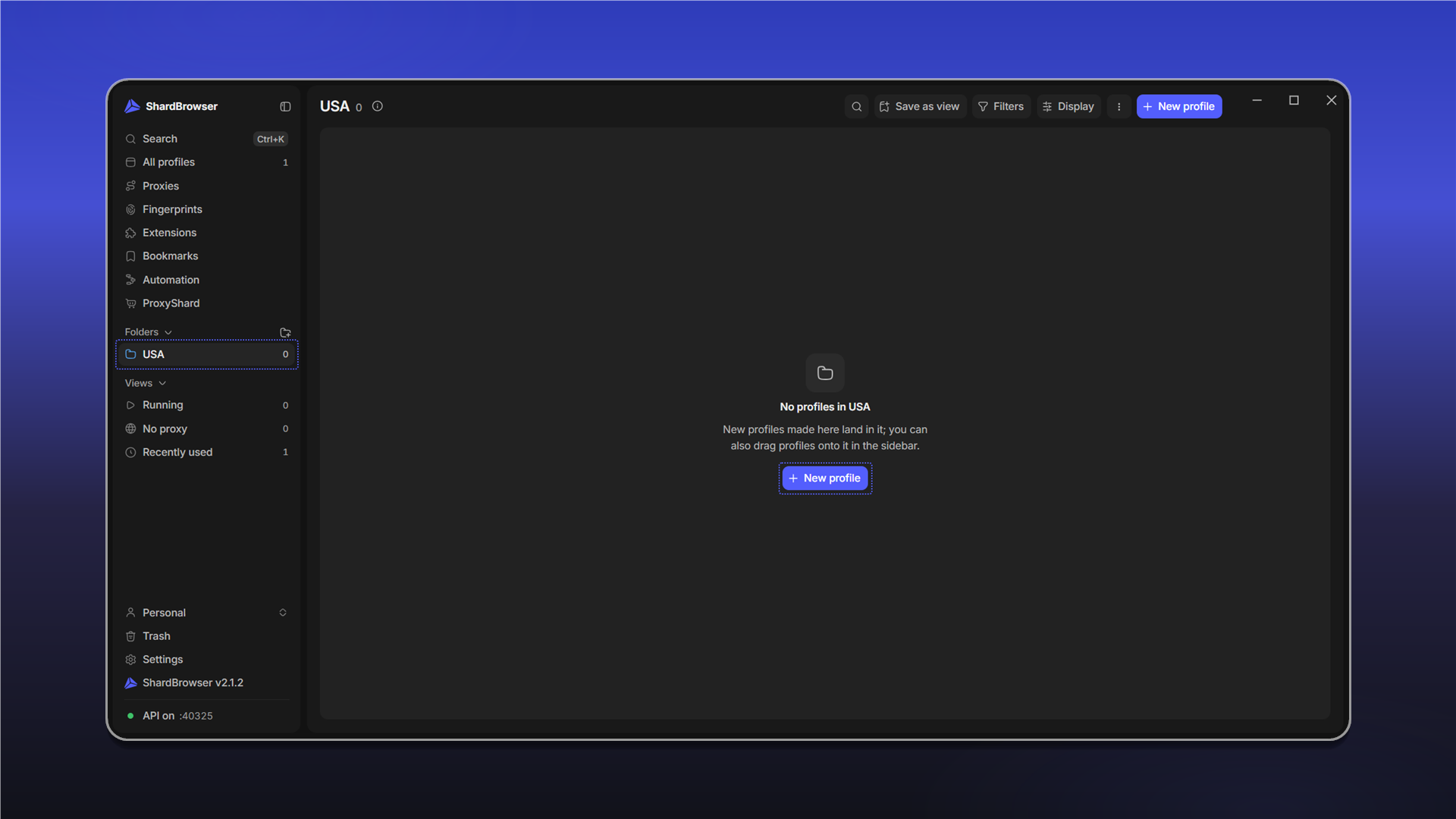
Folders help you sort profiles by project, country or team. The folder list is in the side menu, in the Folders block. To create a folder, click the + icon next to Folders.
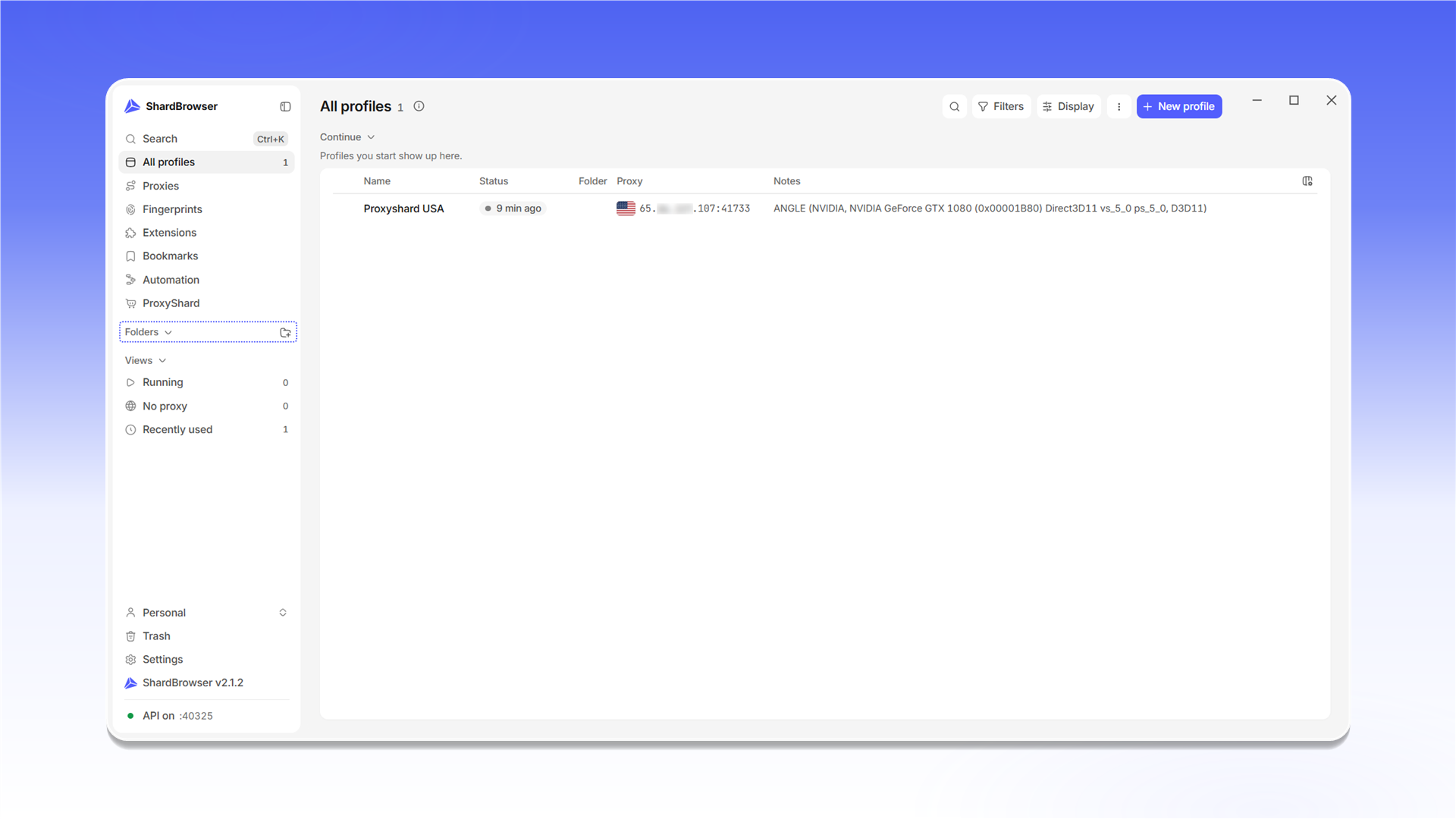
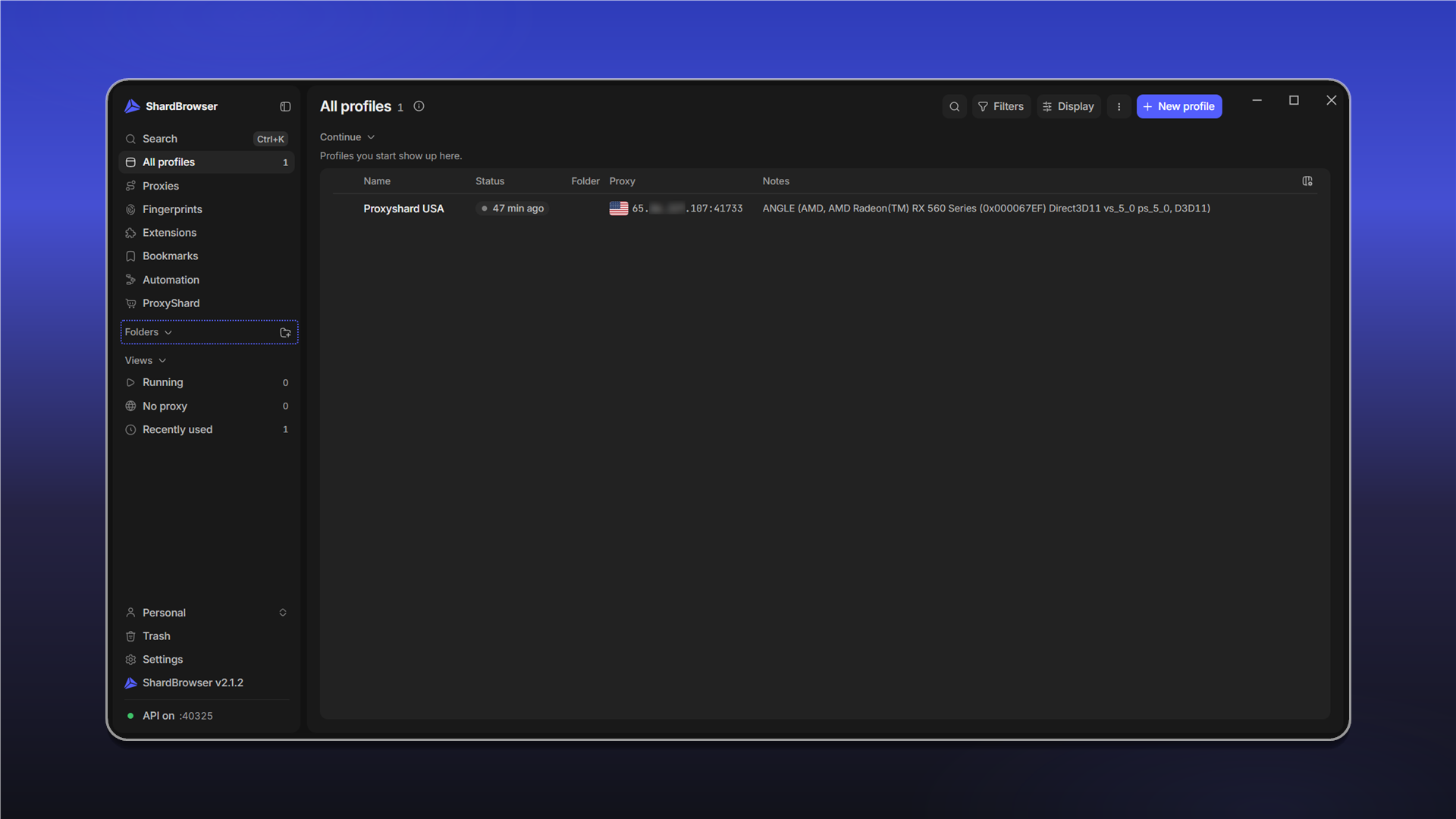
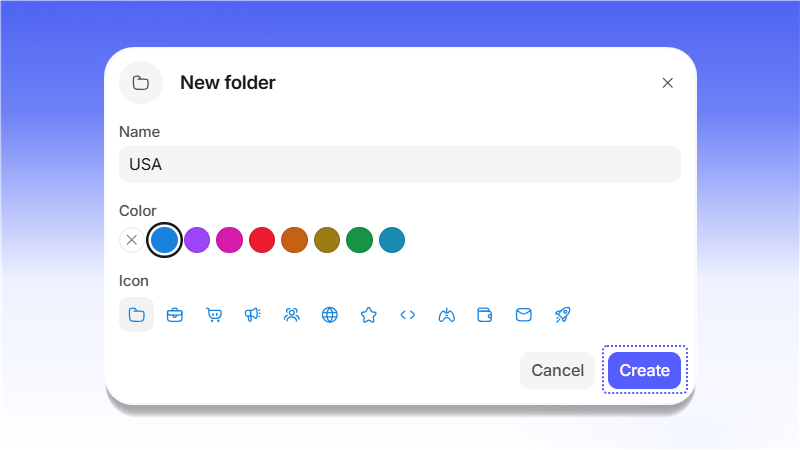
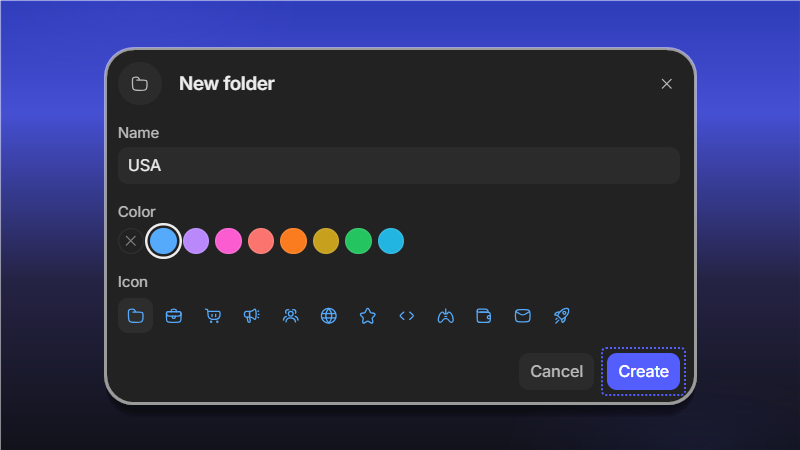
In the New folder window, enter a name, pick a color and an icon, then click Create.
The folder appears in the side menu. New profiles created inside the folder (+ New profile) land in it right away. You can save the current folder filter to Views with Save as view.
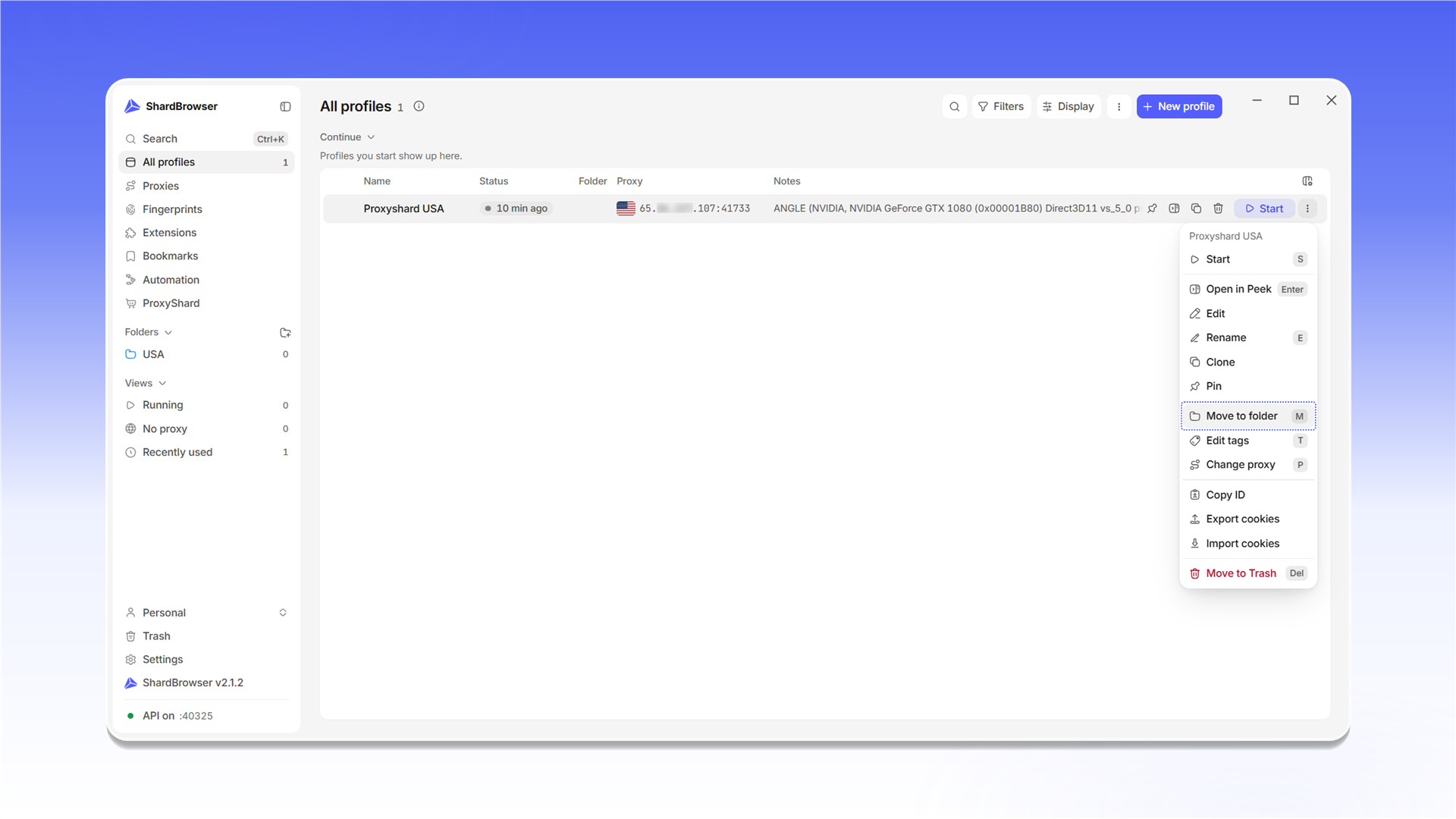
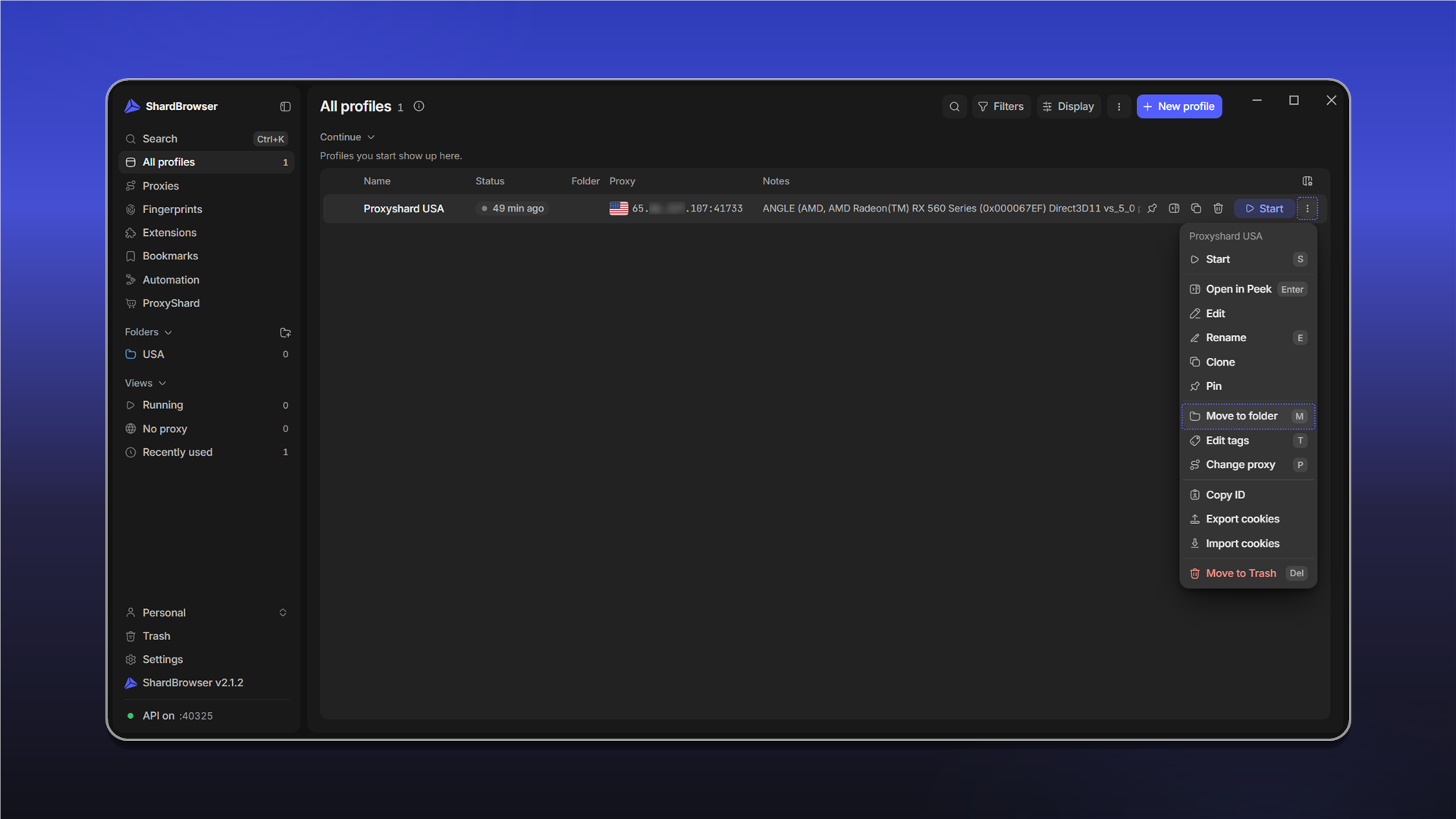
To move an existing profile, open the profile menu (⋮) and choose Move to folder (the M key). You can also drag a profile onto a folder in the side menu.
Last updated on