Automation
Automation scenarios for ShardBrowser profiles
Automation lets you build a scenario from a sequence of actions: open a page, click an element, type text, change the proxy and so on. Click + New project to create a scenario. You can load a ready-made project with Import.
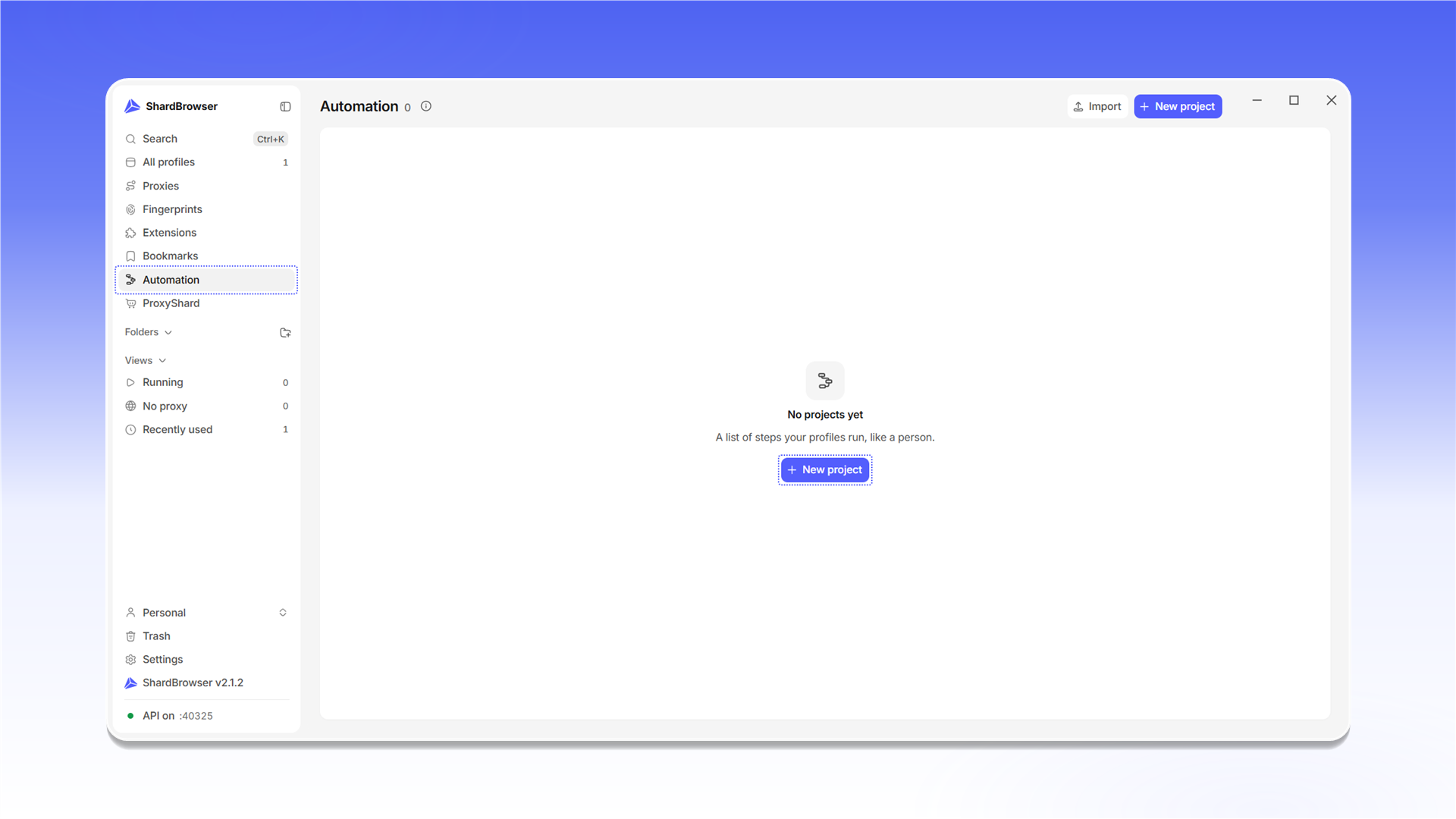
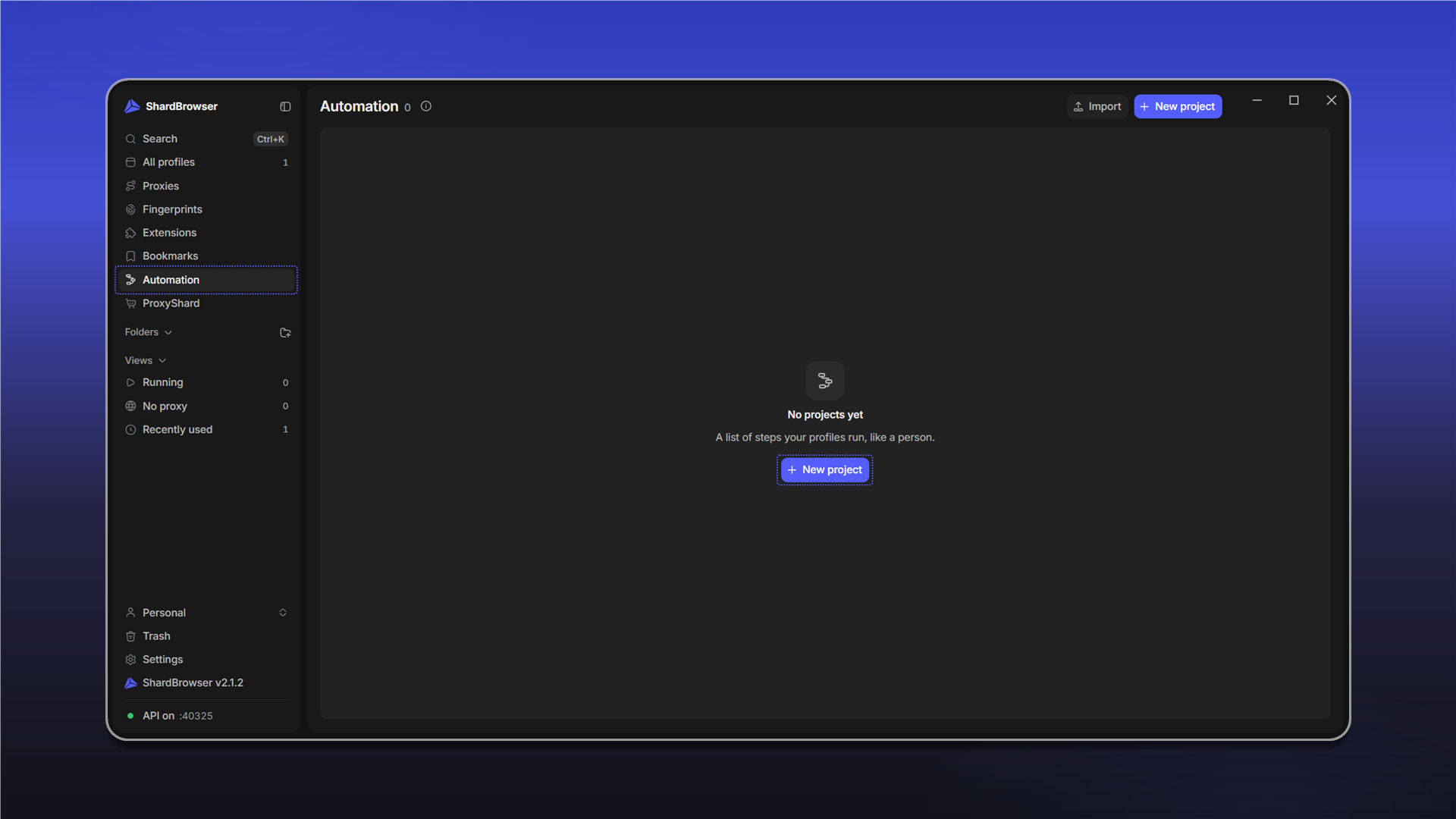
A scenario is built from steps in the Add a step window. Steps are grouped into Profile, Proxy, Navigation, Touch, Pointer, Keyboard, Flow, Requests, Traffic, Data and Database. You can find any step with search.
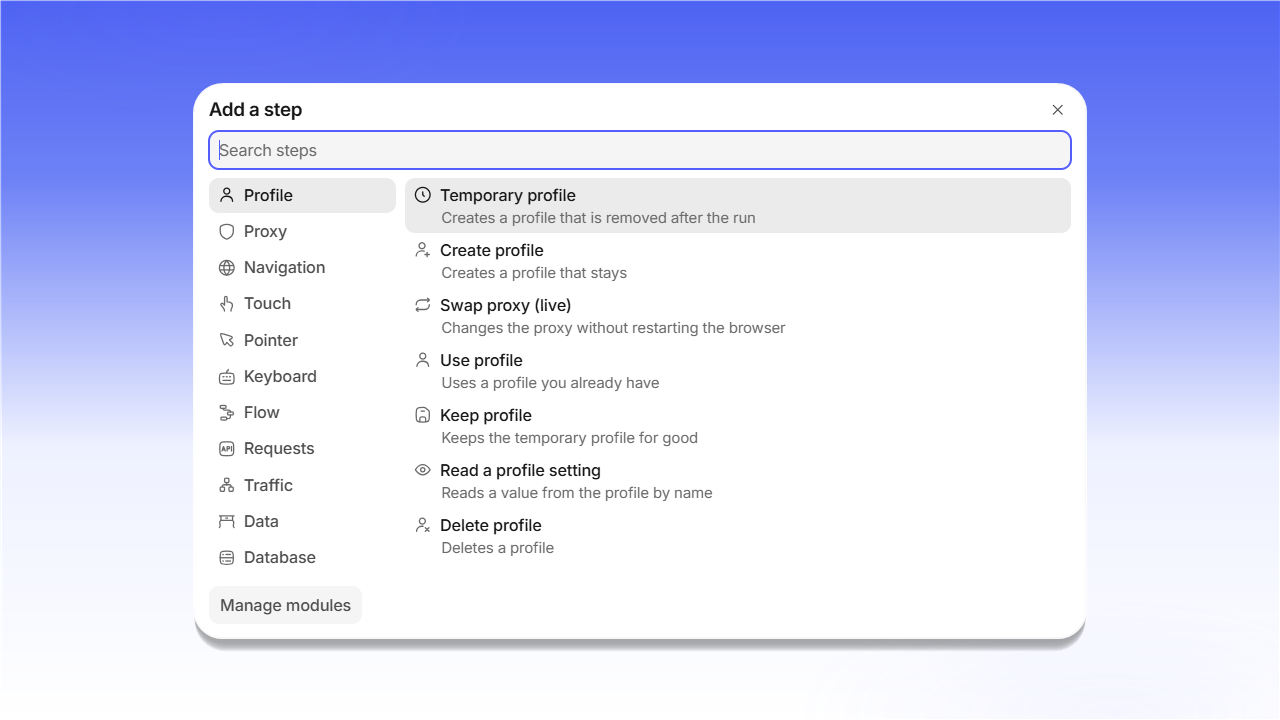
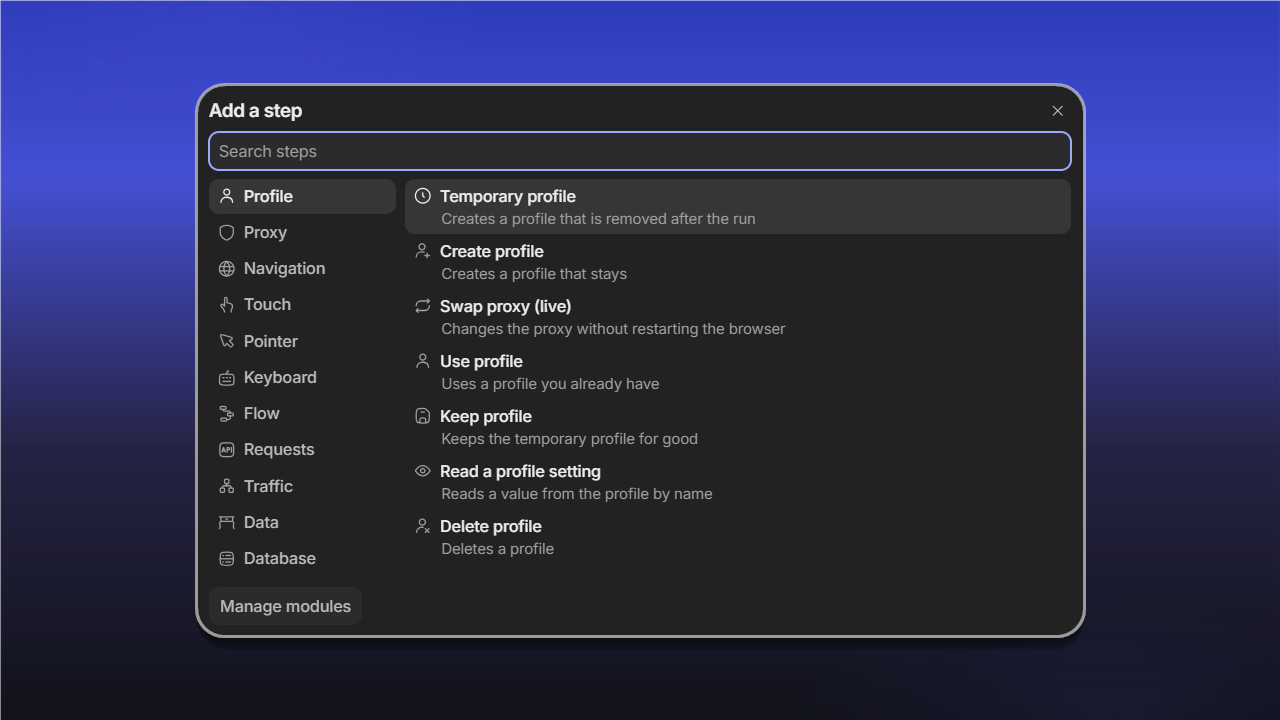
For example, the Profile group has these steps:
| Step | What it does |
|---|---|
| Temporary profile | Creates a profile that is removed after the automation run |
| Create profile | Creates a profile that stays |
| Swap proxy (live) | Changes the proxy without restarting the browser |
| Use profile | Uses a profile you already have |
| Keep profile | Keeps the temporary profile after the automation run |
| Read a profile setting | Reads a value from the profile by name |
| Delete profile | Deletes a profile |
Manage modules manages the connected step modules.
You can also control profiles from your own code through the local HTTP API at 127.0.0.1:40325 - the API on status is shown at the bottom of the side menu.
Last updated on