Fingerprints
The device fingerprint library in ShardBrowser
Fingerprints is the library of real-device fingerprints that ShardBrowser builds profiles from. Each fingerprint describes a specific machine: operating system, Chrome version, graphics card, screen, CPU cores and memory.
At the top are the system filters: All, macOS, Windows, Linux and Android, plus extra Filters and search. Each fingerprint card shows the screen resolution, the number of cores and the Chrome version.
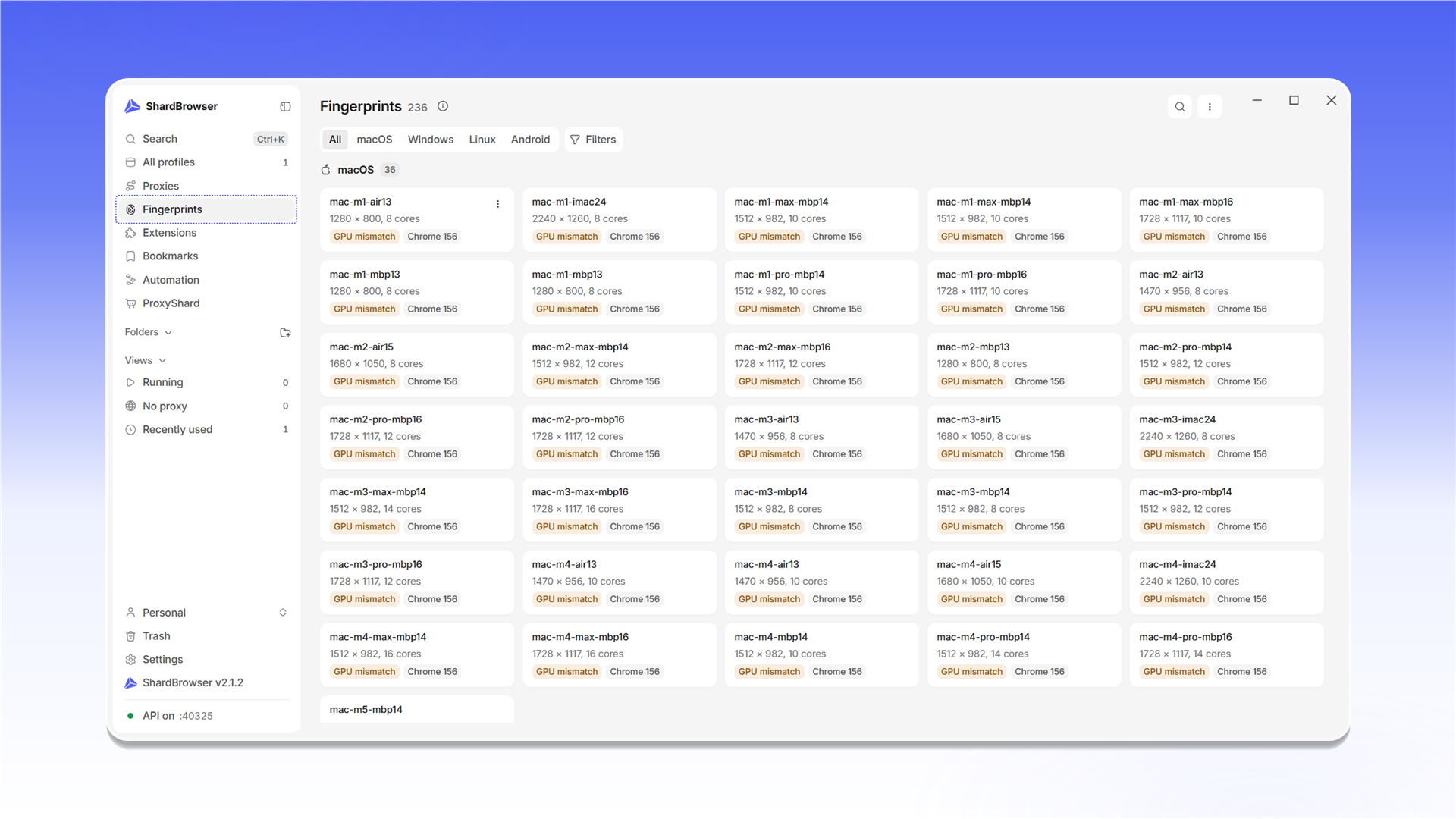
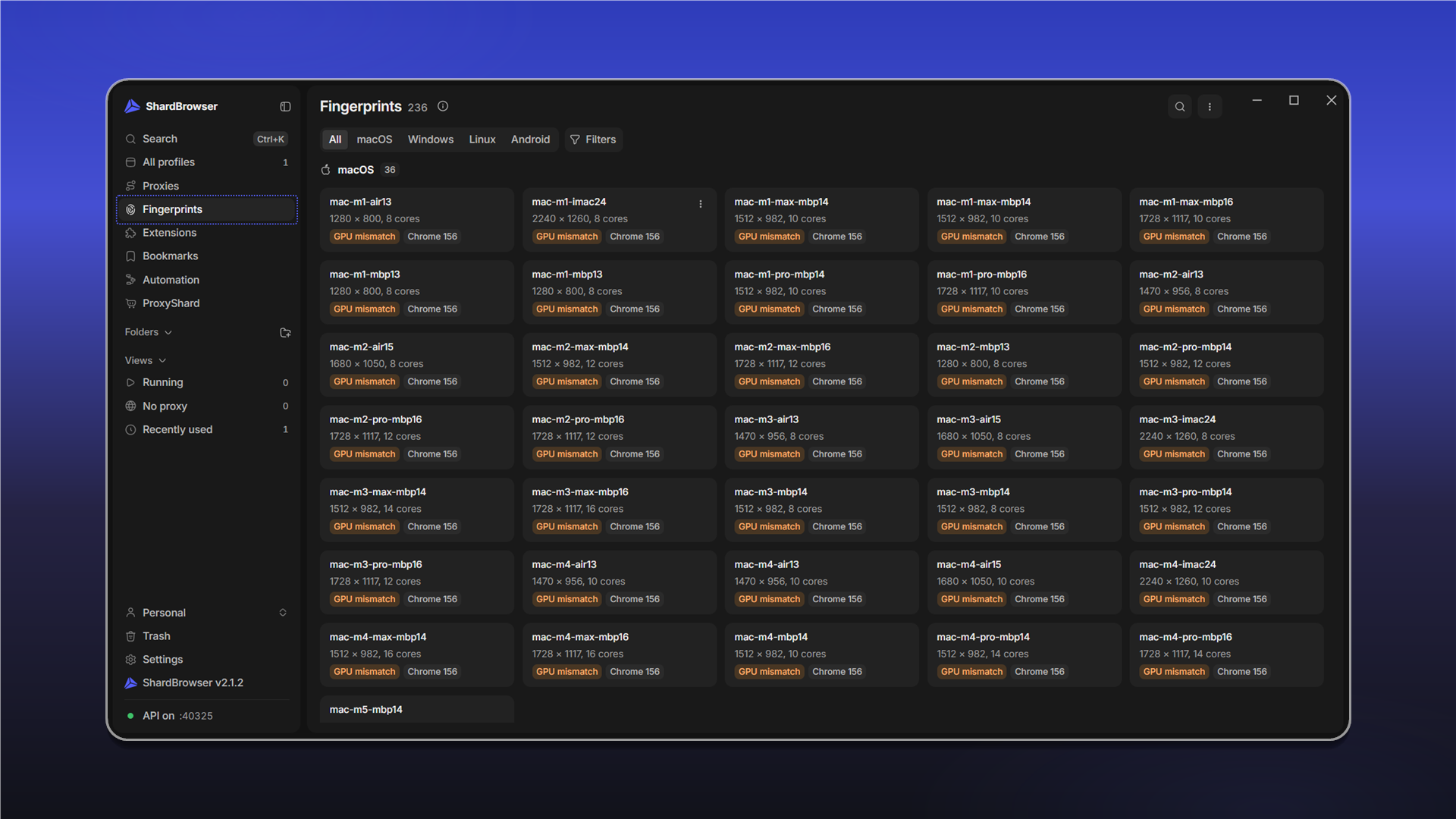
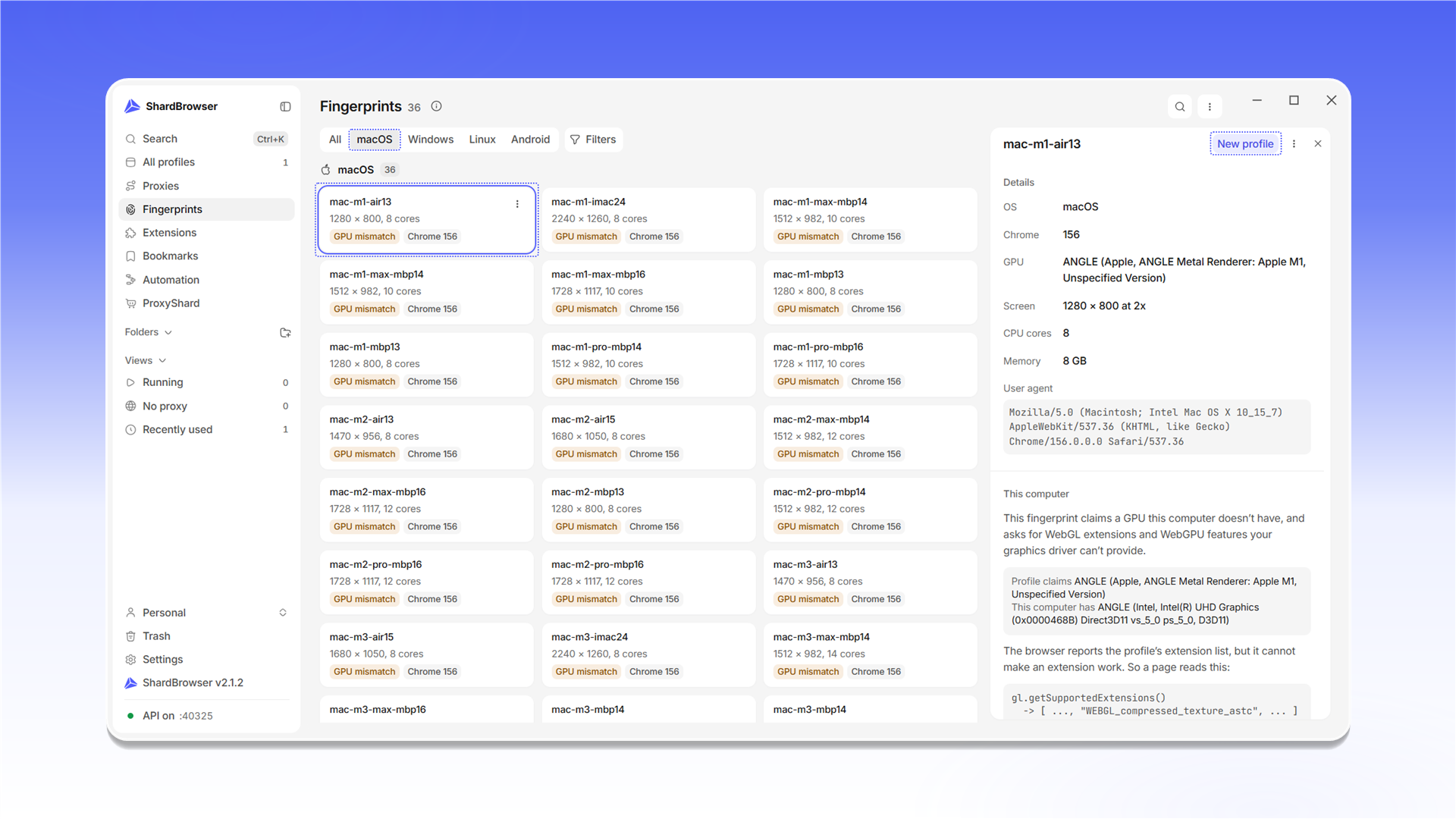
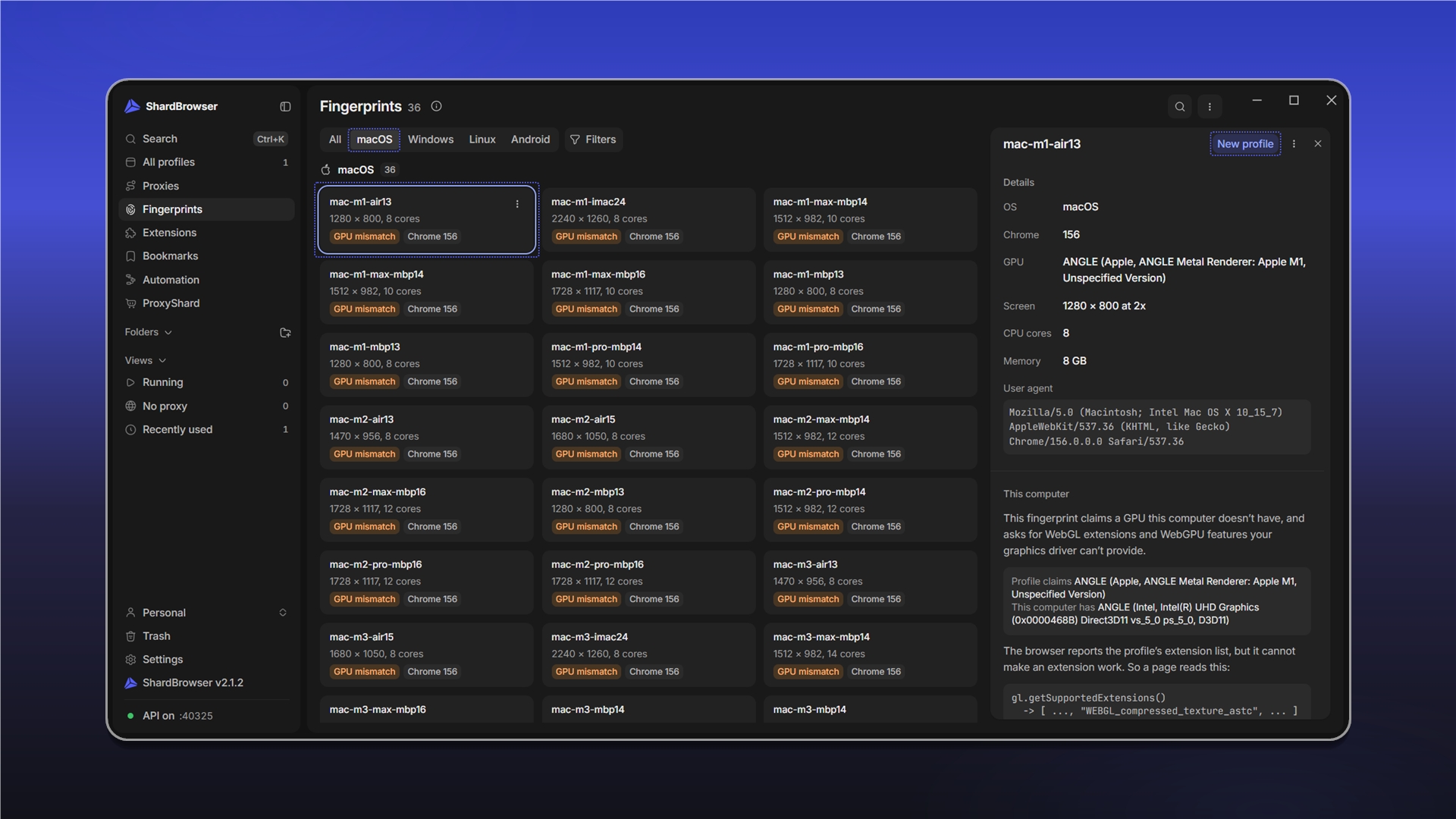
The GPU mismatch tag means the fingerprint claims a graphics card your computer doesn't have. Such a profile works, but the browser can't deliver some of the WebGL and WebGPU features the fingerprint claims. The fingerprint card explains this in detail in the This computer block.
Click a fingerprint to open its card. The Details block lists the OS, Chrome version, graphics card, screen, cores, memory and User agent. New profile creates a profile straight from this fingerprint.
Last updated on