Bookmarks
Shared bookmarks for ShardBrowser profiles
Bookmarks lets you set up bookmarks once and hand them out to every profile or to the profiles in a chosen folder. Click + Add a bookmark (or + New bookmark at the top). Import from Chrome brings over the bookmarks from your Chrome.
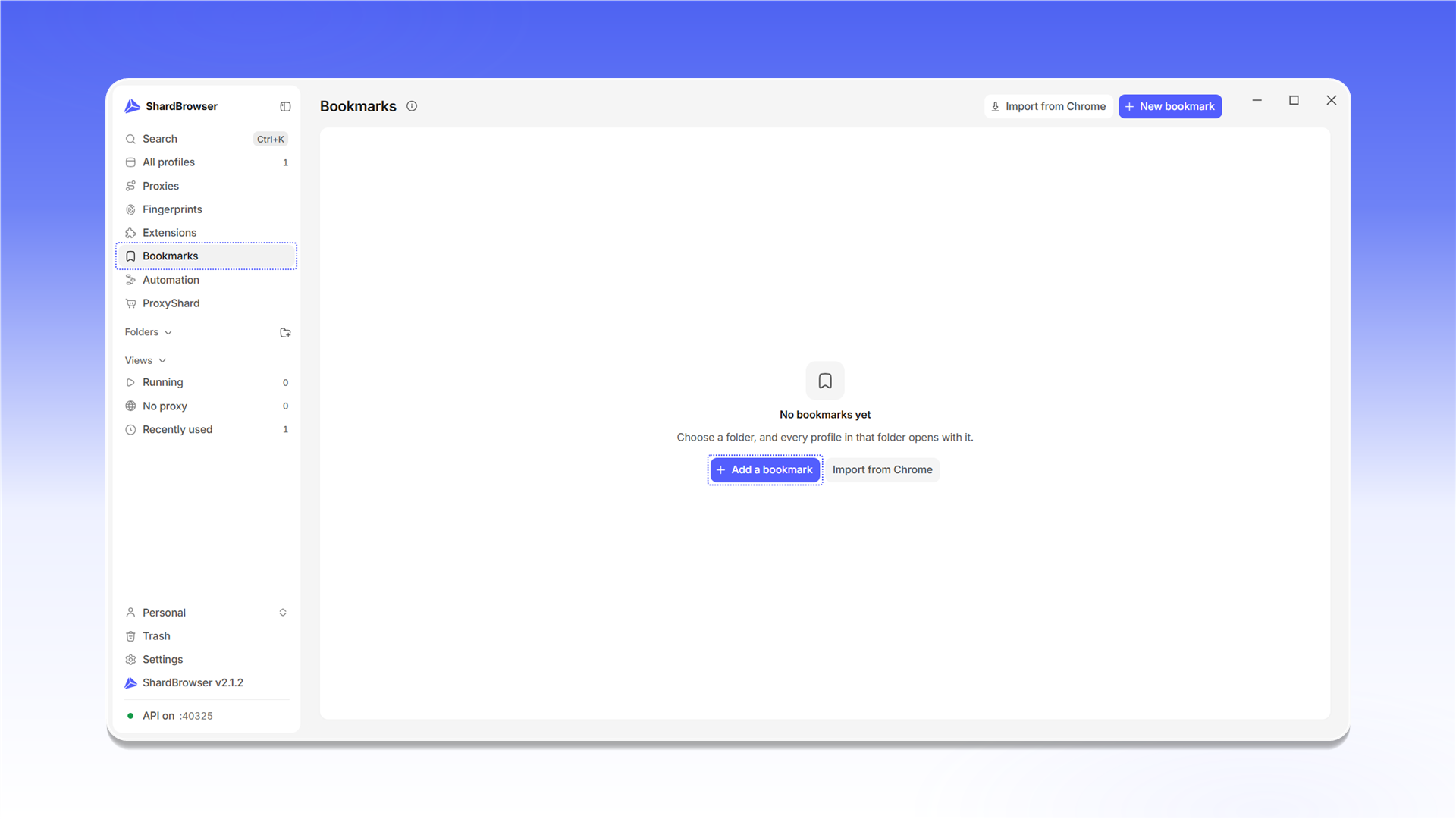
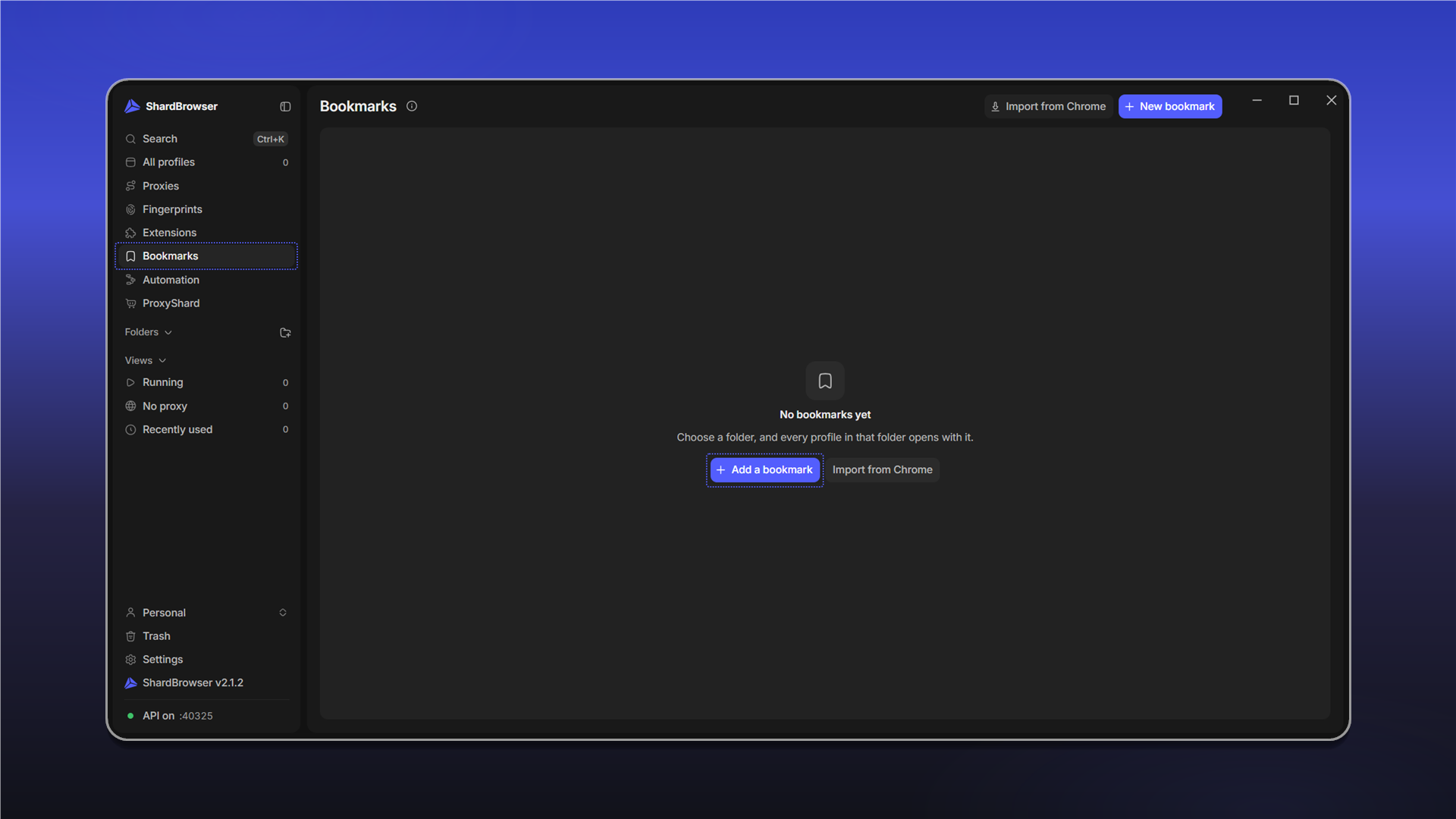
In the New bookmark window, enter the URL, the Title and the Folder. Every profile adds the bookmark to all profiles. Click Save.
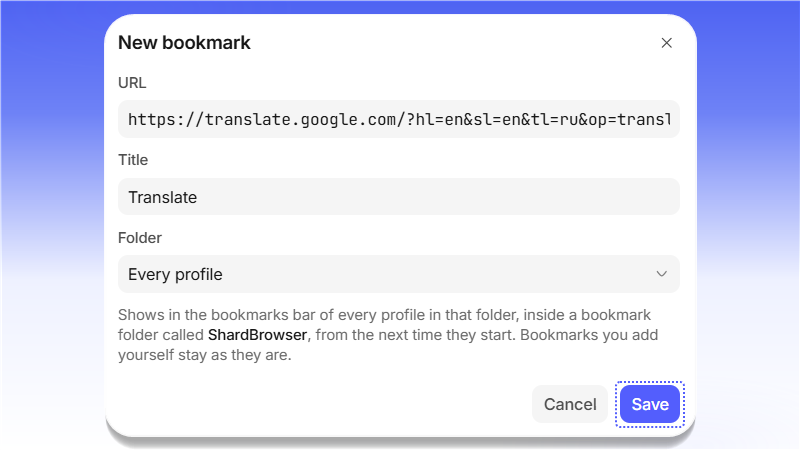
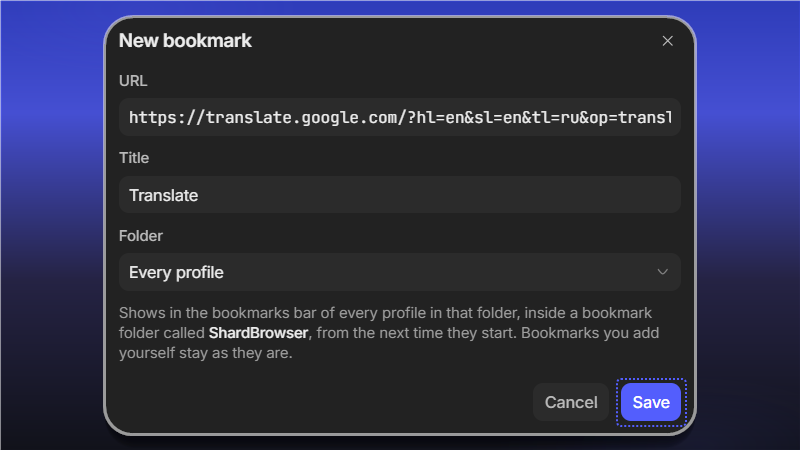
The bookmark shows up in the bookmarks bar of every profile in the chosen folder, inside a bookmark folder called ShardBrowser, the next time the profile starts. Bookmarks you added in a profile yourself stay as they are.
Last updated on