V2Box
V2Box supports UDP traffic.
Installing V2Box
Install V2Box from the app store for your device.
Android
play.google.comhttps://play.google.com/store/apps/details?id=dev.hexasoftware.v2boxiOS
apps.apple.comhttps://apps.apple.com/app/v2box-v2ray-client/id6446814690Configuring V2Box
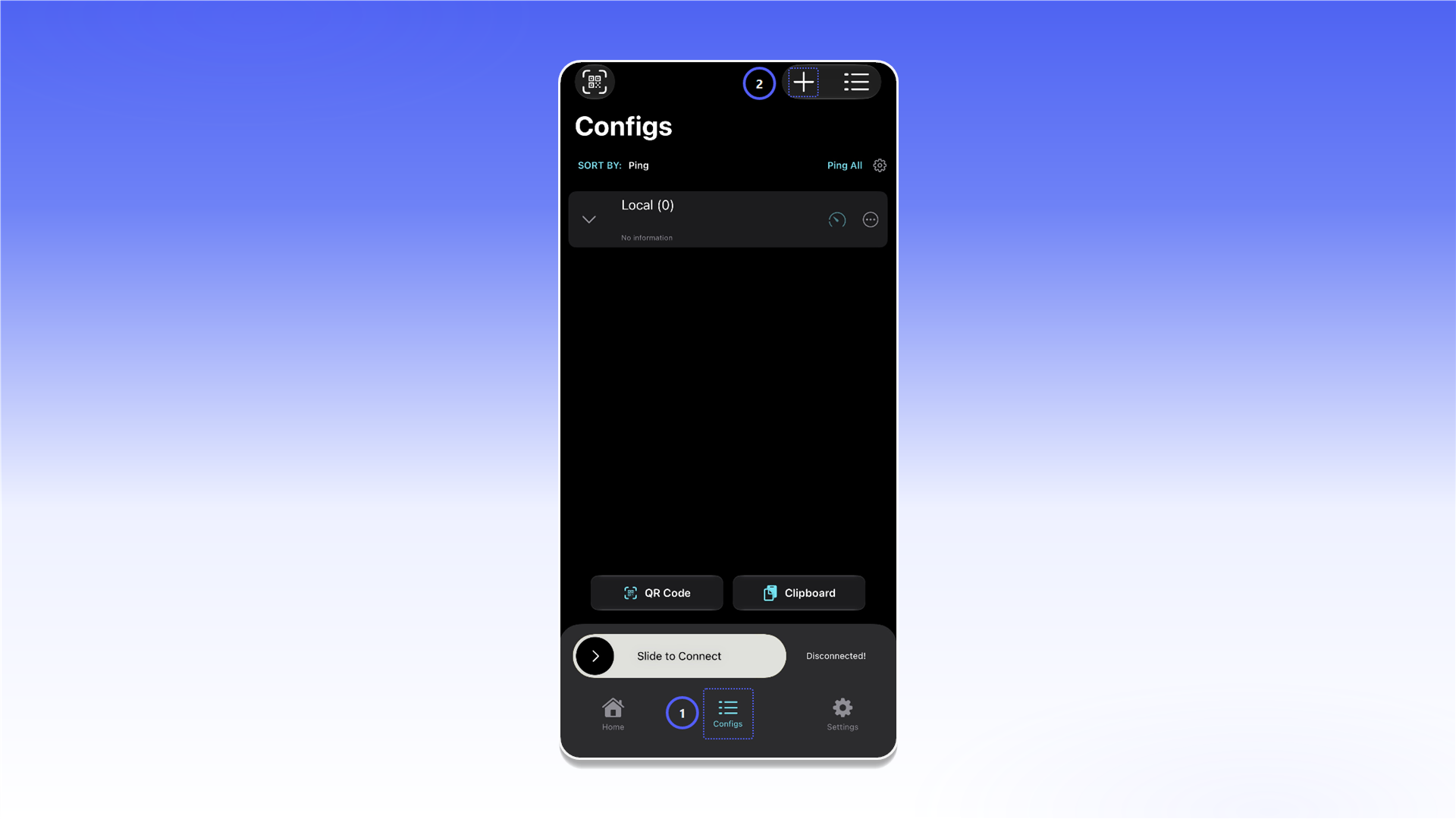
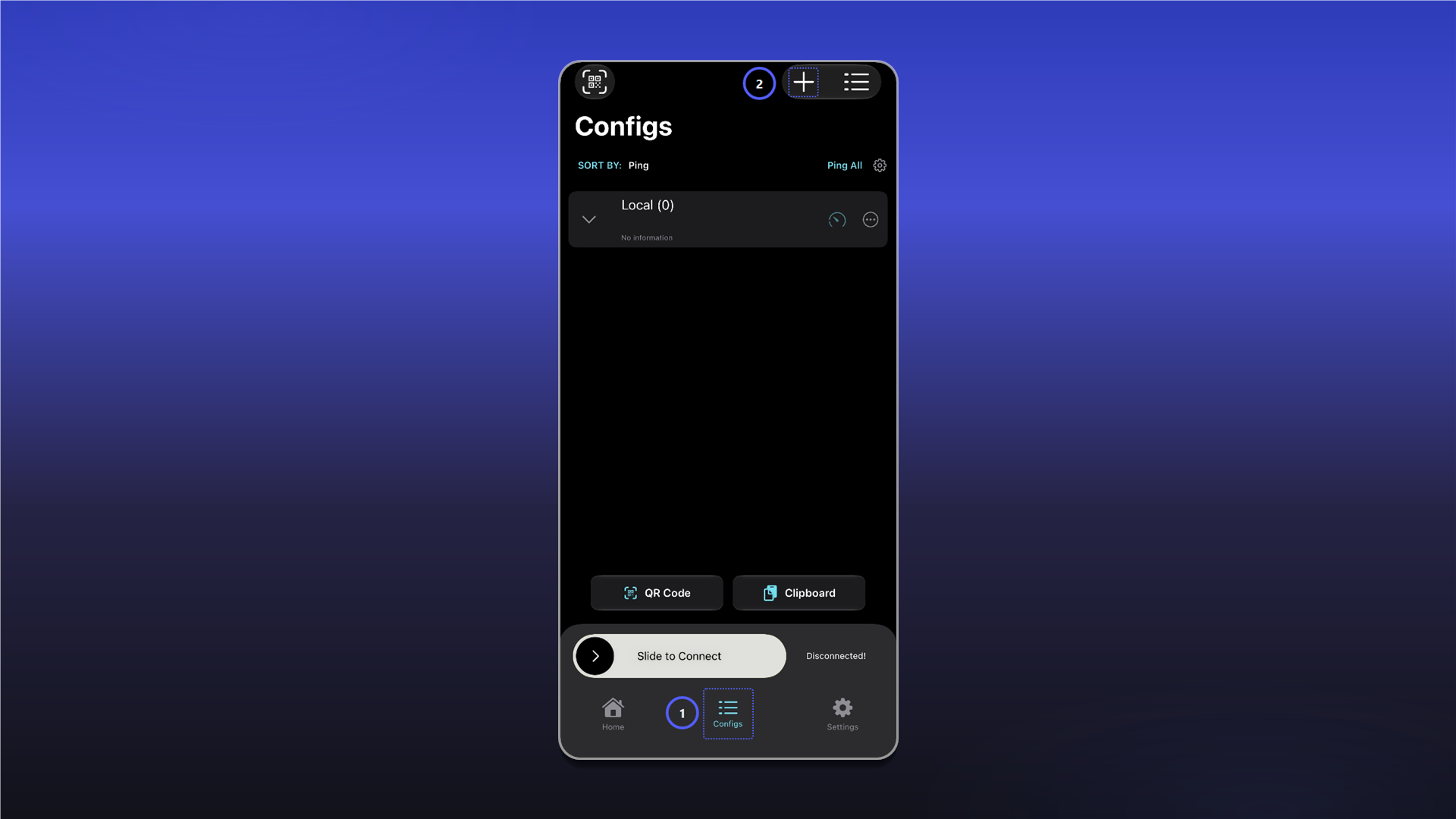
- Open
Configs. - Tap
+to create a configuration.
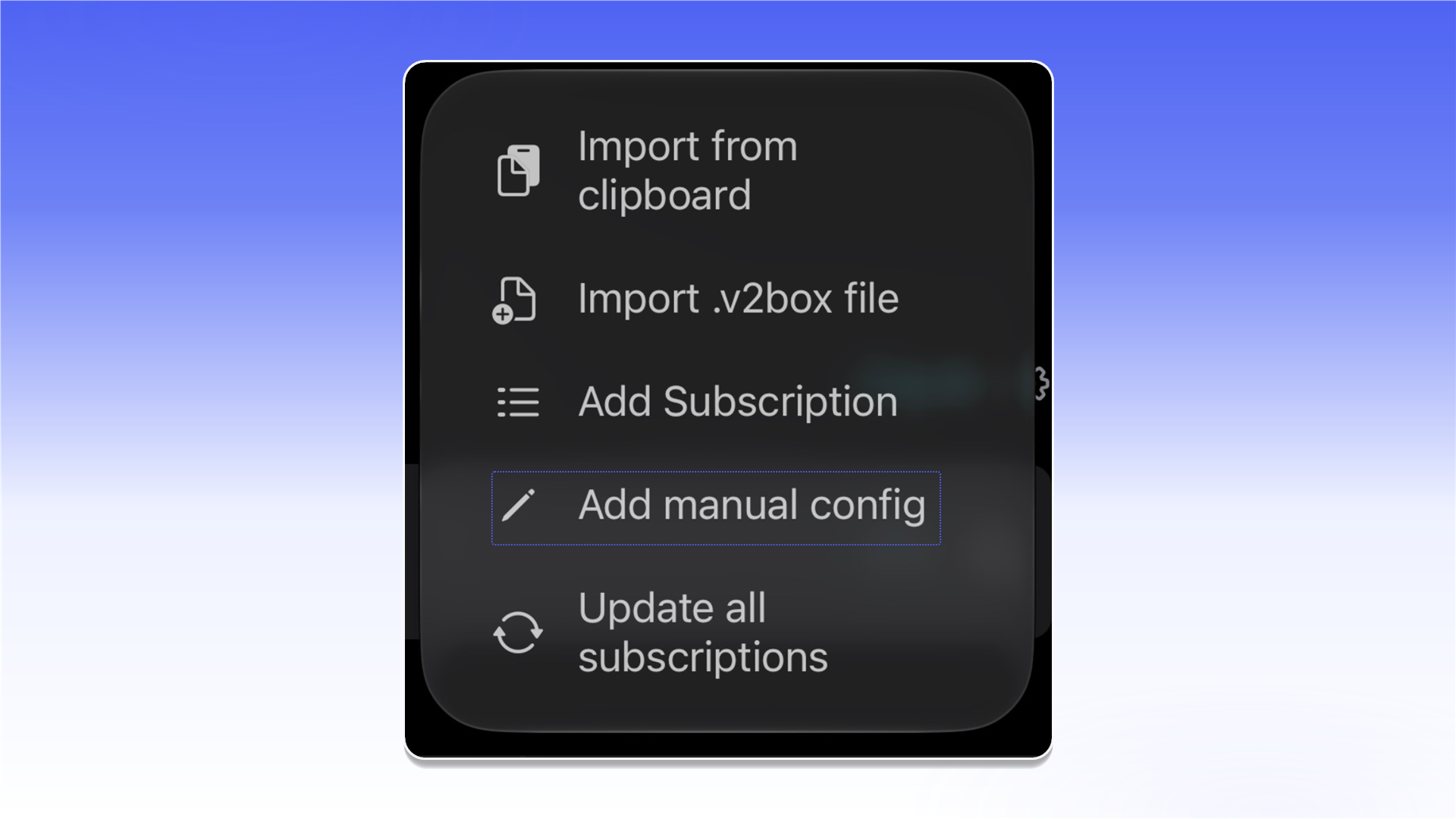
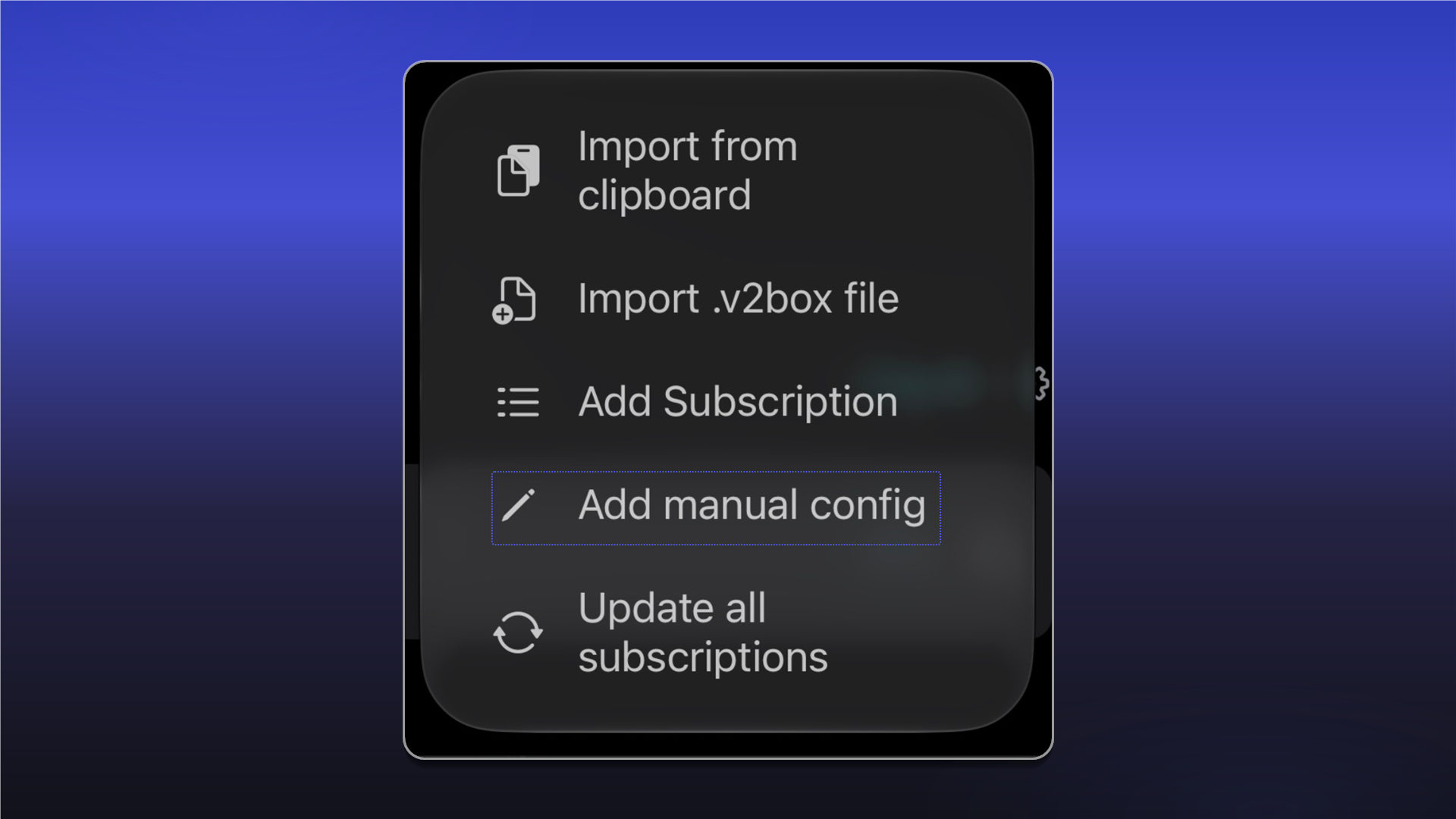
In Protocol, select SOCKS.
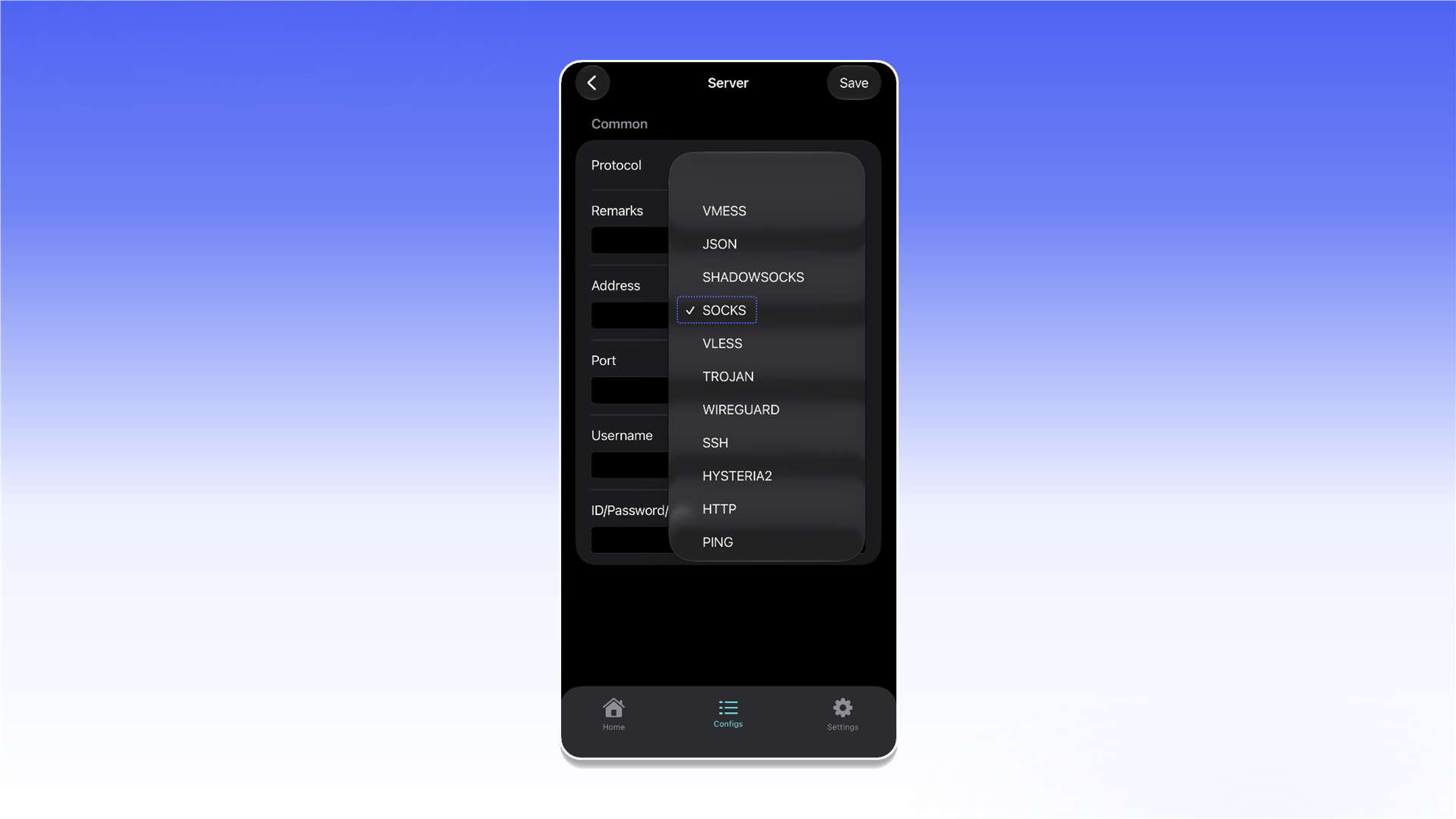
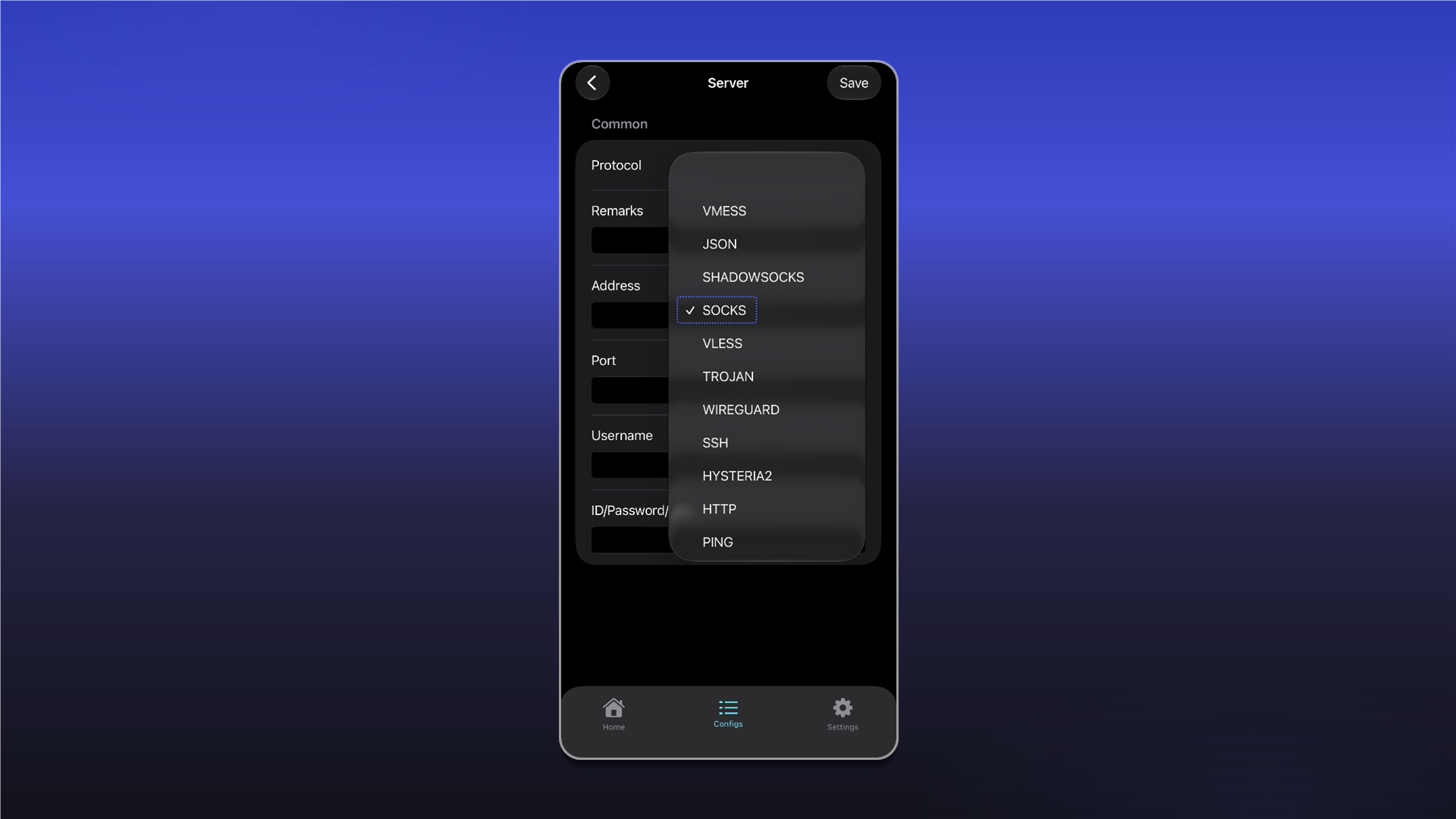
Enter a configuration name in Remarks. Fill in Address, Port, Username, and ID/Password/Key using the details from your order's Proxy List, then tap Save.
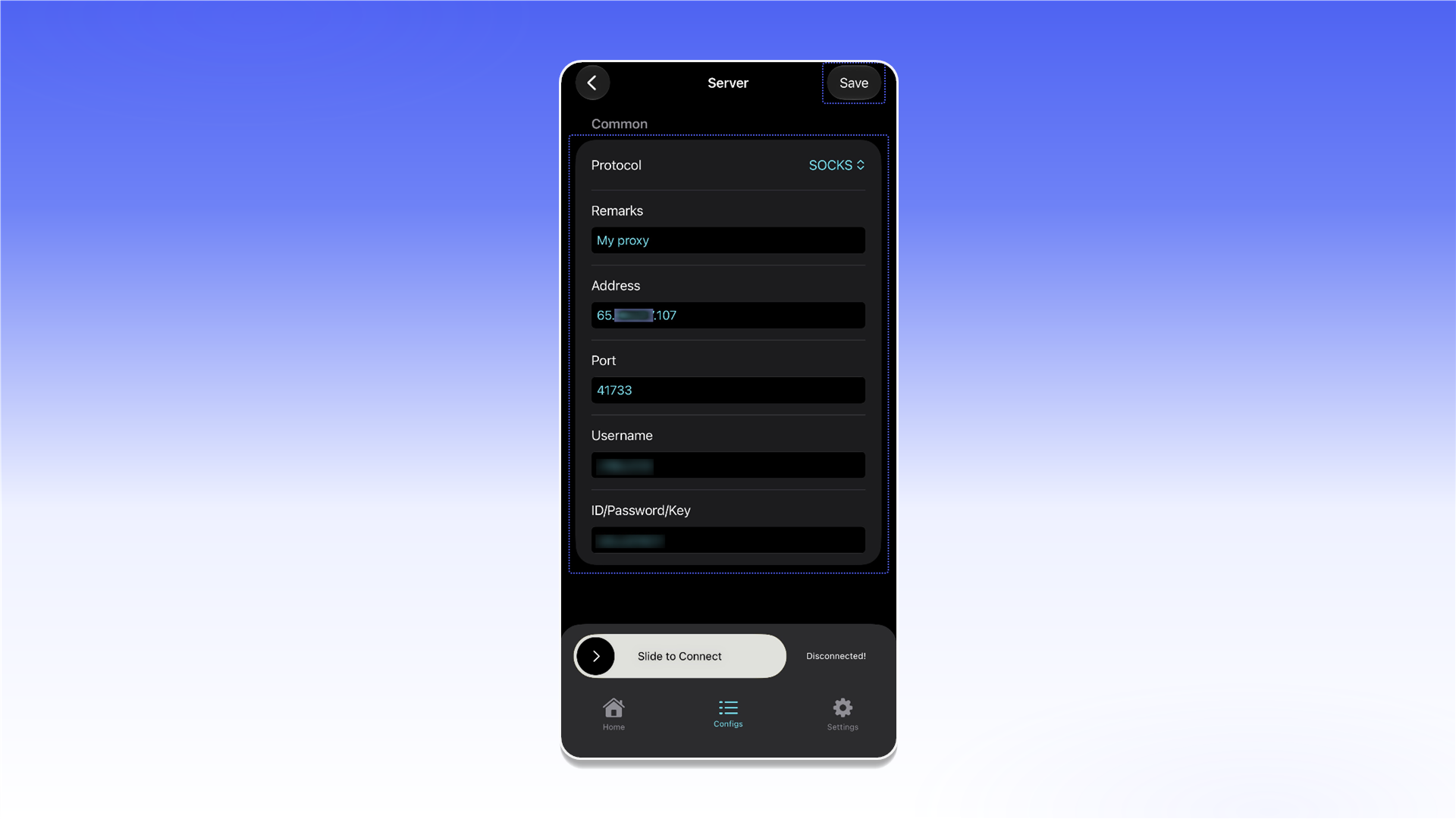
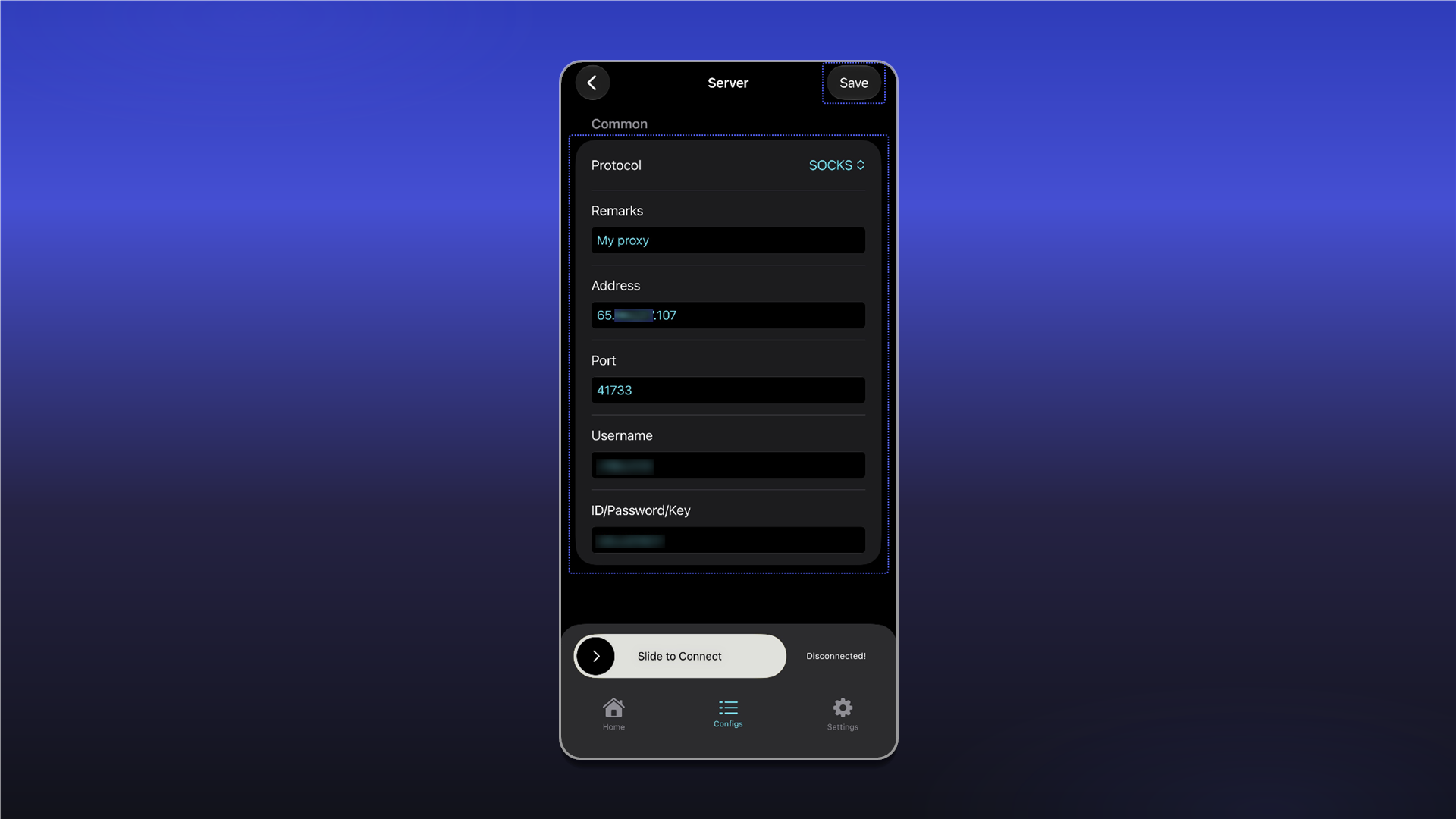
The data format and an example order are described in Getting Started.
Return to Configs, select the configuration you created, and use Slide to Connect to connect.
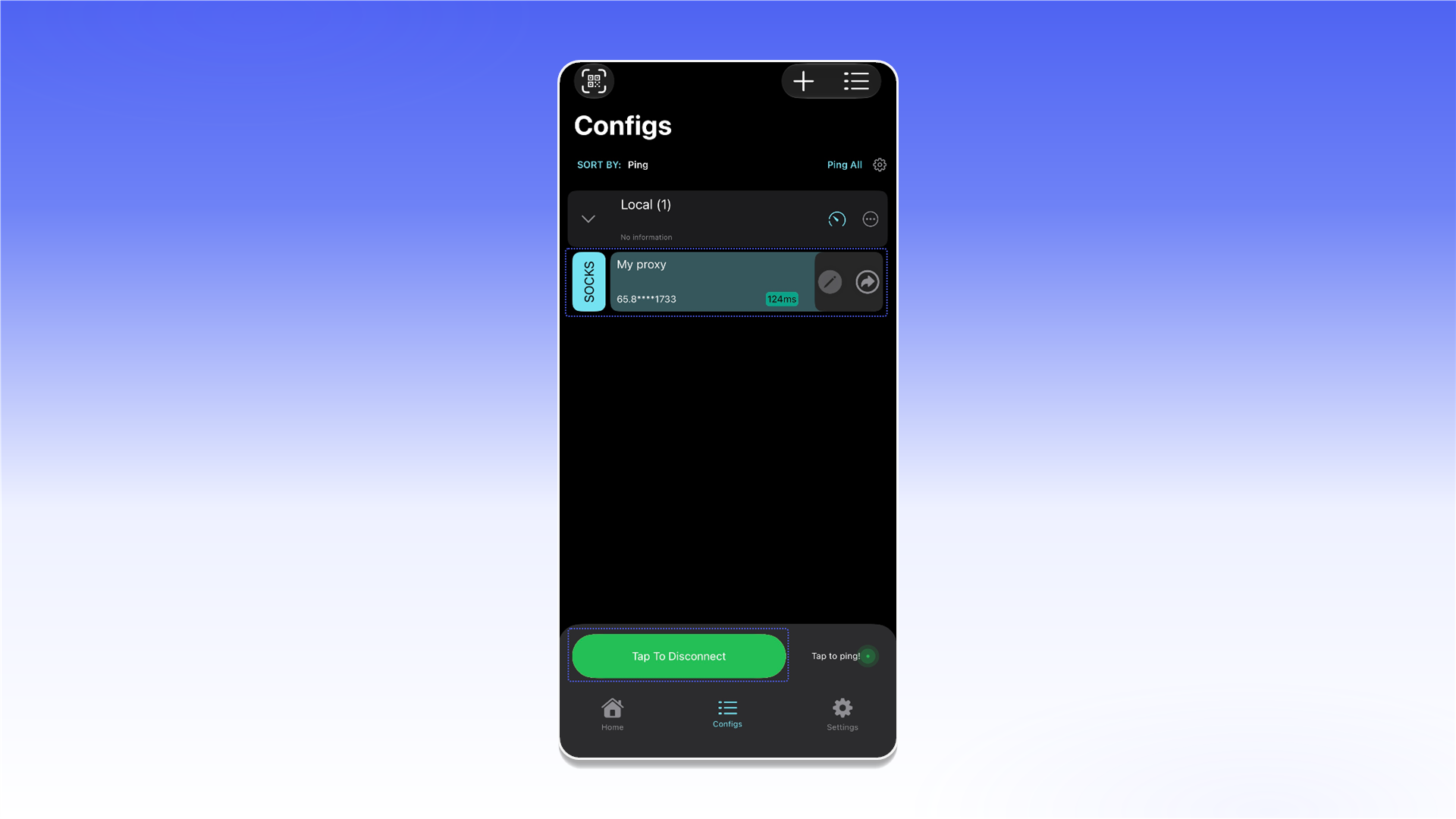
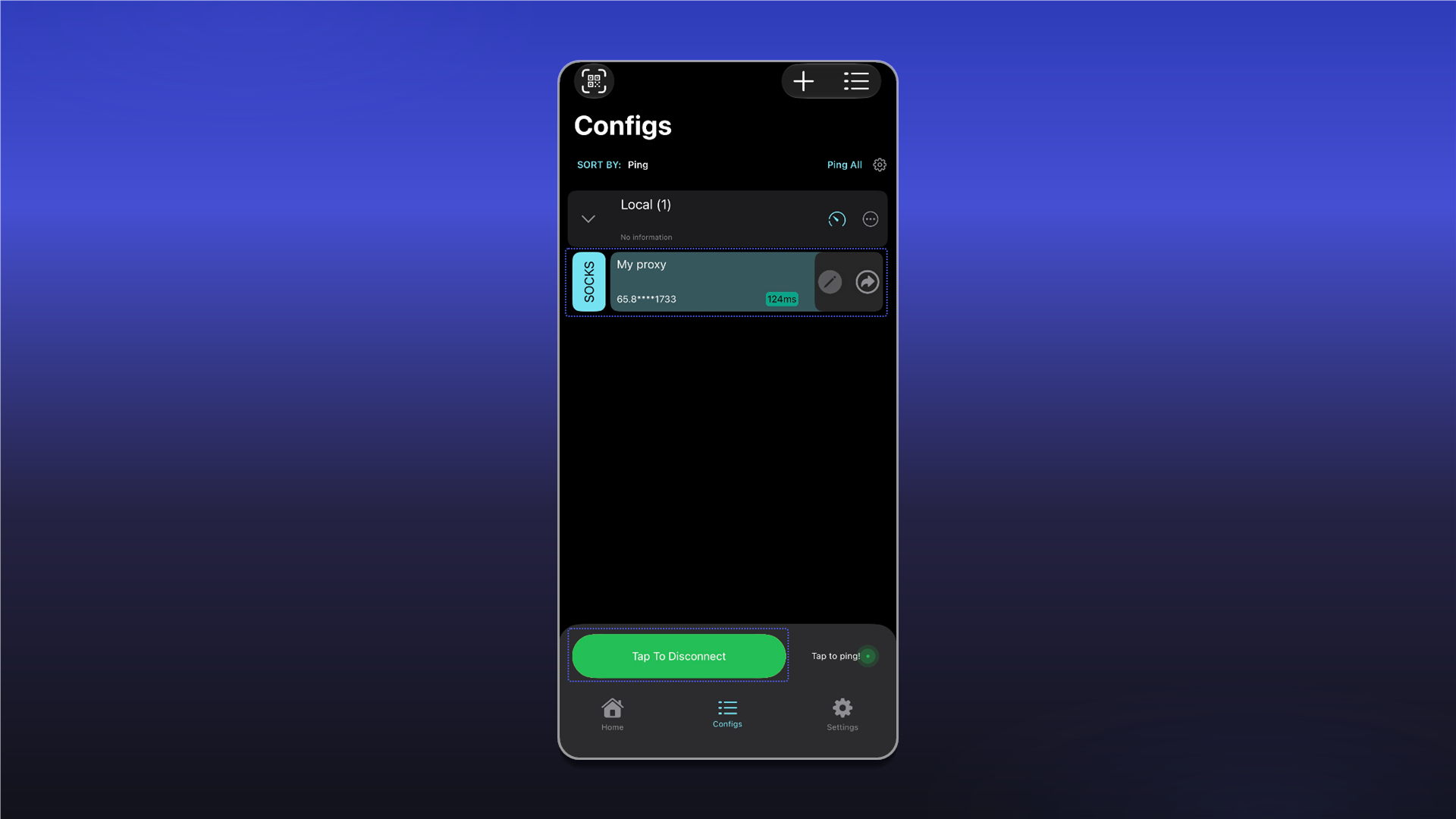
Test the connection with Proxy Tester.
Last updated on