Super Proxy
Configuring Super Proxy
Install Super Proxy from Google Play.
play.google.comhttps://play.google.com/store/apps/details?id=com.scheler.superproxyCreating a profile
Open the app and tap Add proxy.
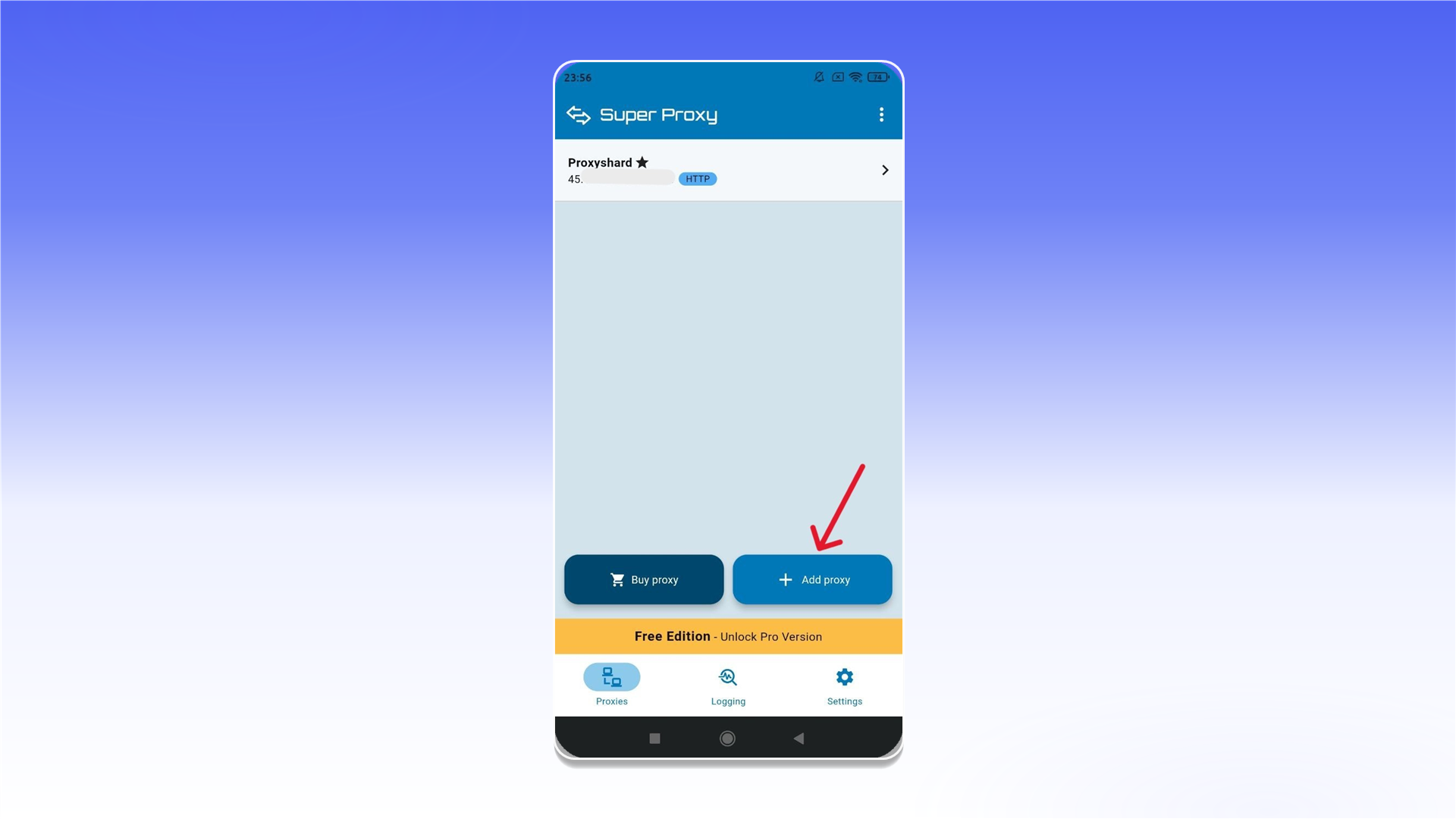
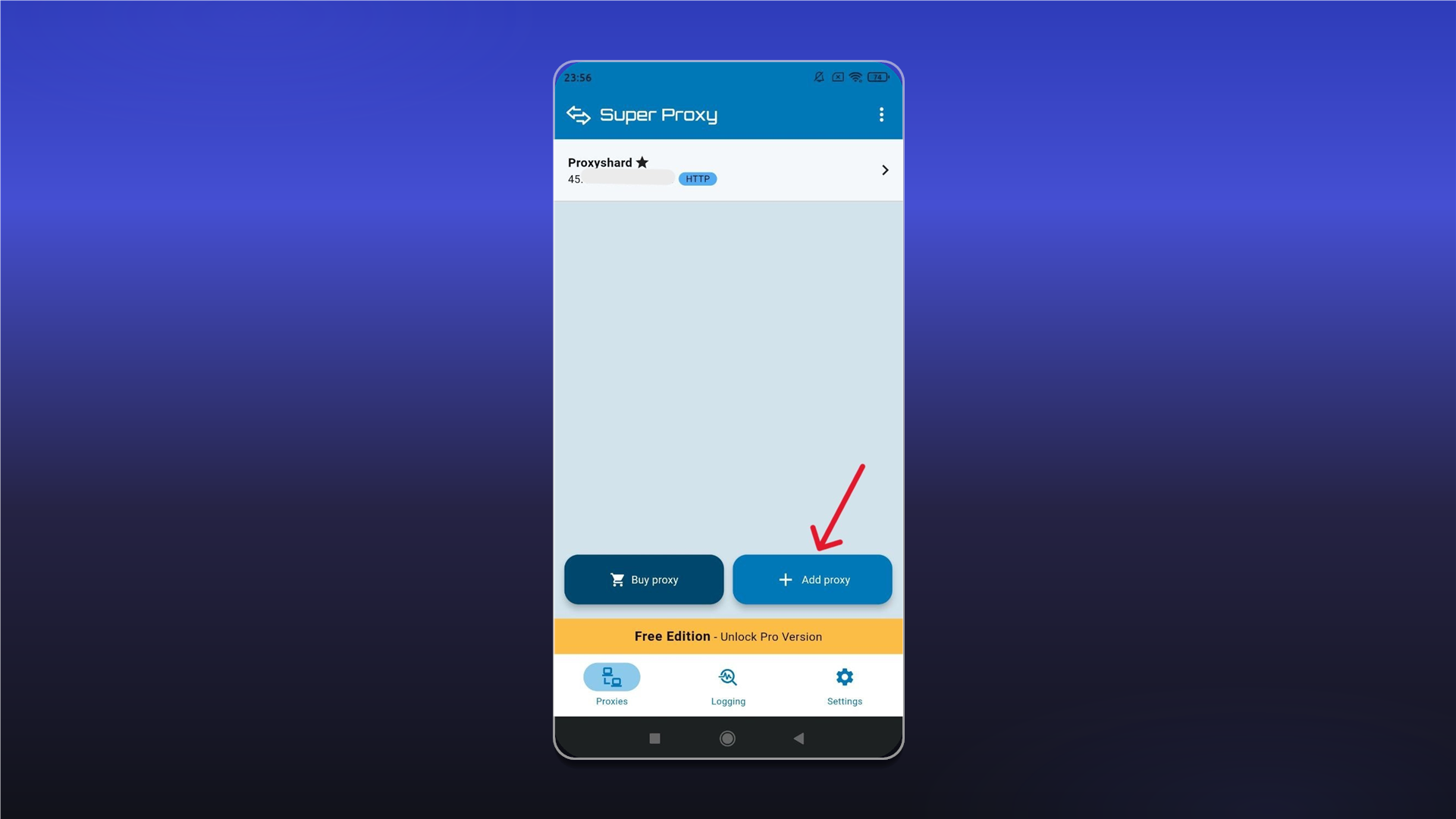
Enter a profile name in Profile name, select the protocol, and fill in Server, Port, Username, and Password using the details from your order's Proxy List. Then save the profile.
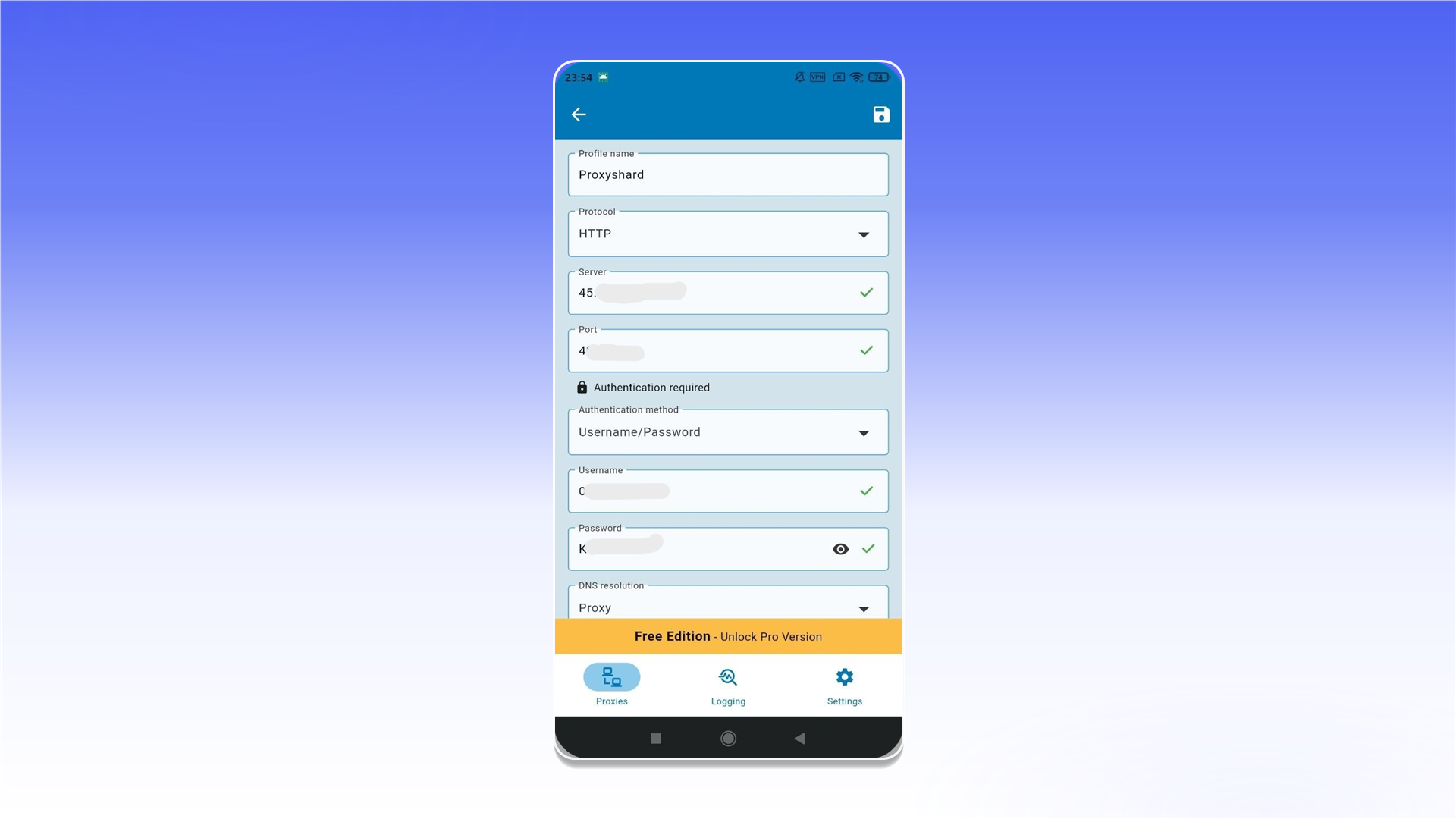
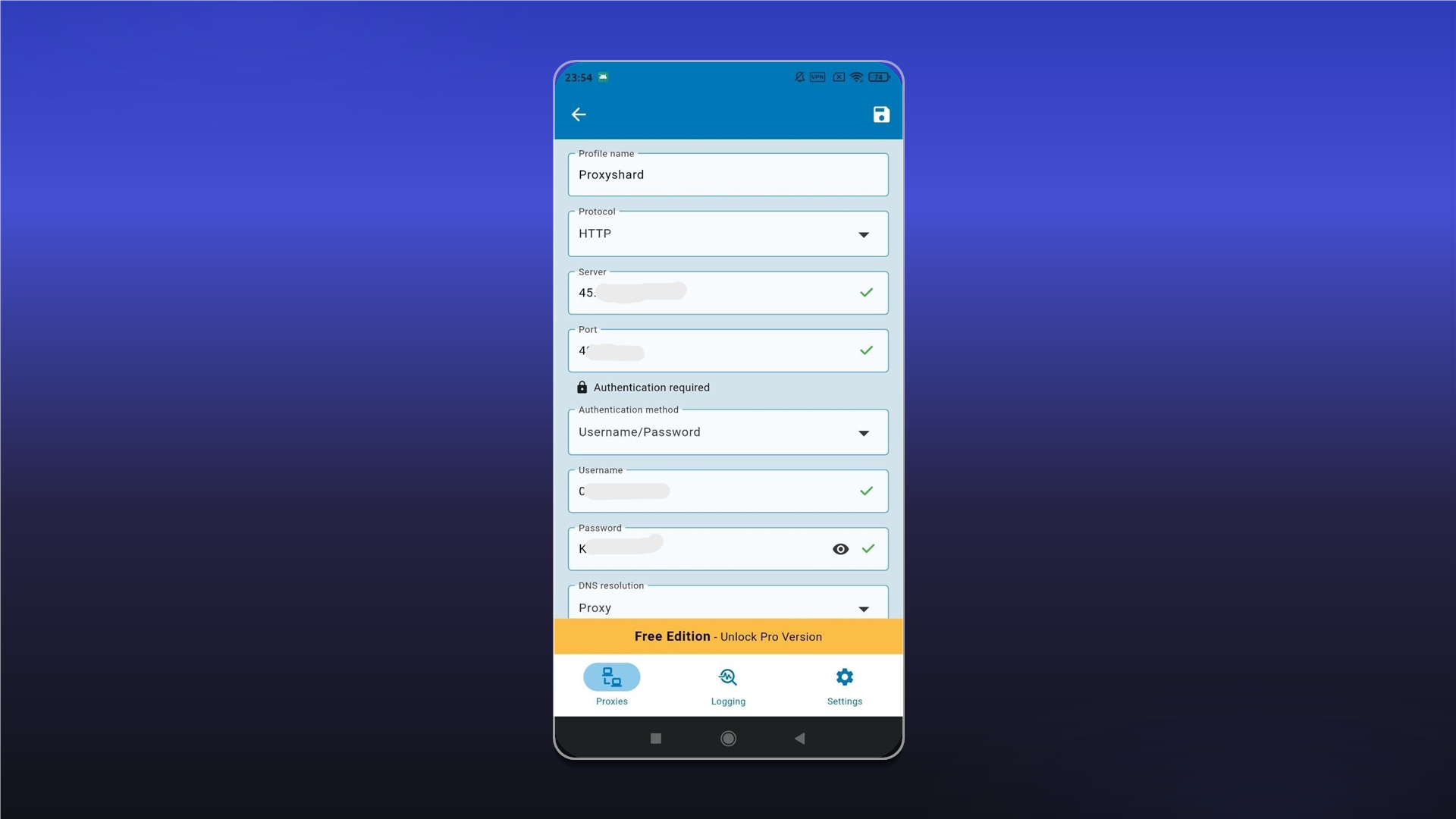
The data format and an example order are described in Getting Started.
Select the profile you created and start the connection.
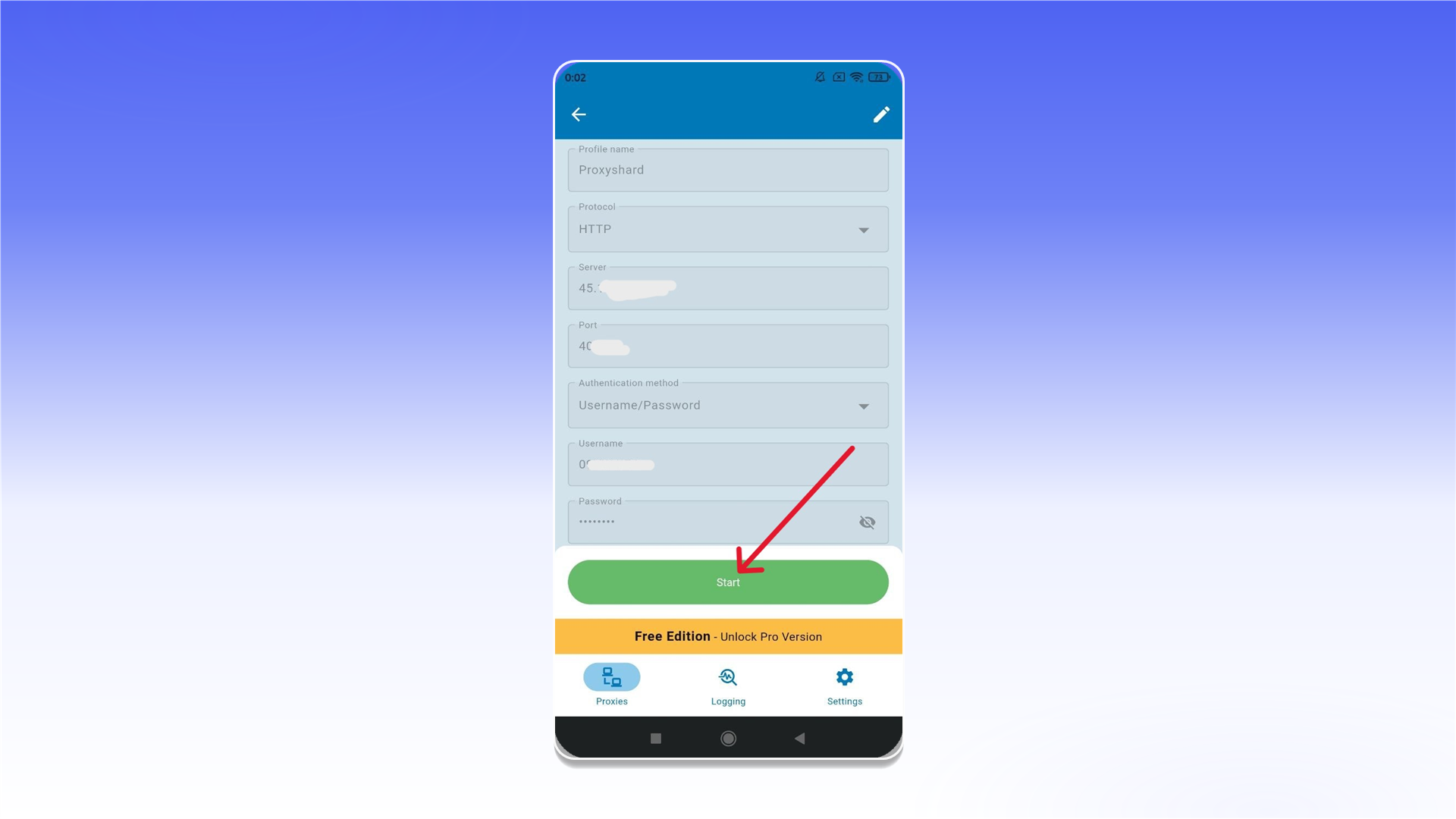
The proxy is connected and ready to use in Super Proxy.
Last updated on