Octo Browser
The proxy applies only to the active Octo Browser profile. Other apps on the device continue using their regular Internet connection.
Install Octo Browser
Download Octo Browser from the App Store or Google Play.
apps.apple.comhttps://apps.apple.com/us/app/octo-browser/id6762627194 play.google.comhttps://play.google.com/store/apps/details?id=net.octobrowser.mobile&pli=1Create an account and sign in
Create an account with your email address or tap Sign up with Apple.
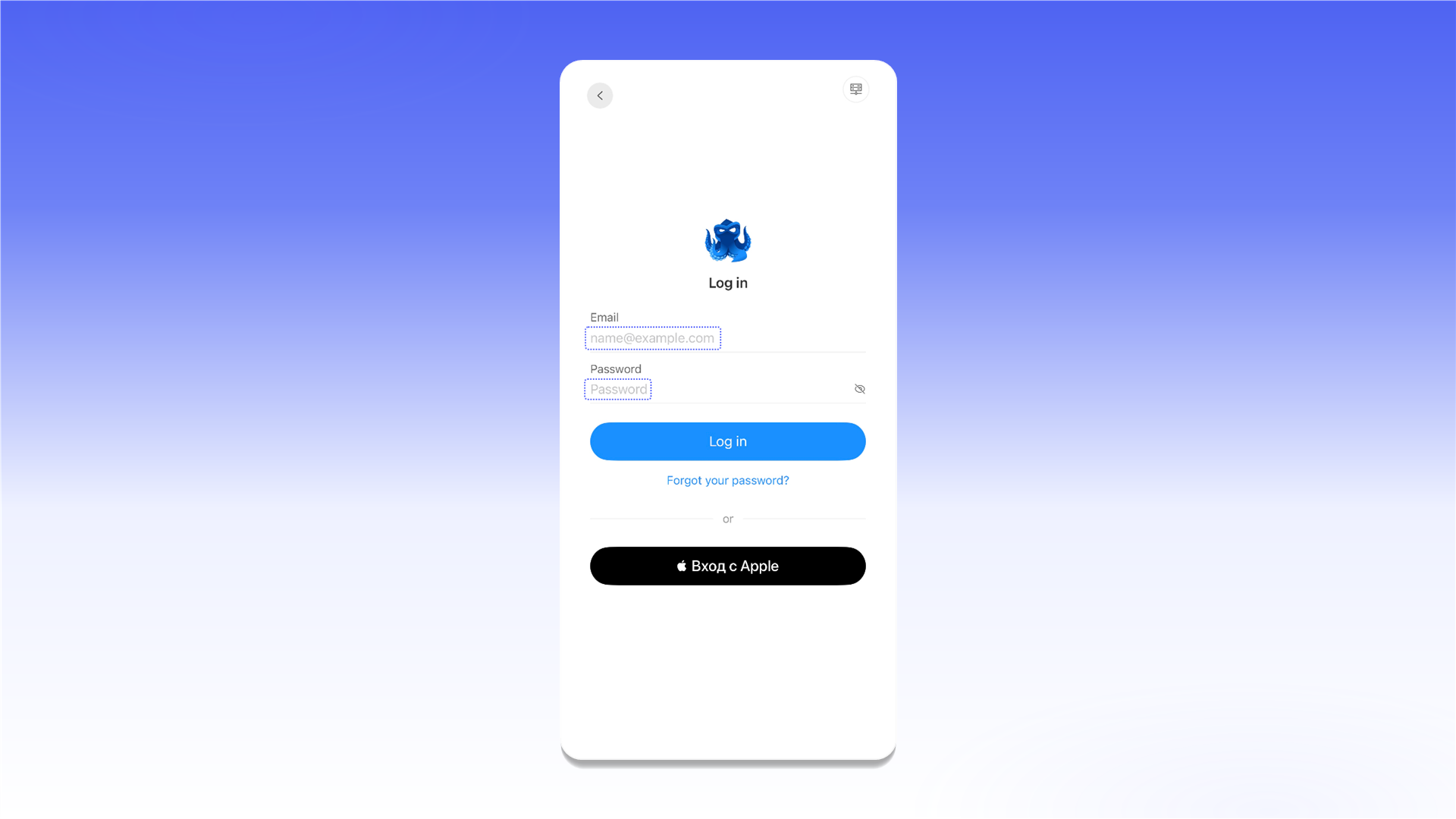
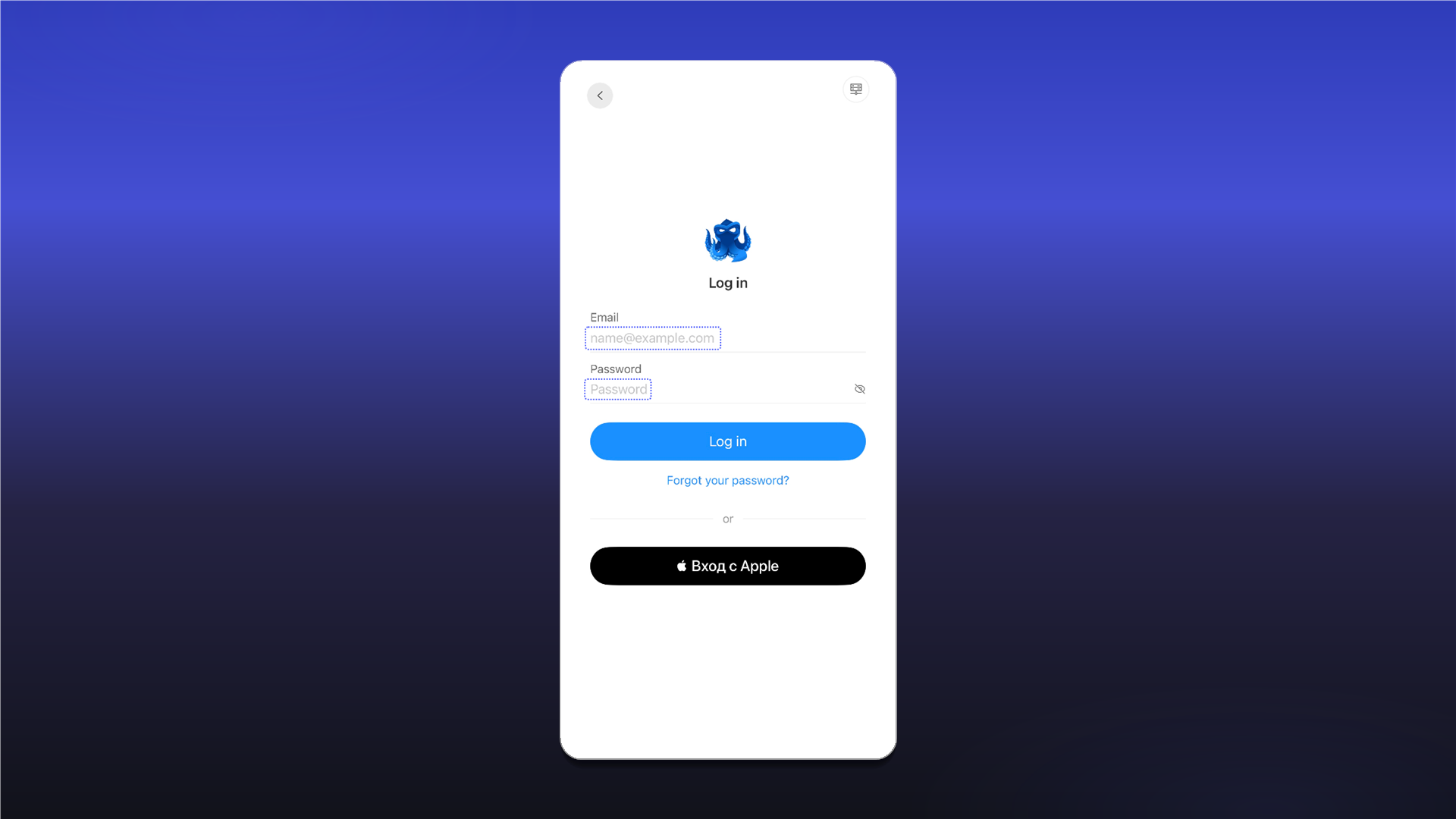
After registration, sign in using the same method.
Create a profile with a proxy
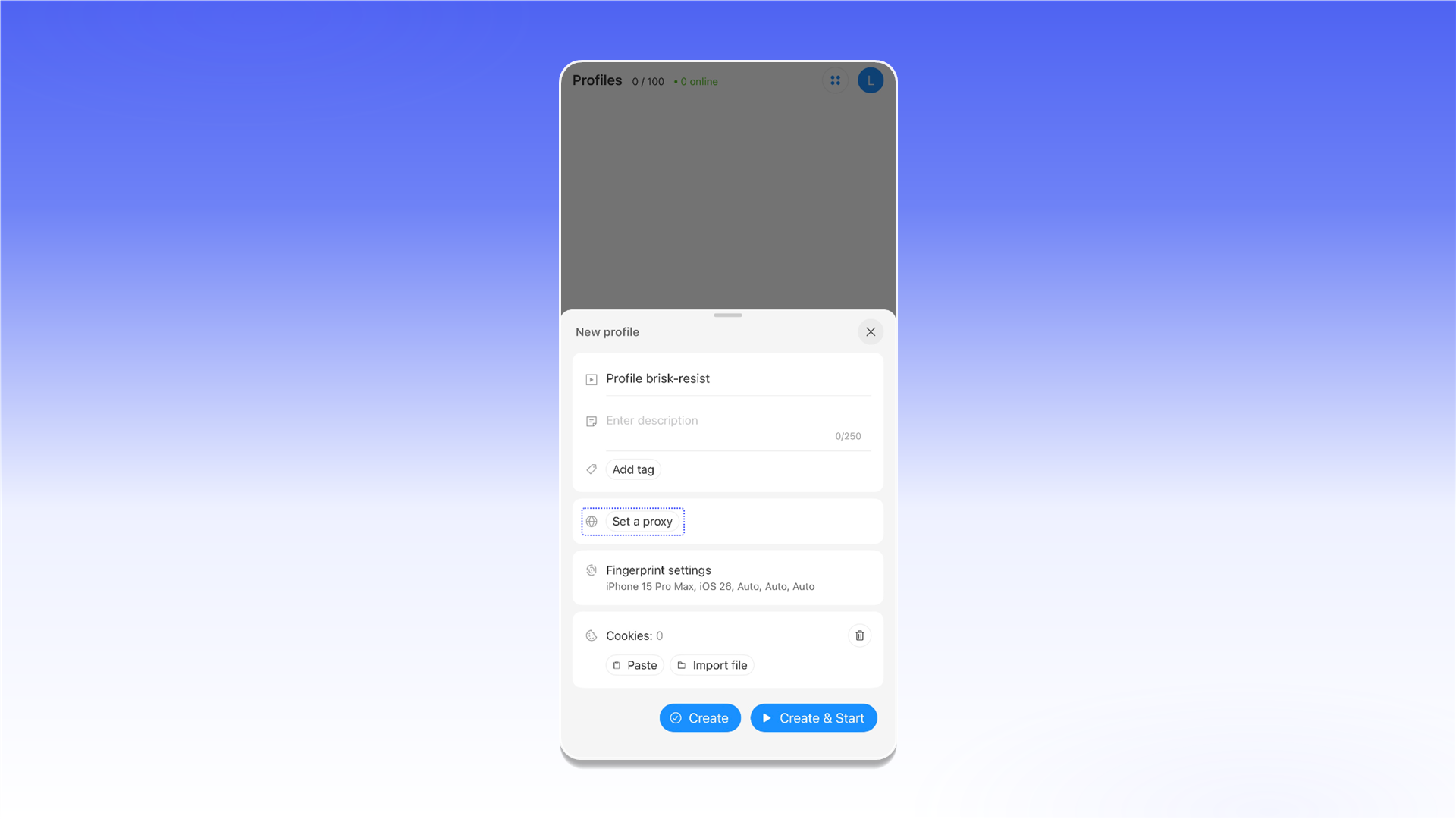
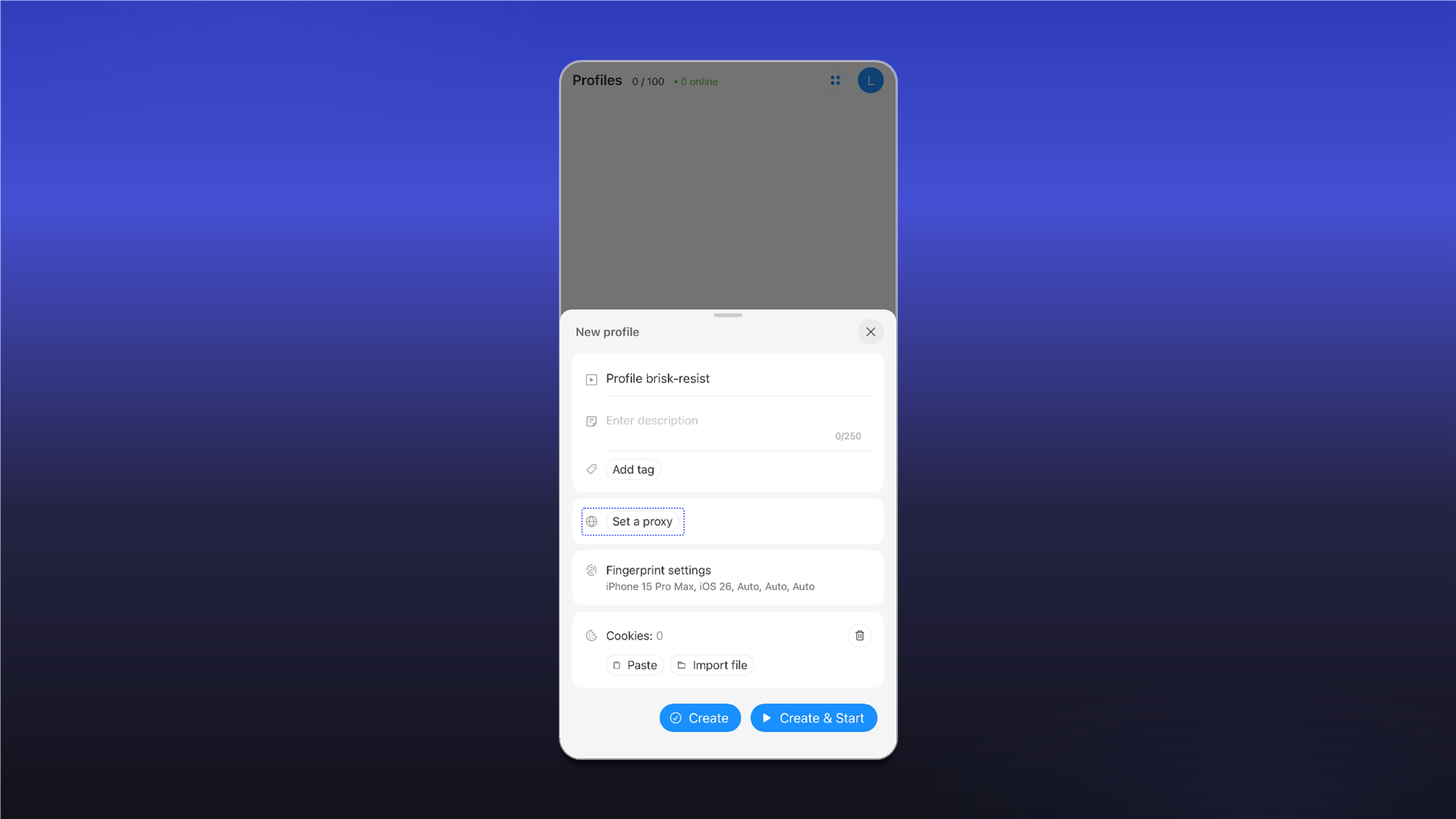
On the Profiles screen, tap Create Profile.
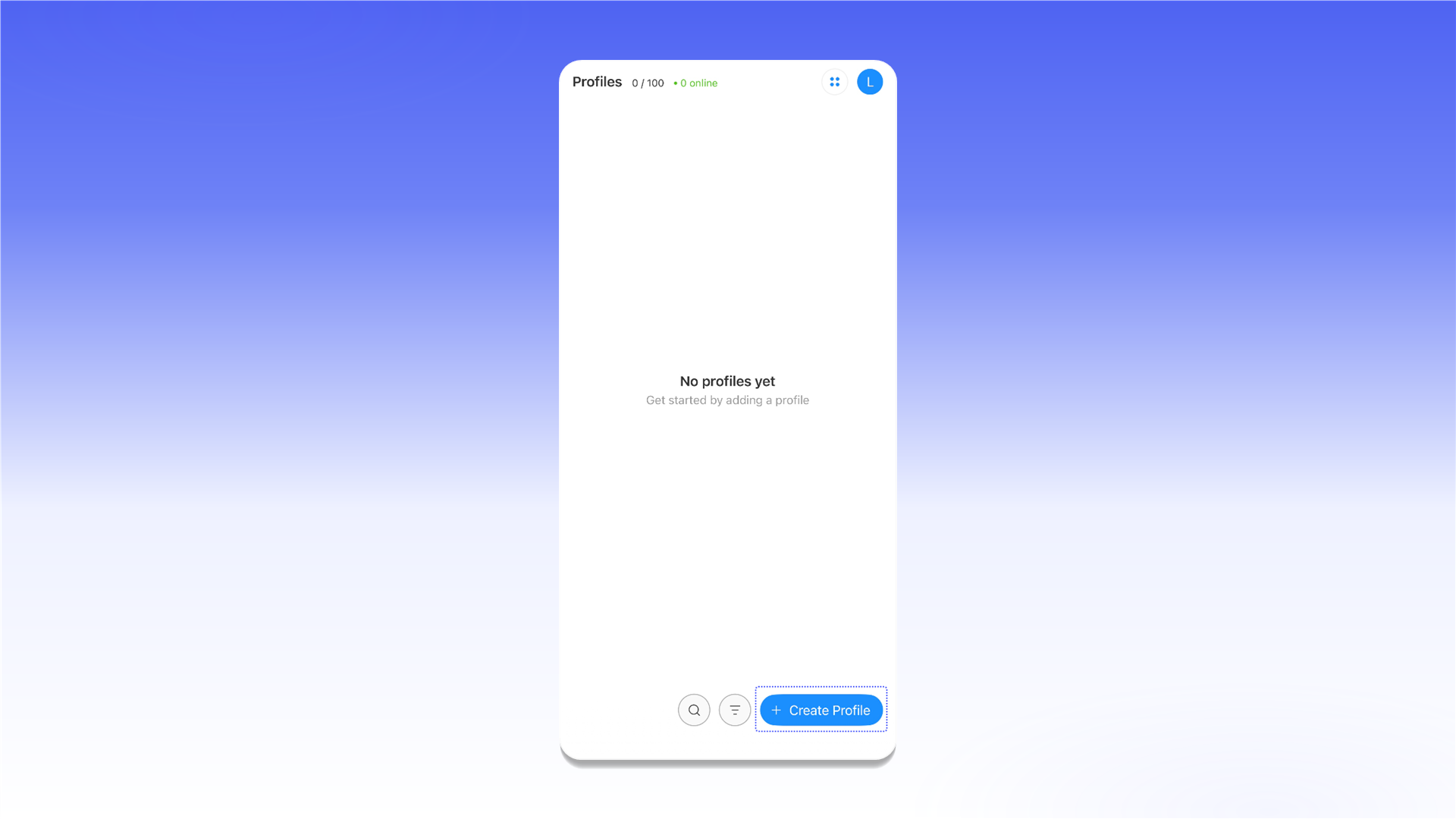
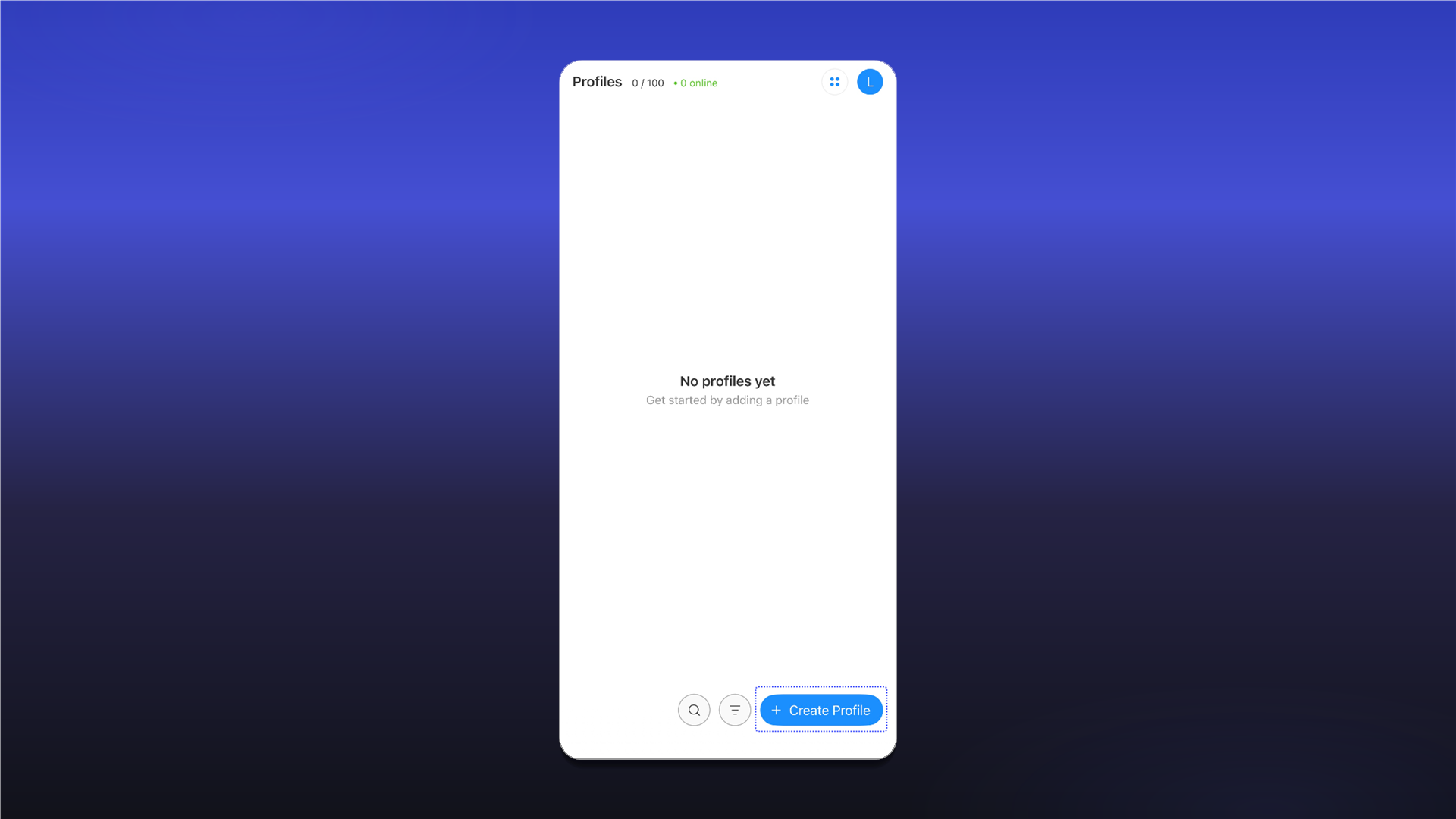
In the new profile settings, tap Set a proxy.
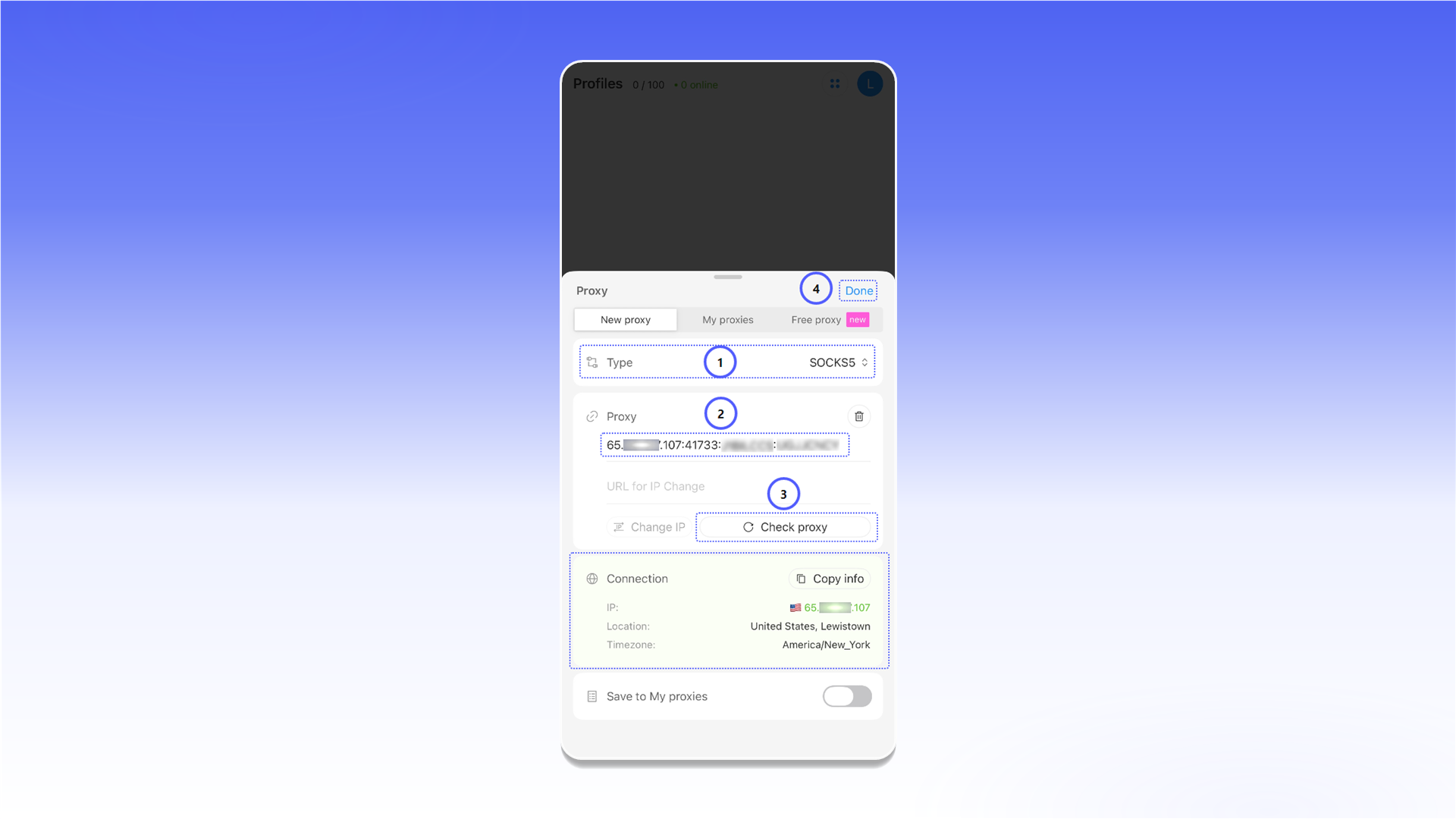
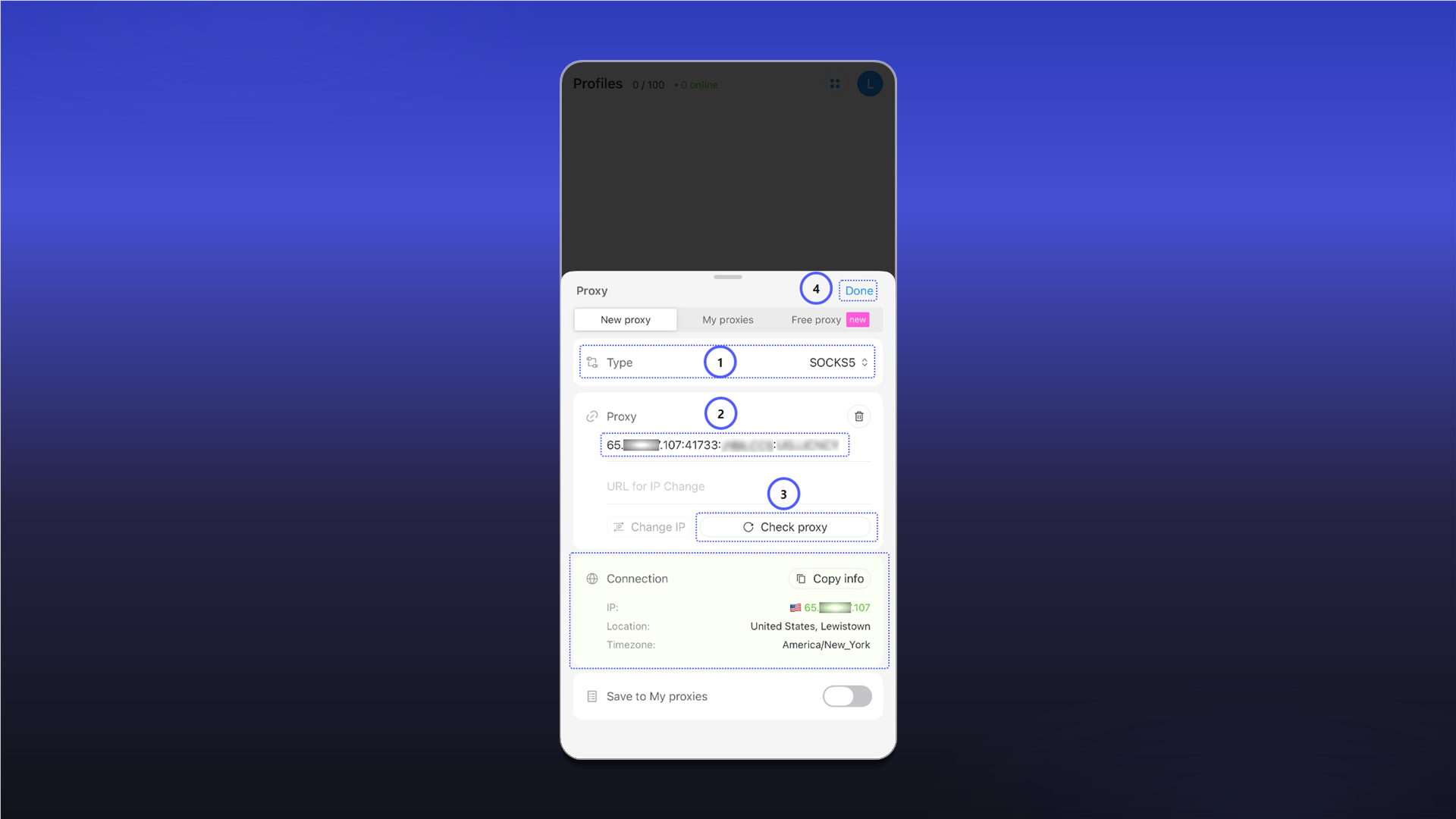
- Under Type, select HTTP, HTTPS, or SOCKS5.
- Copy the complete connection string from the required ShardX order and paste it into Proxy.
- Tap Check proxy. After a successful check, the app displays the connection IP address, location, and time zone.
- Tap Done.
Start the profile
Tap Create & Start to save and immediately launch the profile.
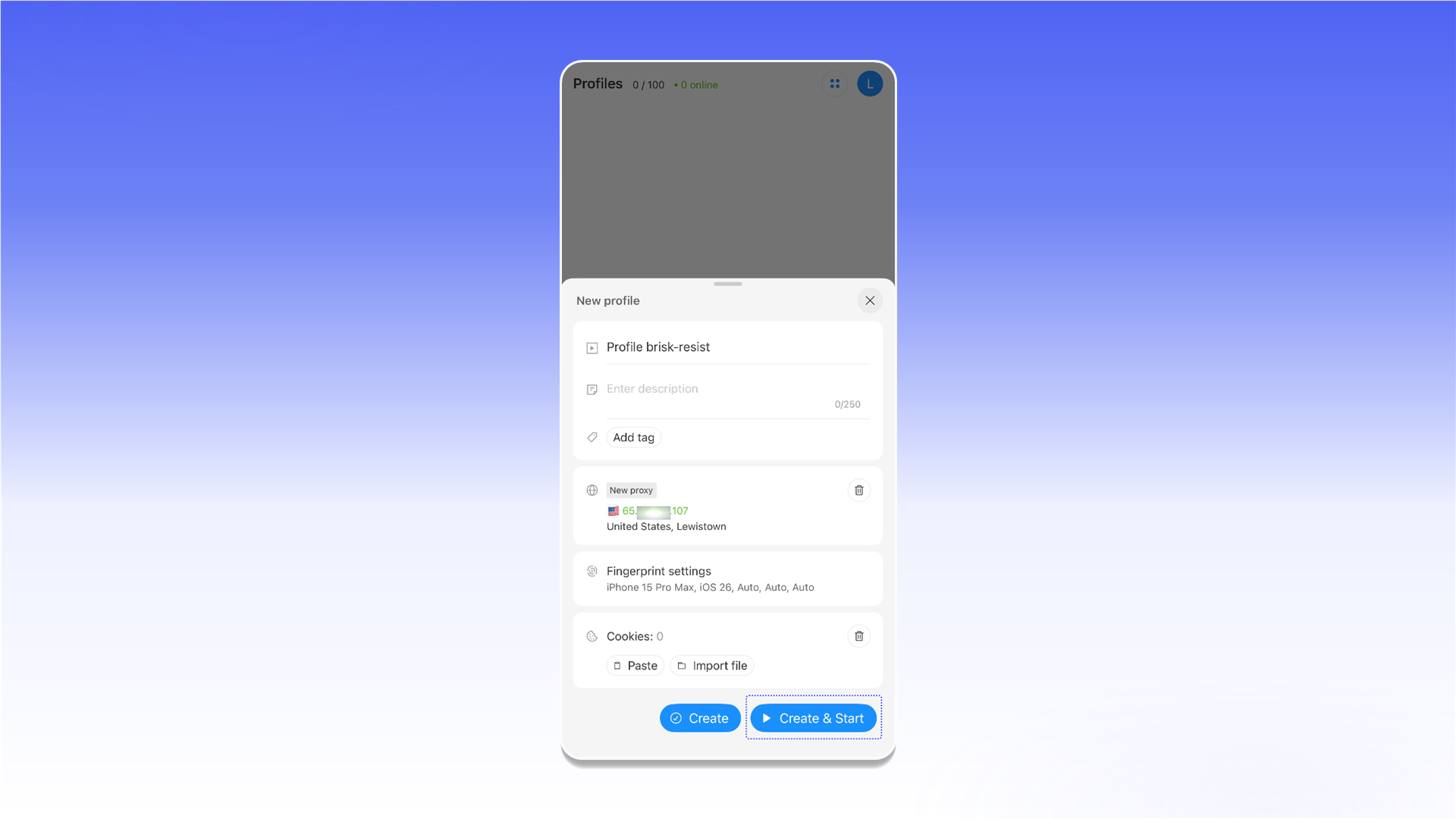
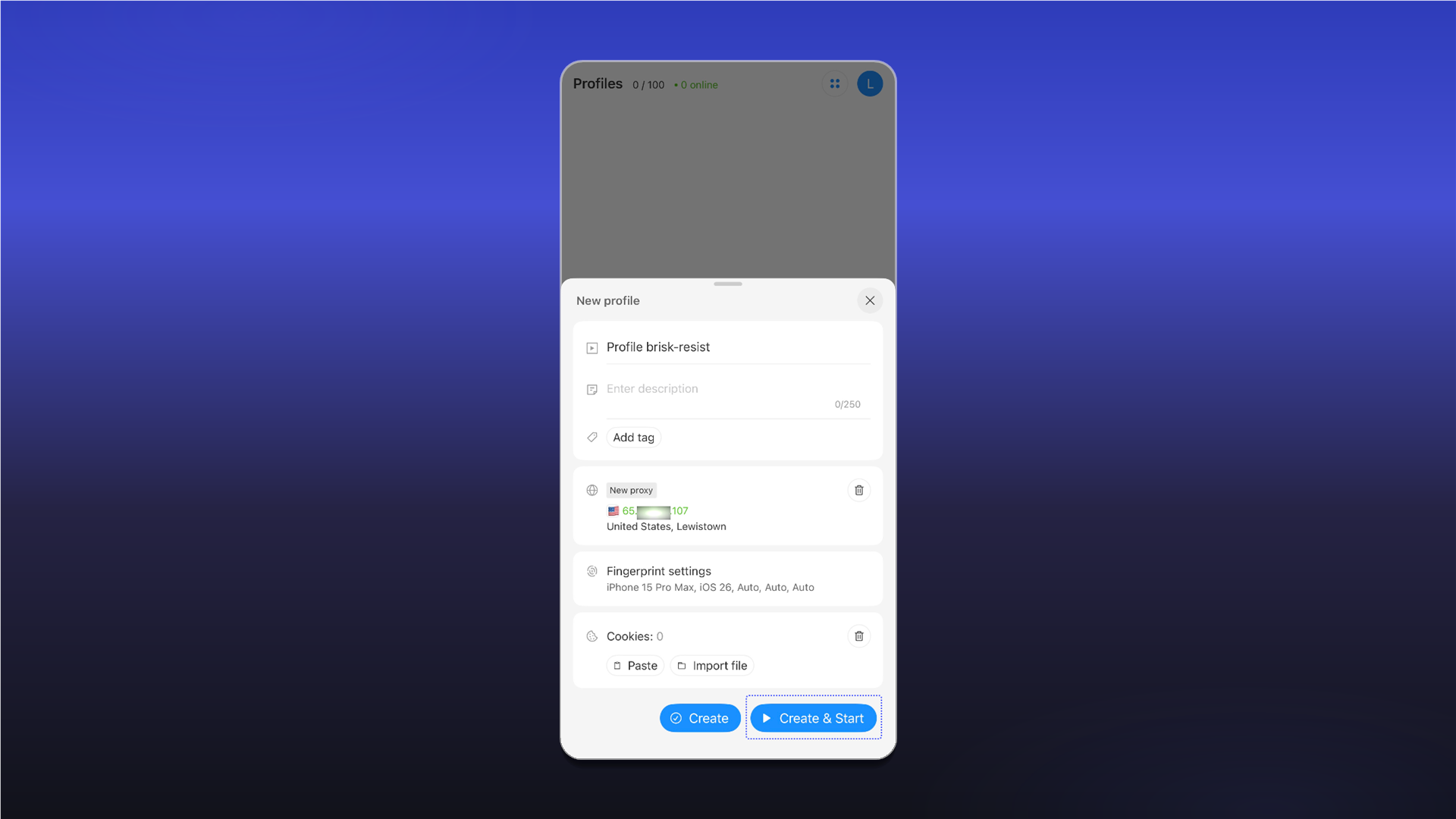
The profile is ready. Its traffic will now be routed through the added proxy.
Last updated on