AdsPower
AdsPower does not support UDP proxies. Use Vision Browser when UDP is required.
Add a proxy
Open Proxies and click Add Proxy.
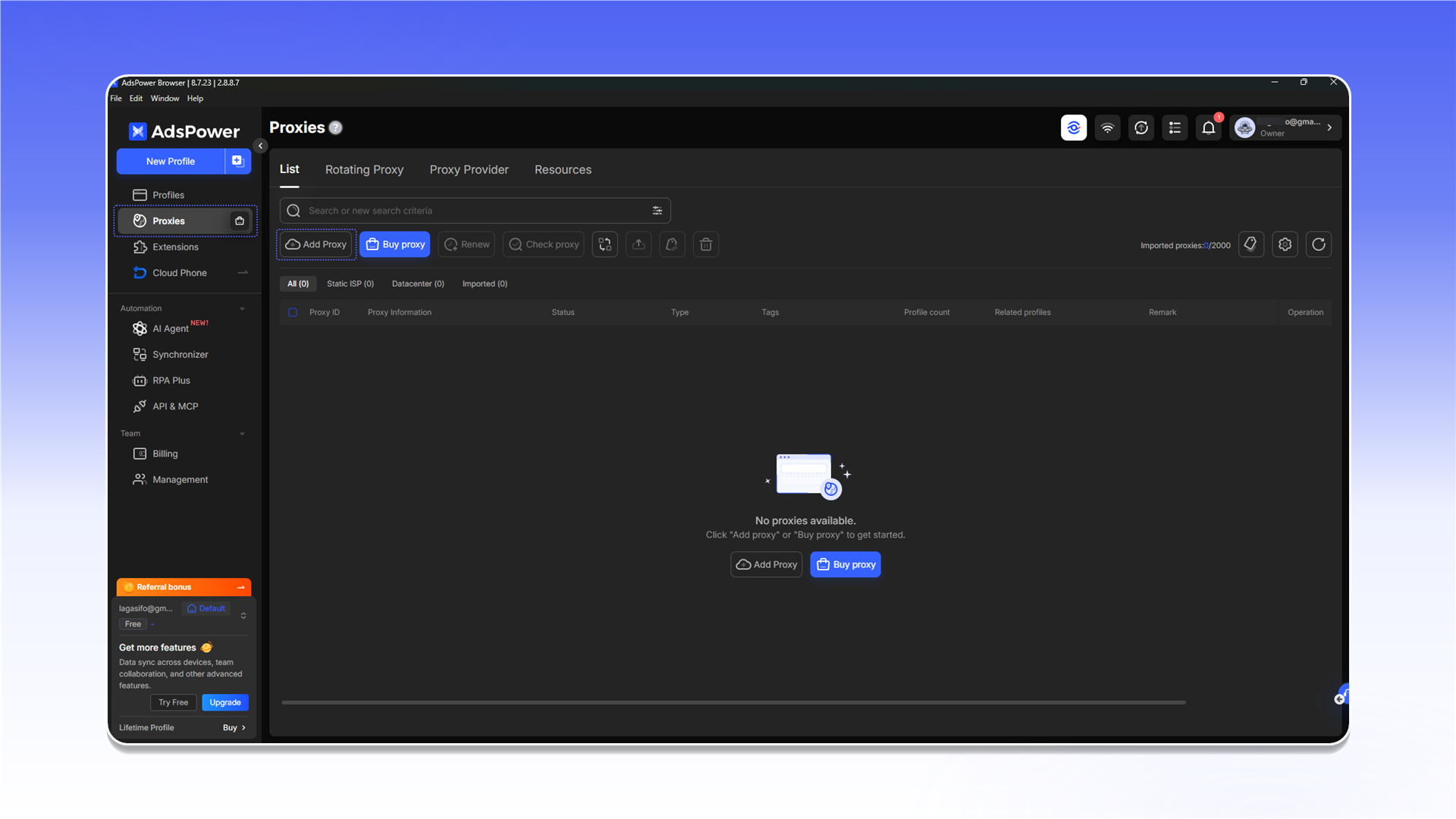
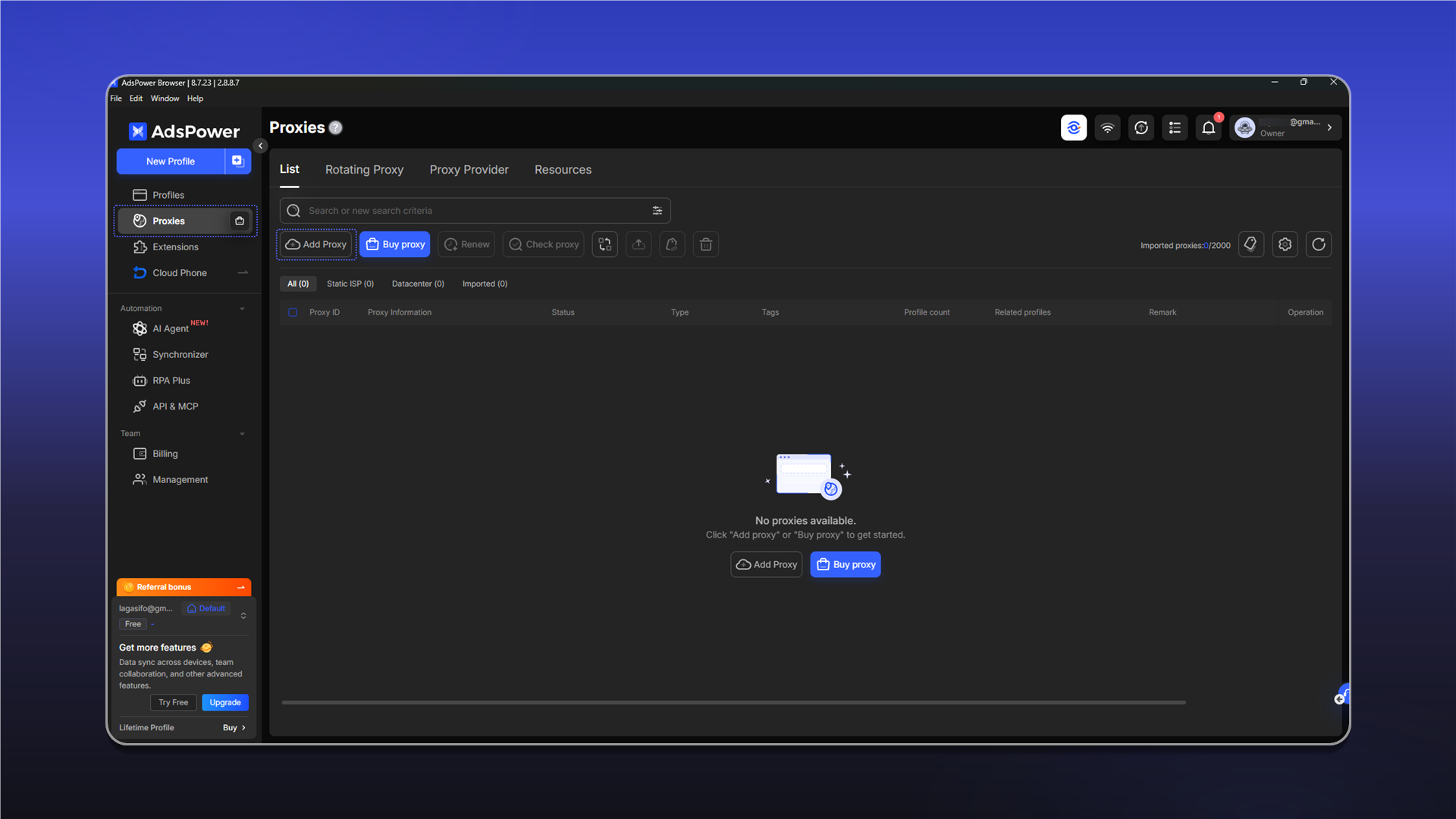
- Copy the connection string from the relevant order's
Proxy Listand paste it into the form. - Click
Check proxy. - After a successful check, click
OK.
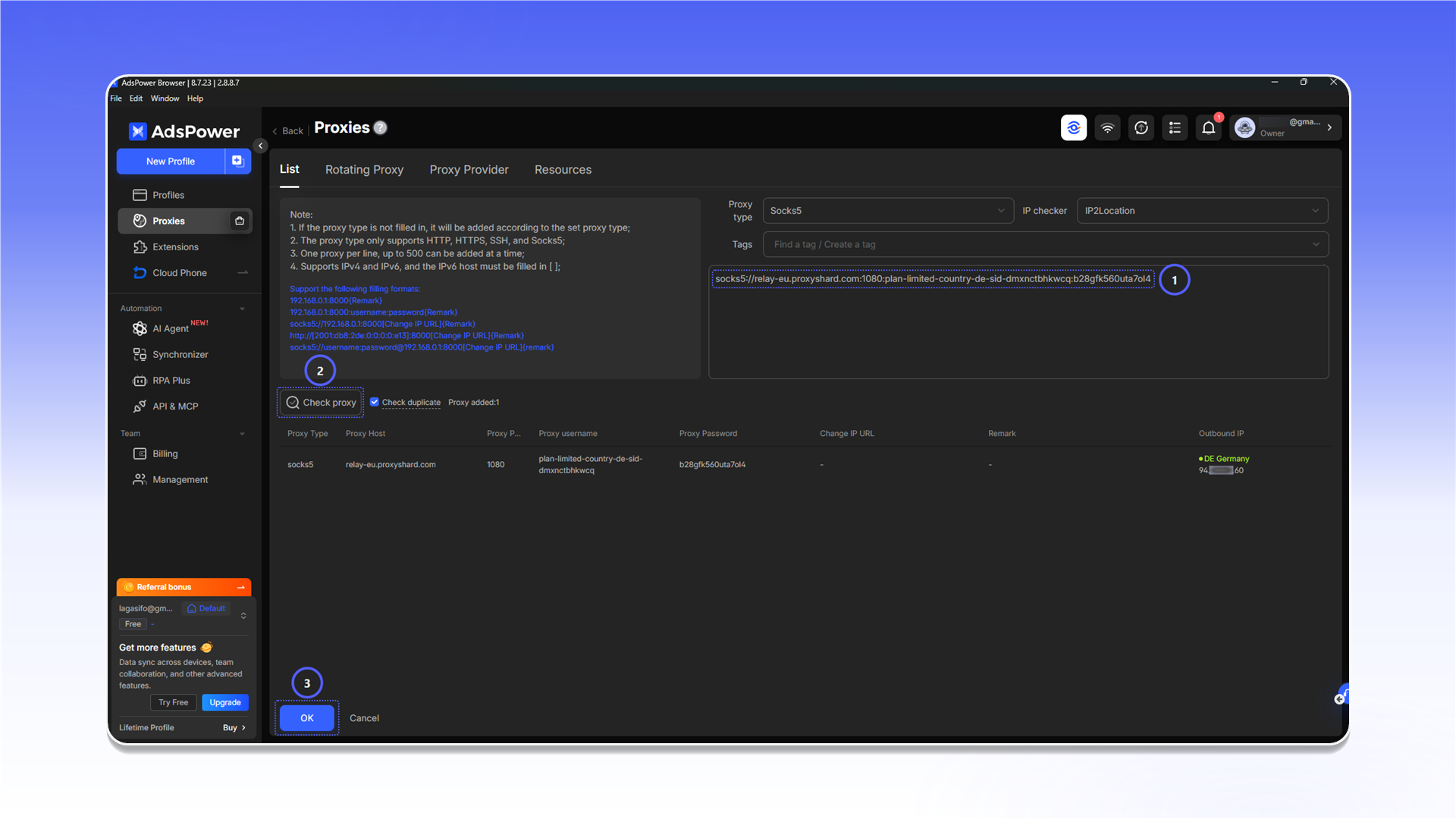
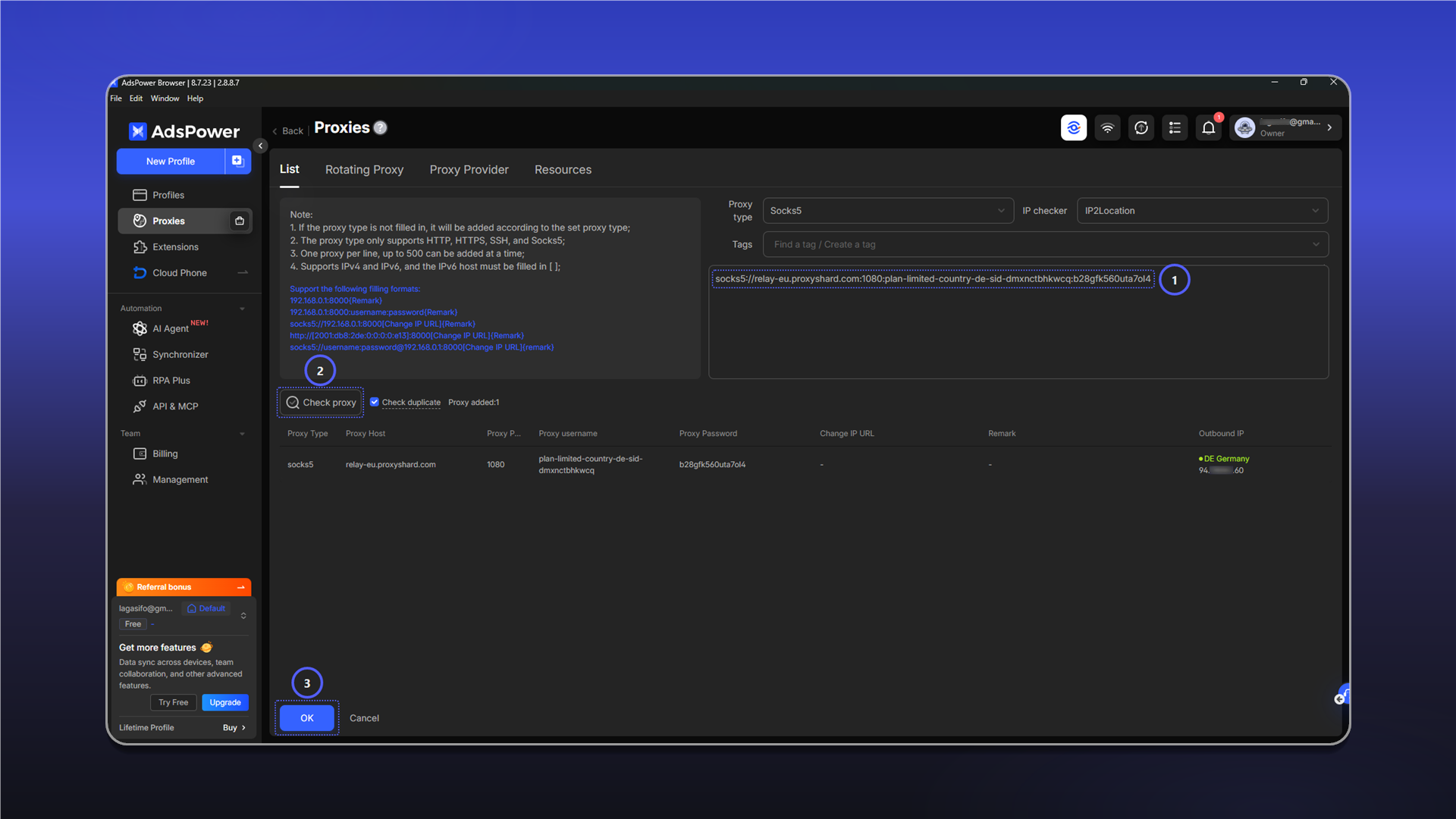
See the general setup guide for help finding the connection details.
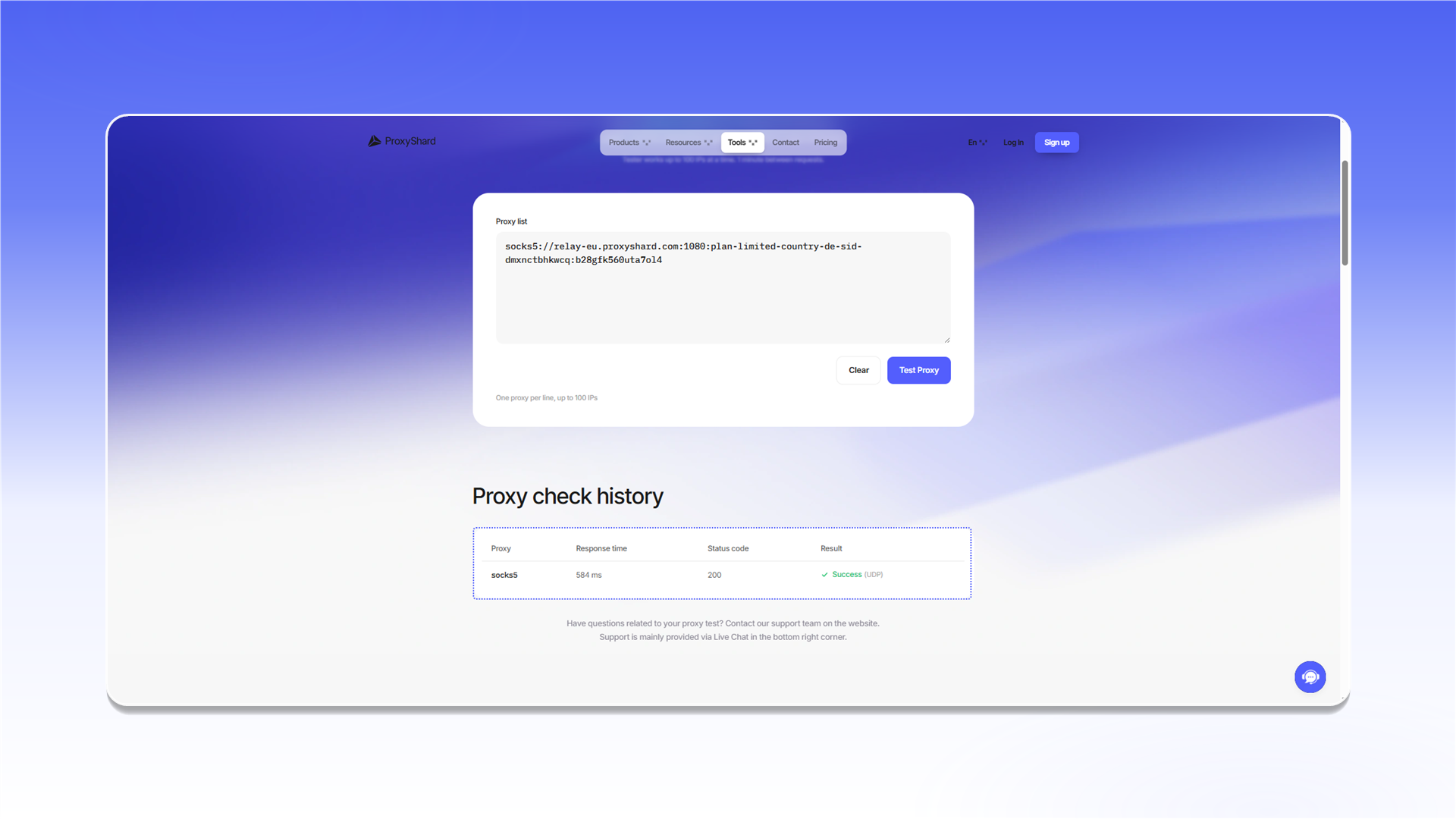
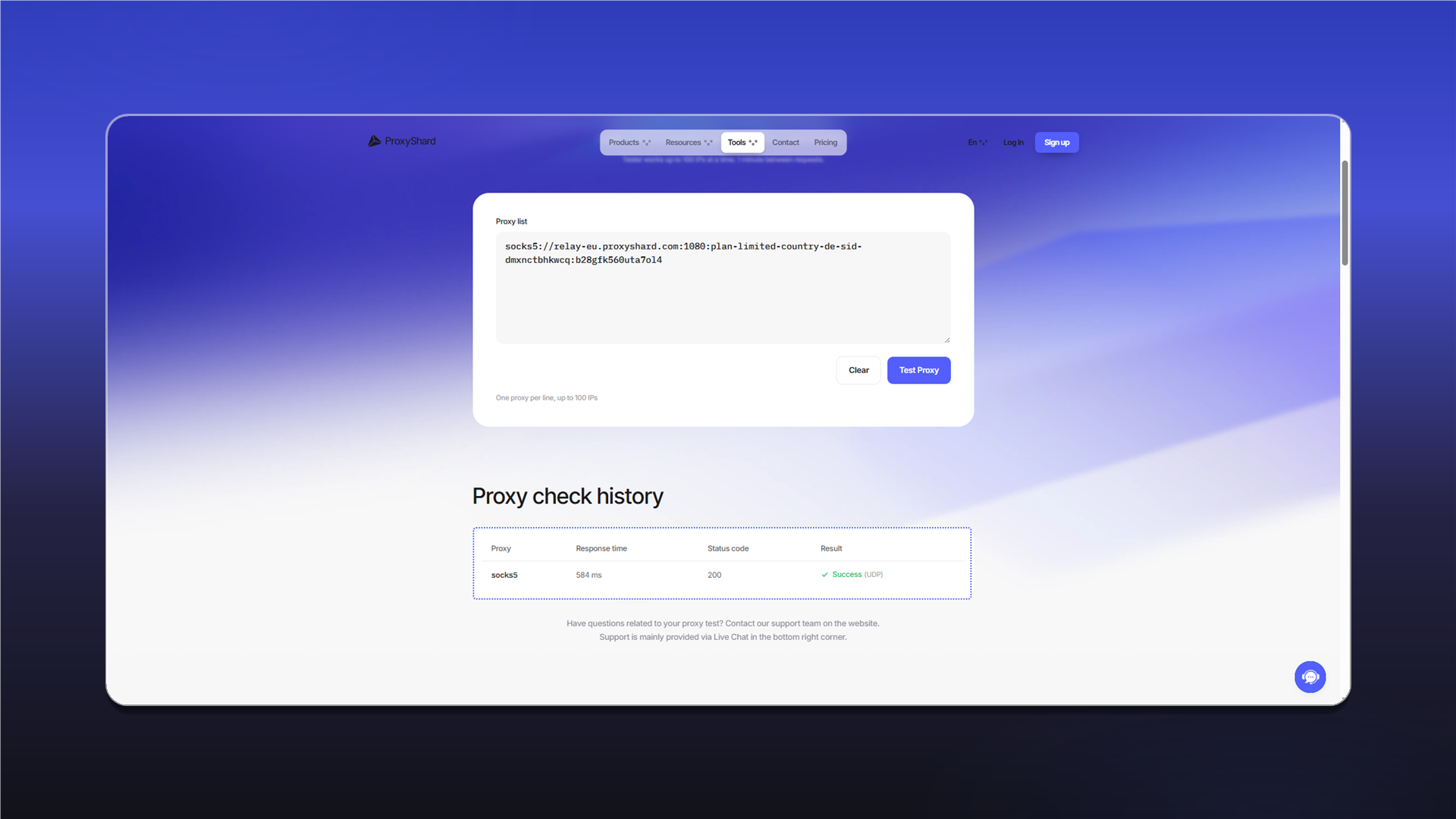
If the check fails, verify the username, password, and protocol. You can also test the connection with Proxy Tester.
Assign the proxy to a profile
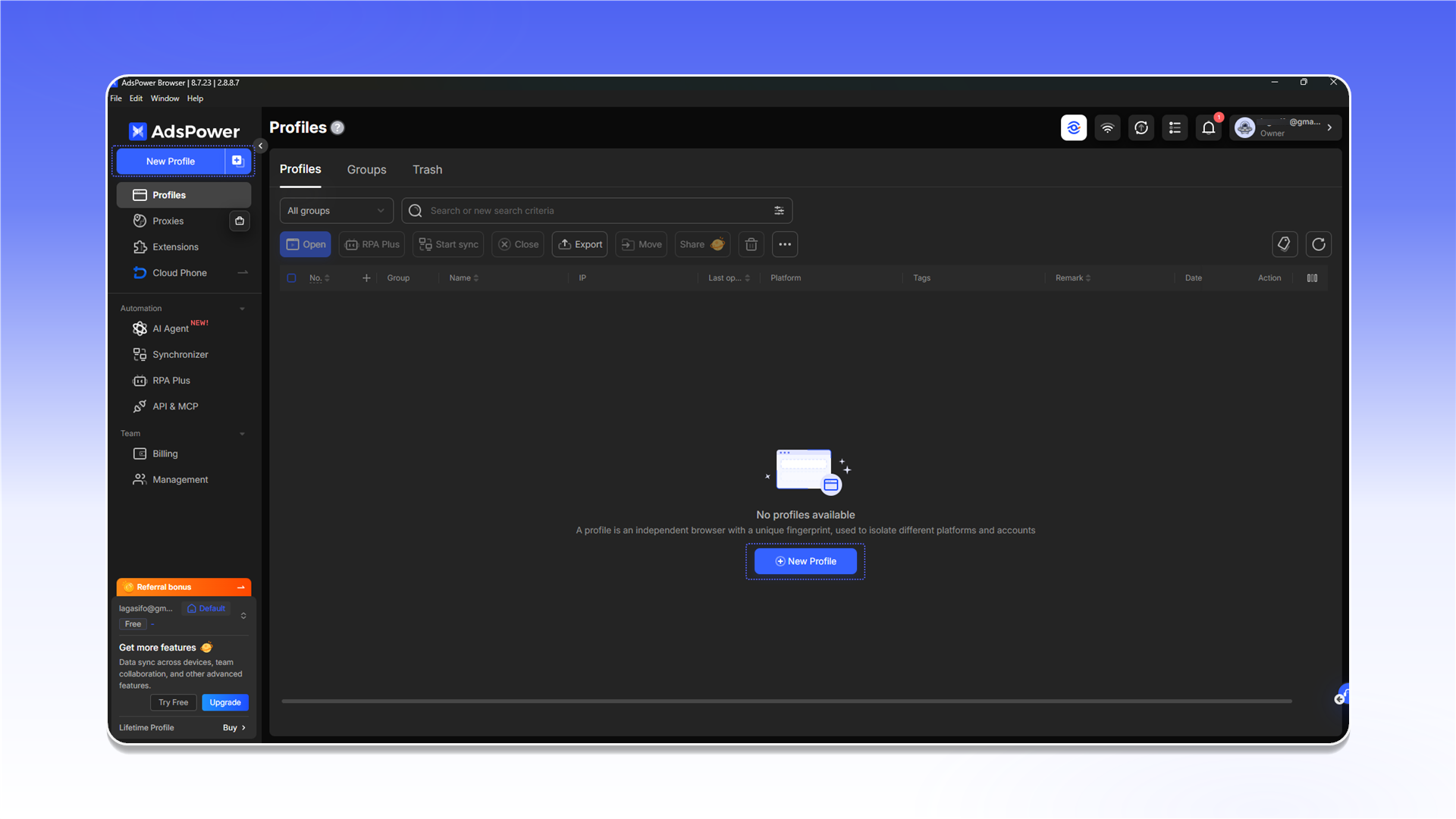
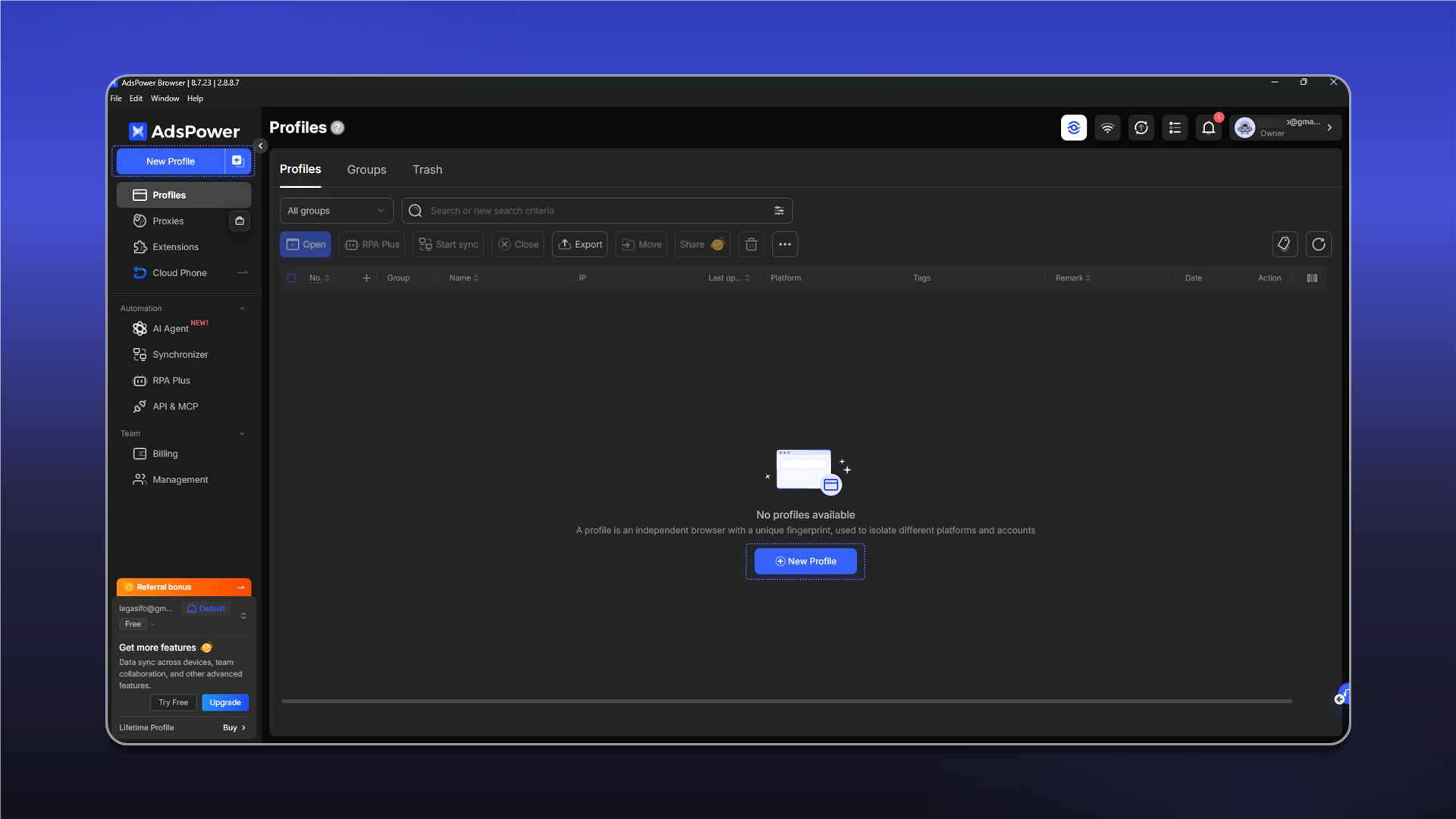
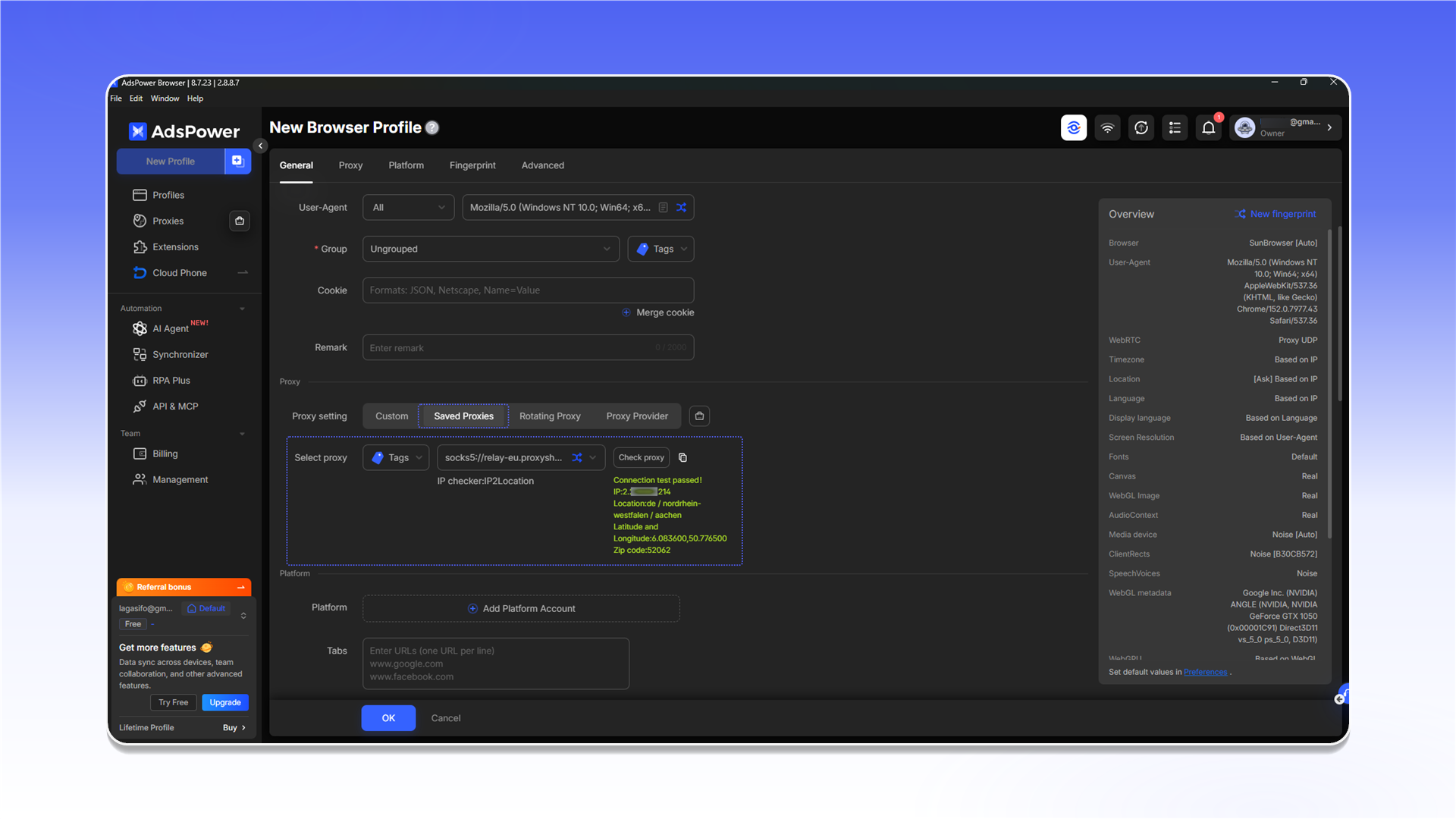
Open Profiles and click New Profile.
In the profile settings, select the added server under Saved Proxies, test it, and save the profile.
Last updated on