Purchasing mobile proxies
Purchasing proxies
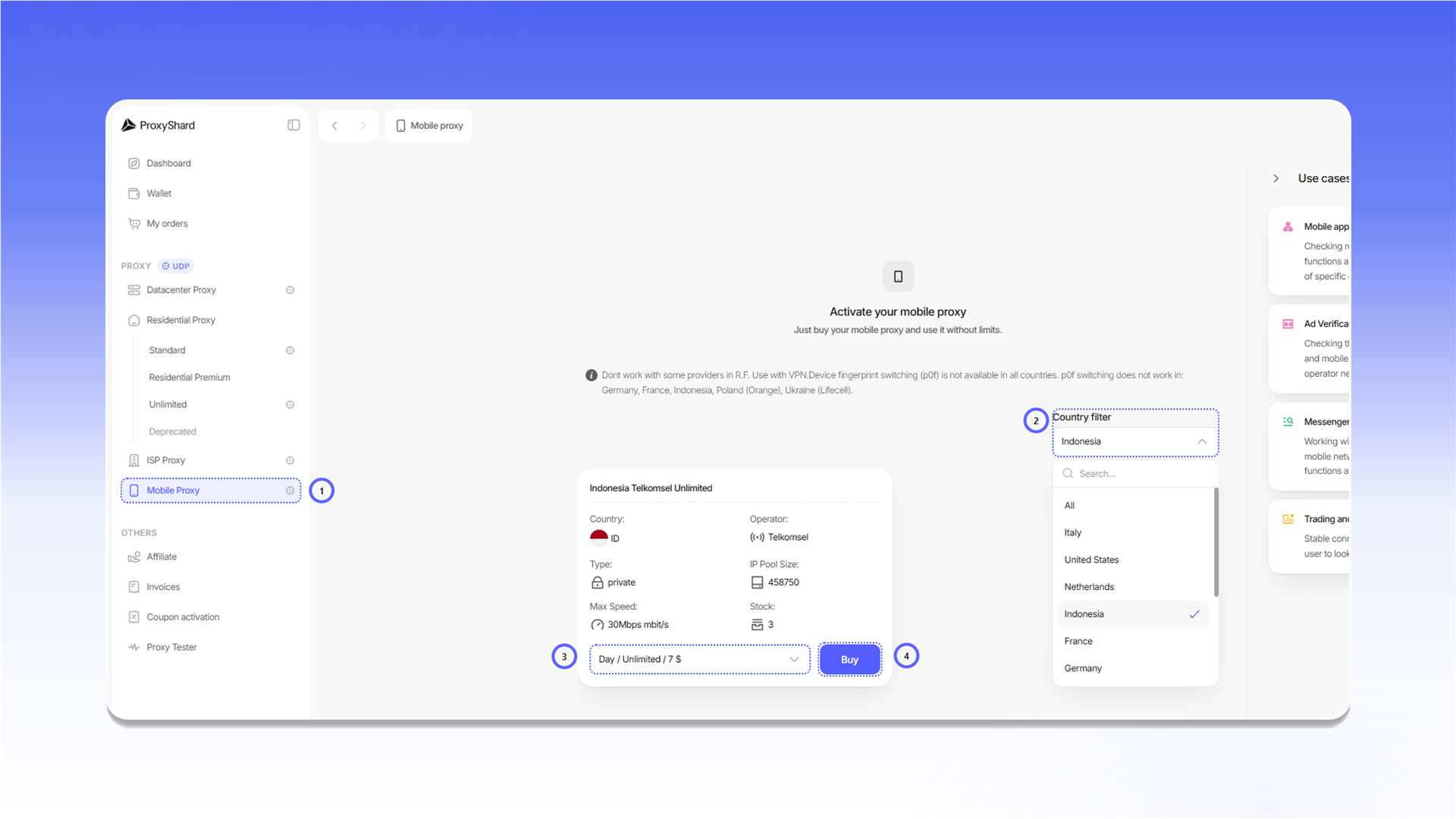
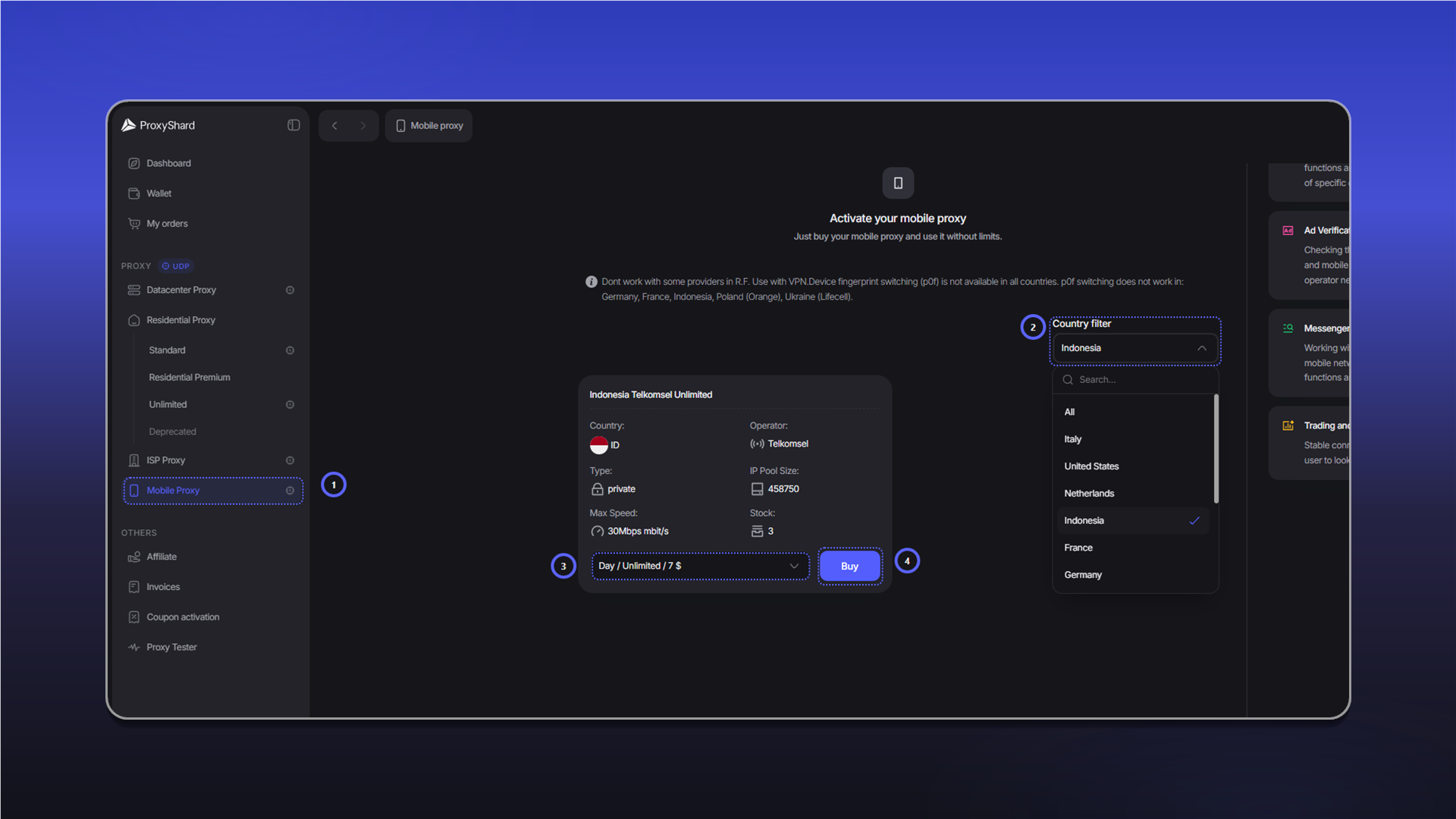
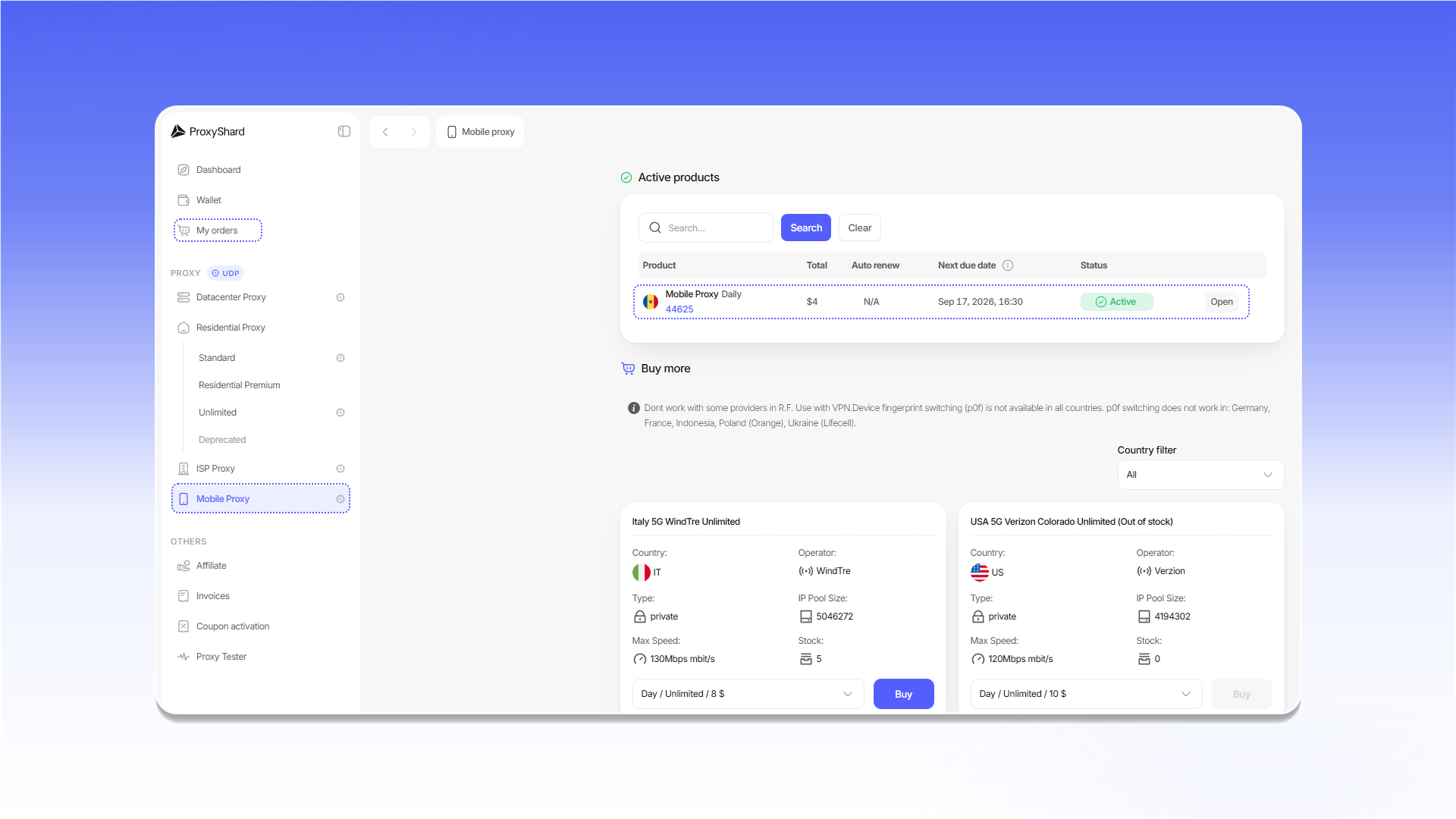
To place an order:
- Open
Mobile Proxy. - Select a country with
Country filter. - Choose a rental period on the card of the required carrier.
- Click
Buy.
Paying for the order
Review the invoice total and click Pay with Wallet.
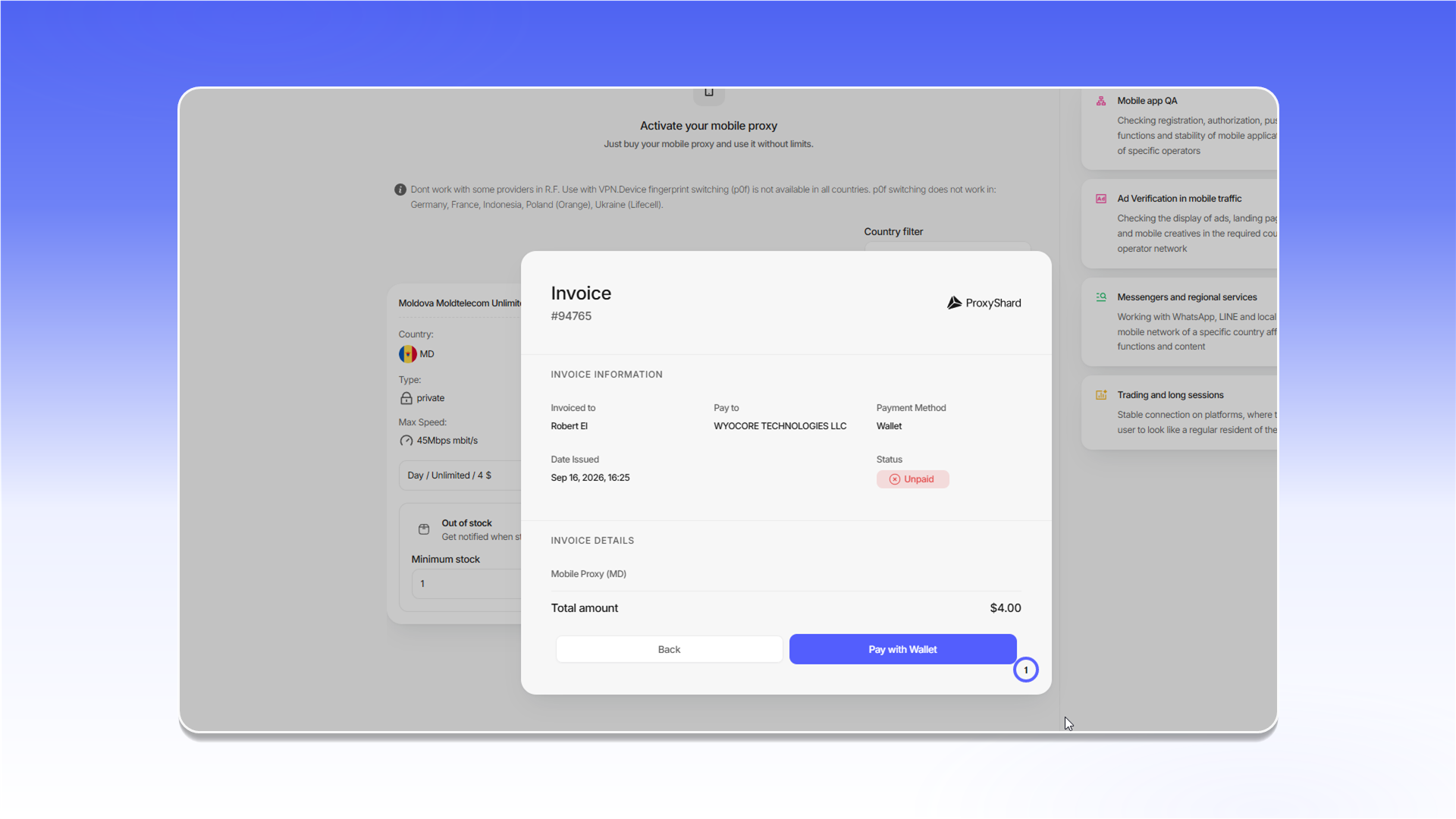
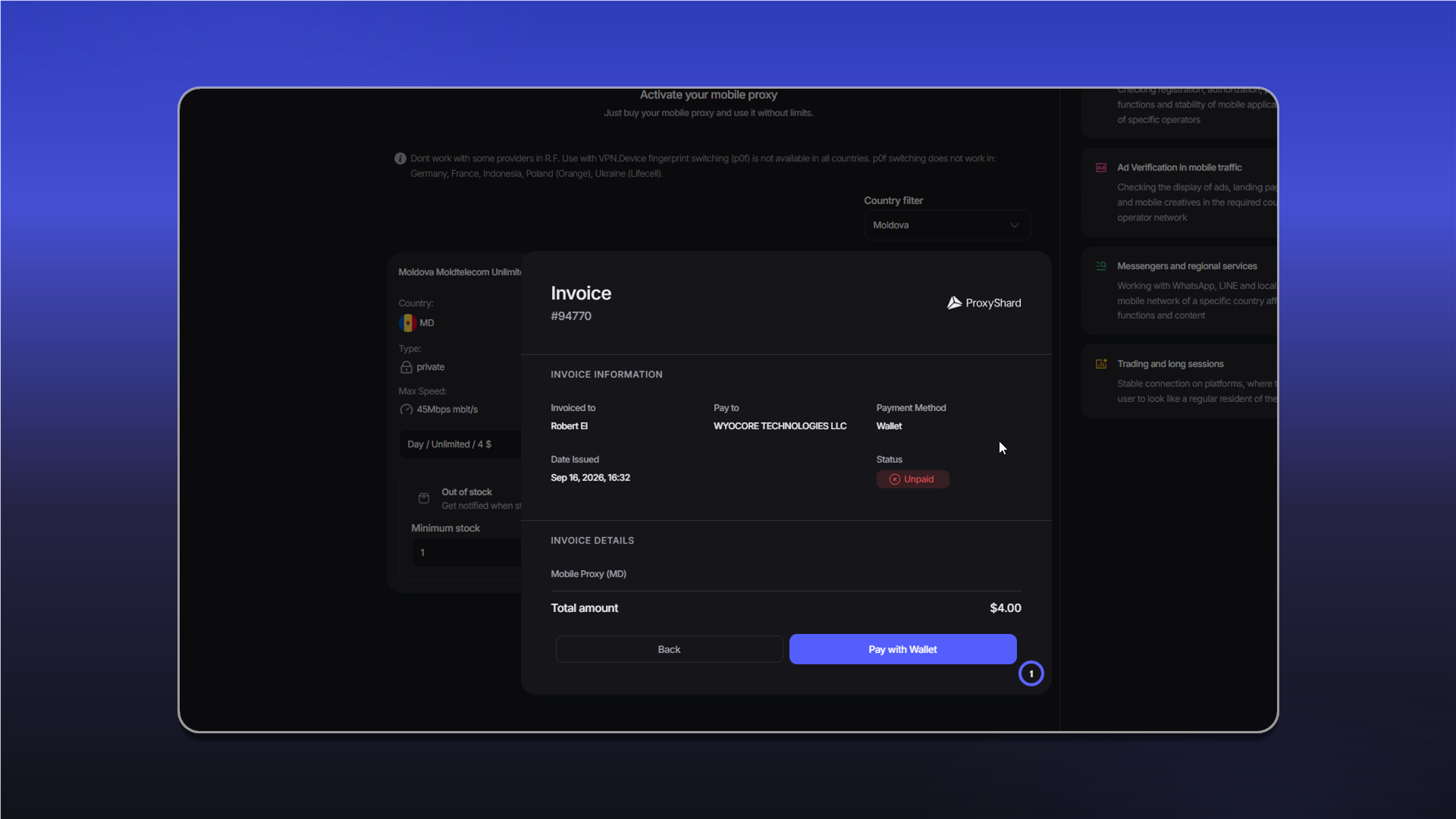
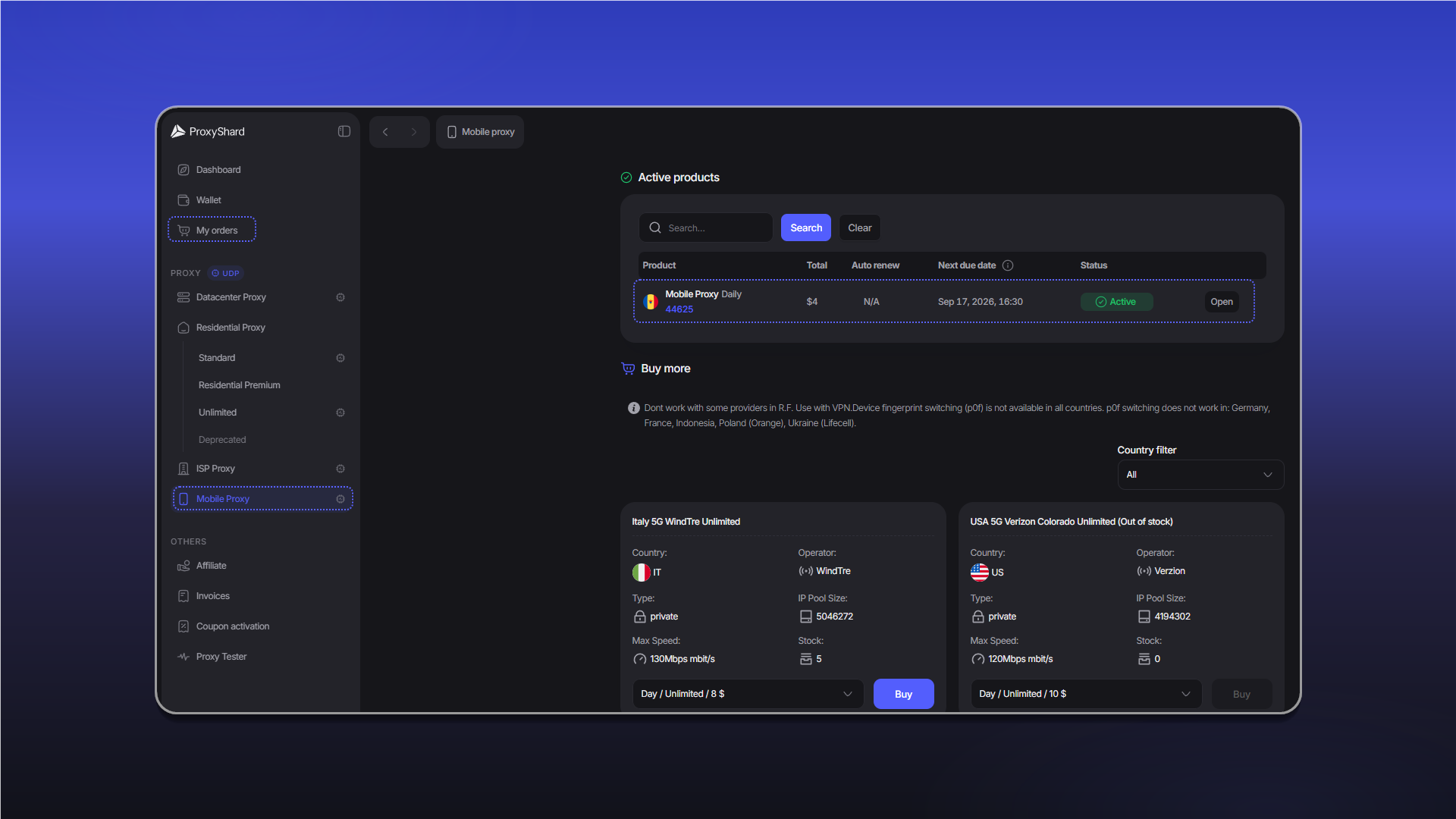
After payment, the order appears under Active products and in My orders. Click Open to view its settings.
Getting started
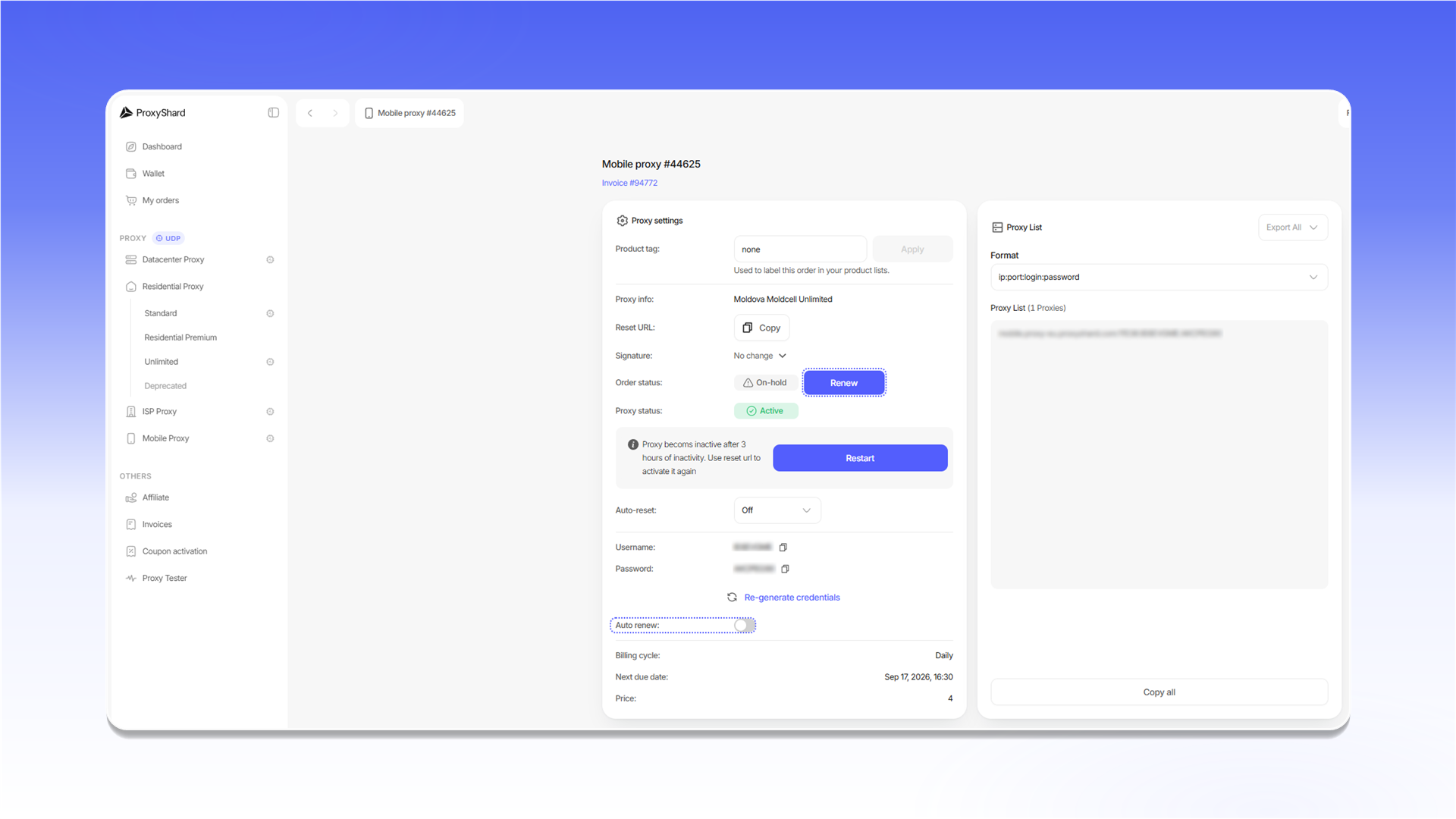
To activate the proxy after purchase, copy and open the Reset URL, or click Restart.
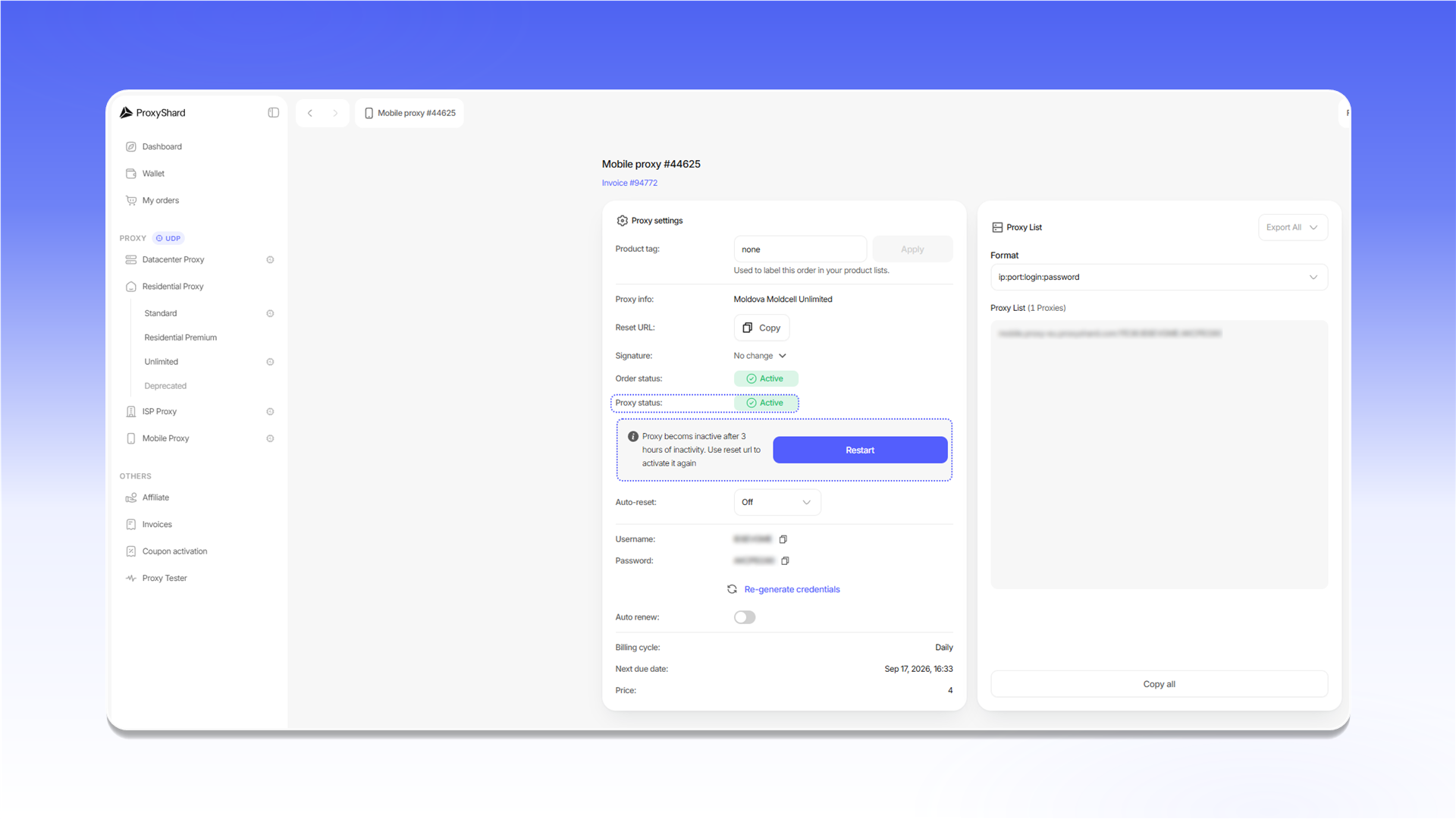
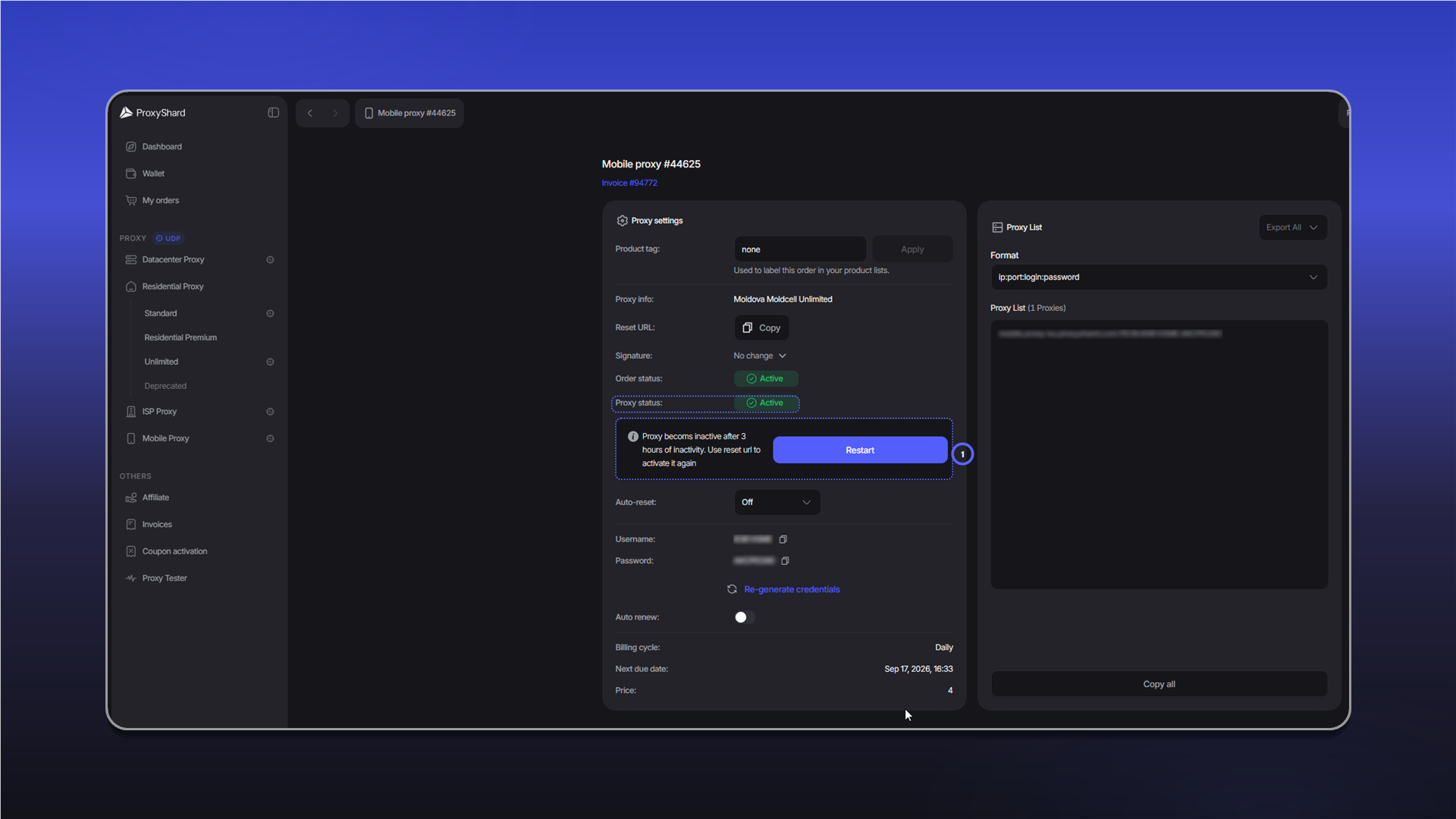
The proxy becomes inactive after three hours without activity. Open the Reset URL again or click Restart to resume operation.
See the mobile proxy guide for descriptions of the order settings.
Renewing the order
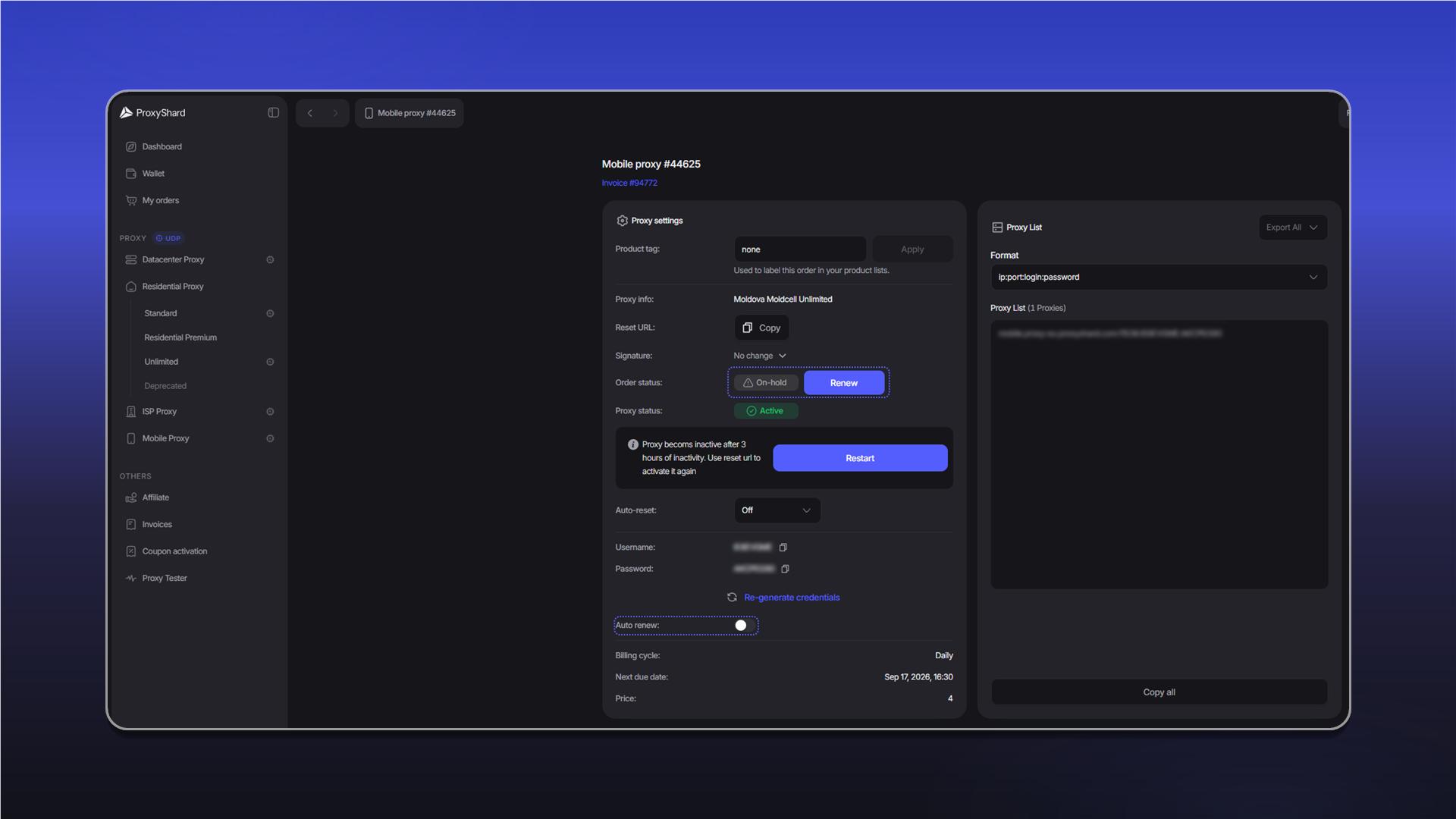
When Auto renew is enabled, the order renews automatically if the balance is sufficient. If automatic renewal is disabled, the order receives the On-hold status when the paid period ends. Open the order and click Renew to renew it manually.
An order with the Canceled status cannot be renewed. This status is assigned after three days without payment.
Last updated on